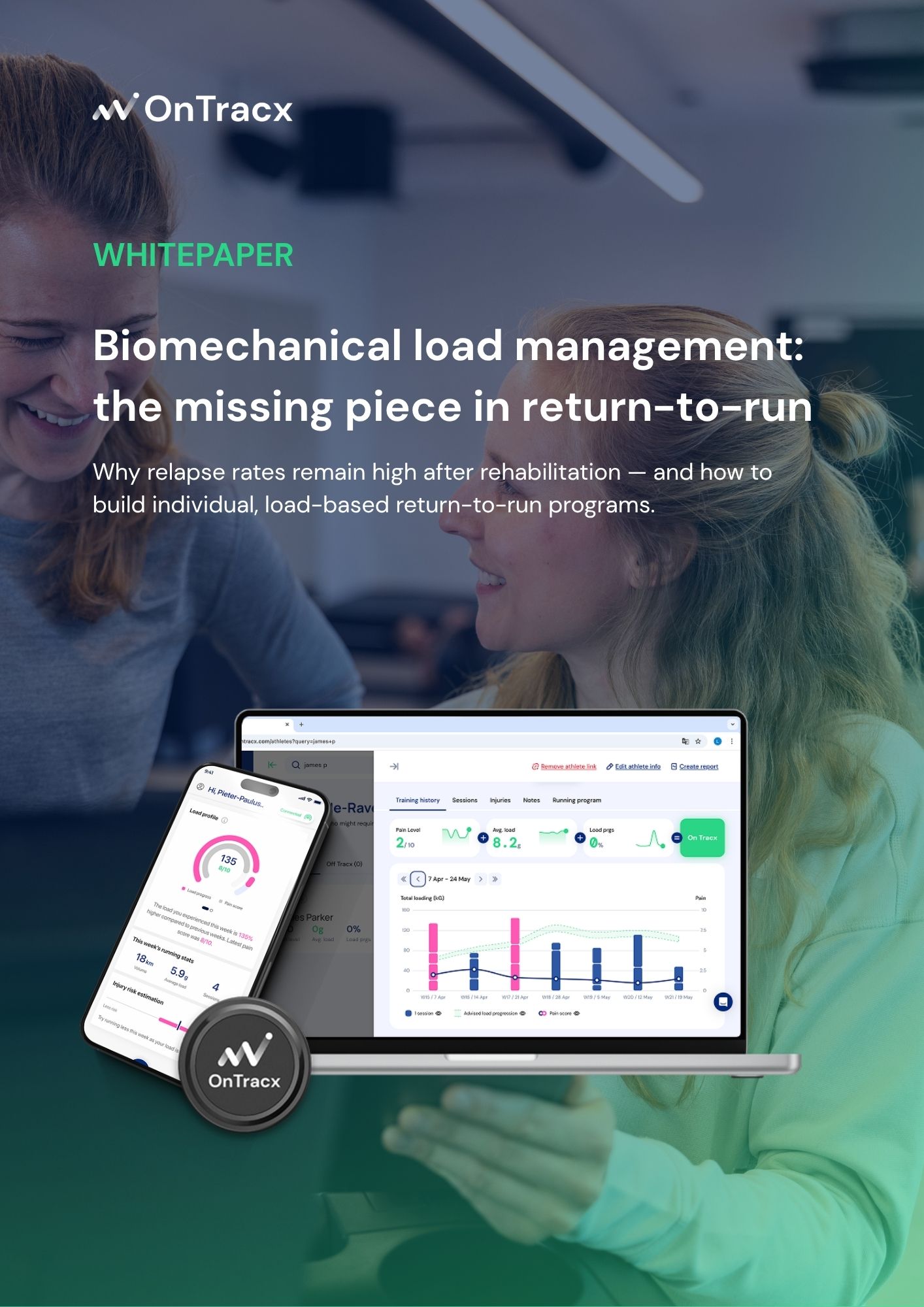
of all injuries are caused by too much biomechanical load
of all runners relapse within a year after rehab
your own bodyweight of load needs to be absorbed every step you take
Discover the science behind every step
of all runners sustain at least one running injury every year
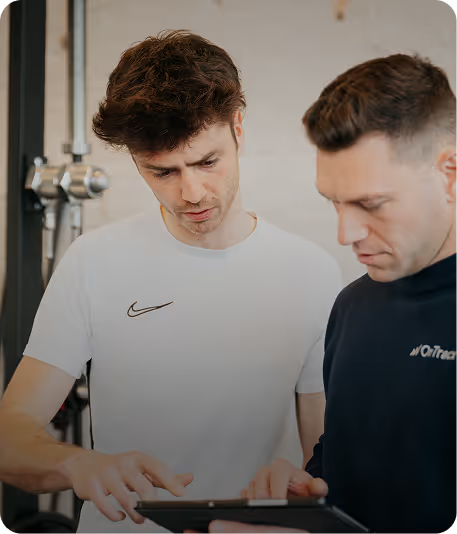

step 1
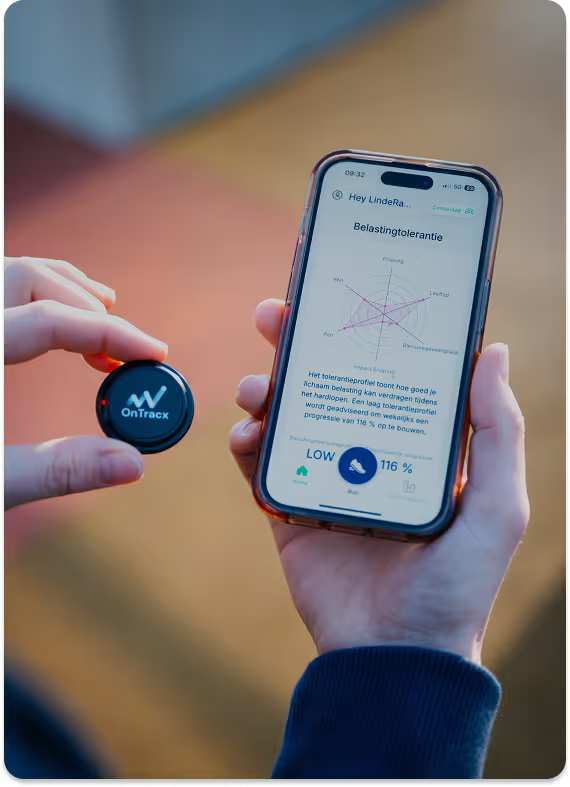
Understand how much load you can tolerate and get your recommended load progression
step 2
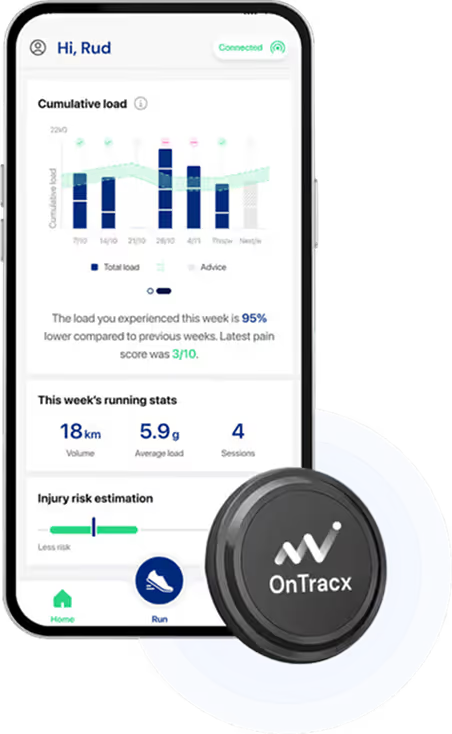
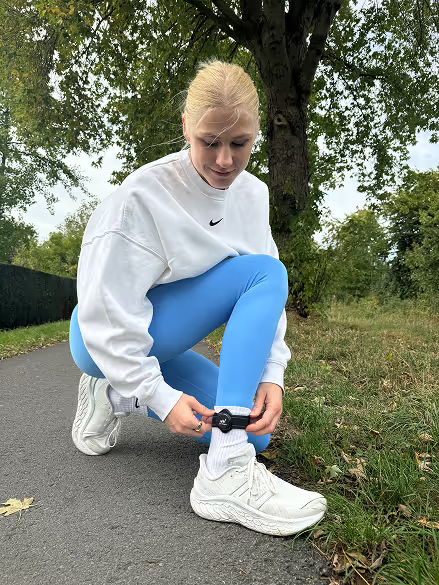
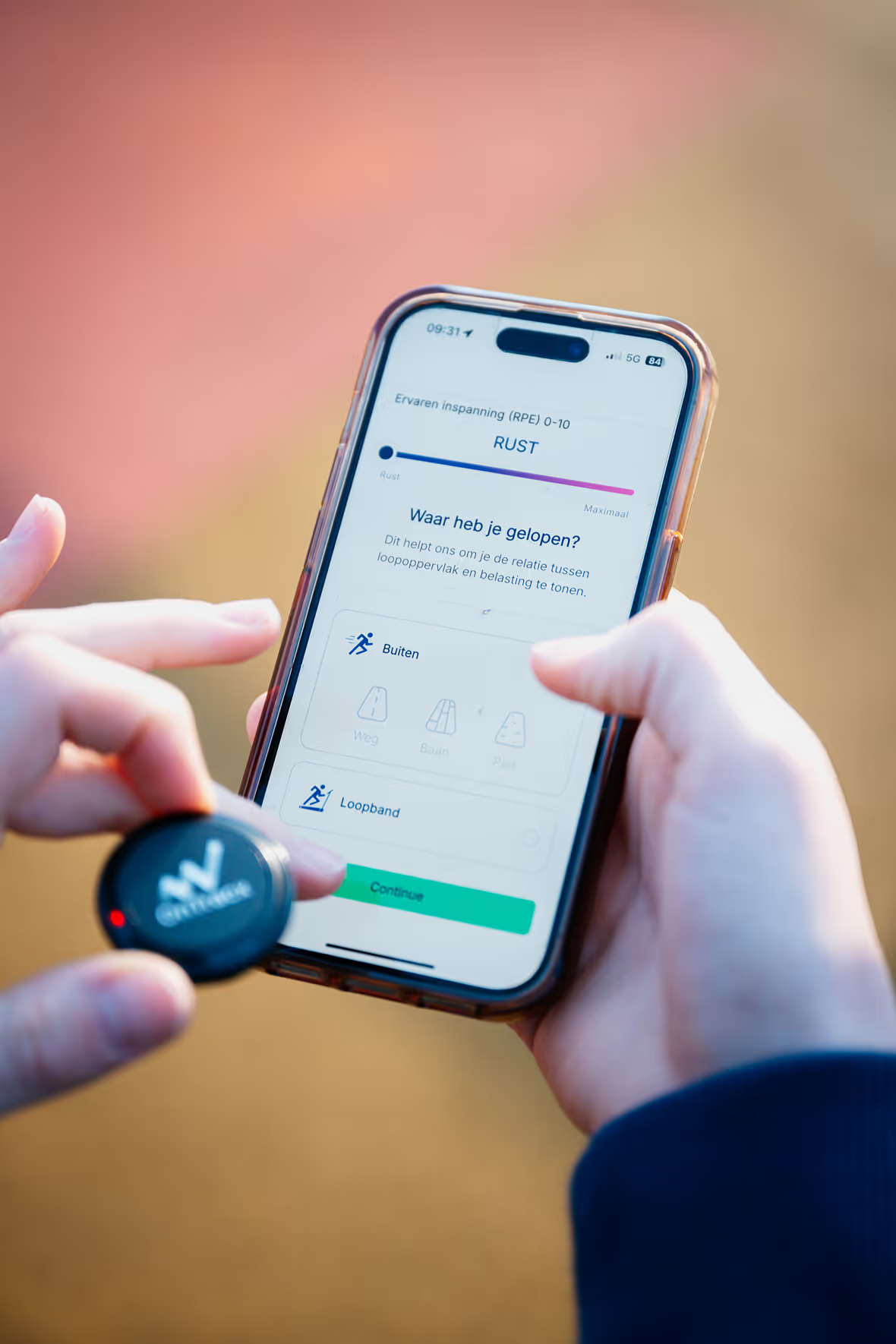
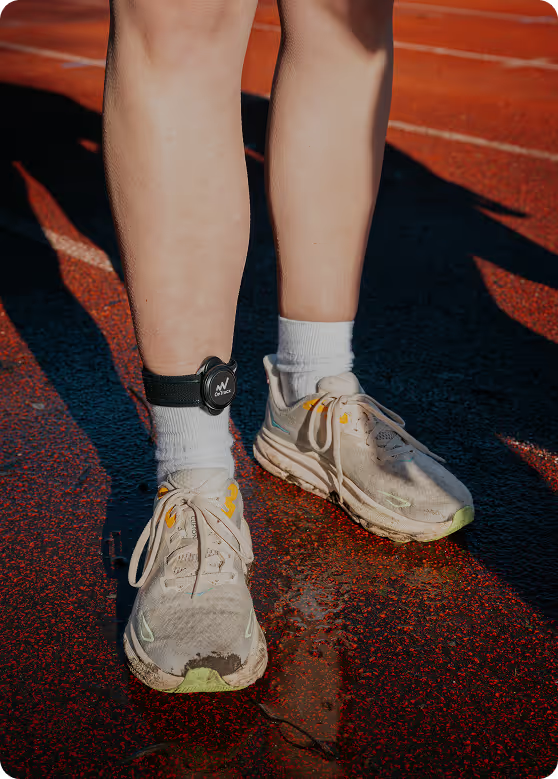
Strap on the OnTracx sensor and track load across every run
step 3
Follow your advised load progression that aligns your load capacity with your loading profile
step 4
Adjust training thoughtfully, stay consistent, and gain confidence

Download the OnTracx app to track every run, see your load patterns, and gain actionable insights. Whether you run independently or with an expert by your side.
Buy your OnTracx sensor now


%201.avif)


%201.avif)
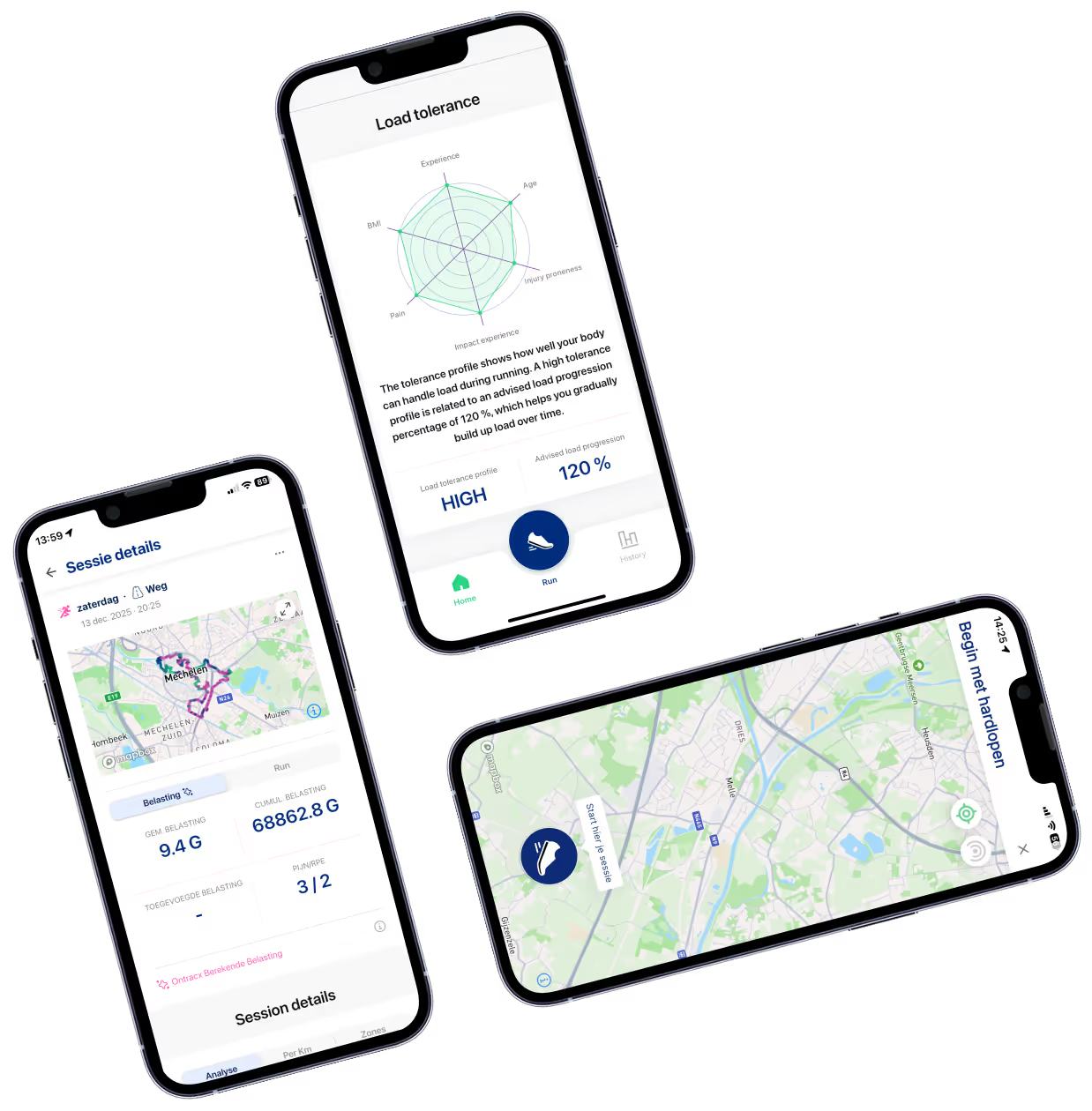
Observe the load of every step during your run, whether on the OnTracx App or your Garmin watch.
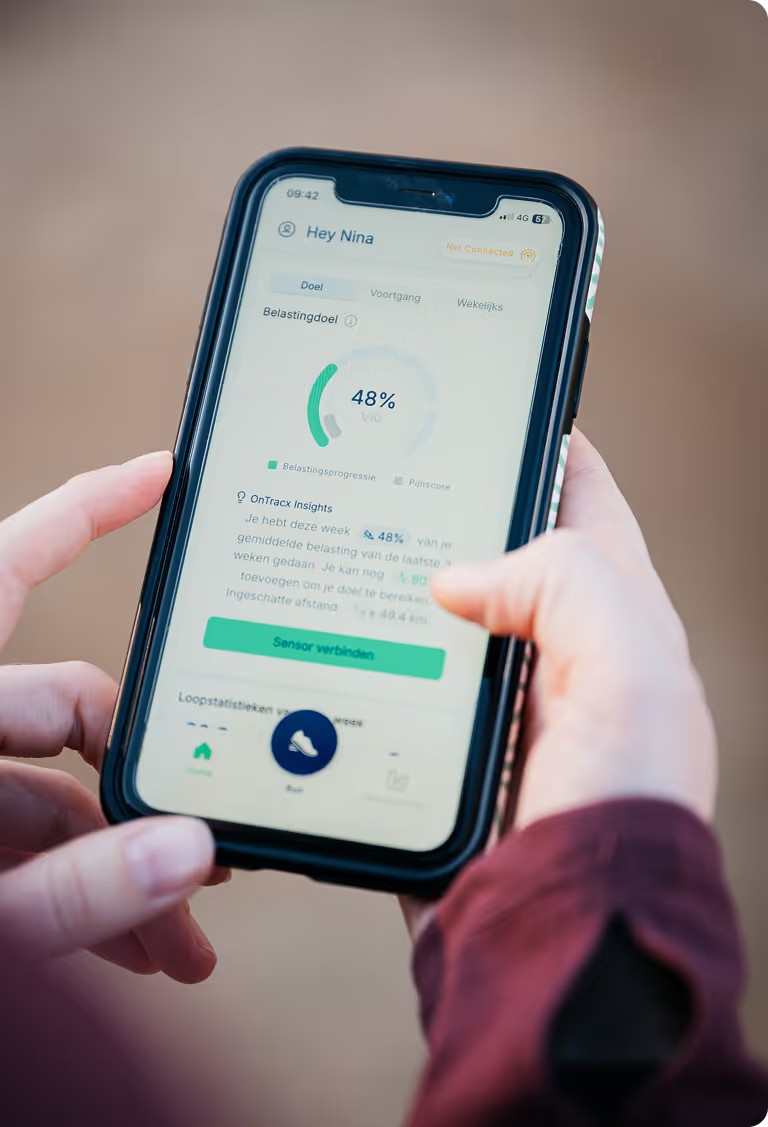
Get clear weekly goals and avoid overloading before it happens.
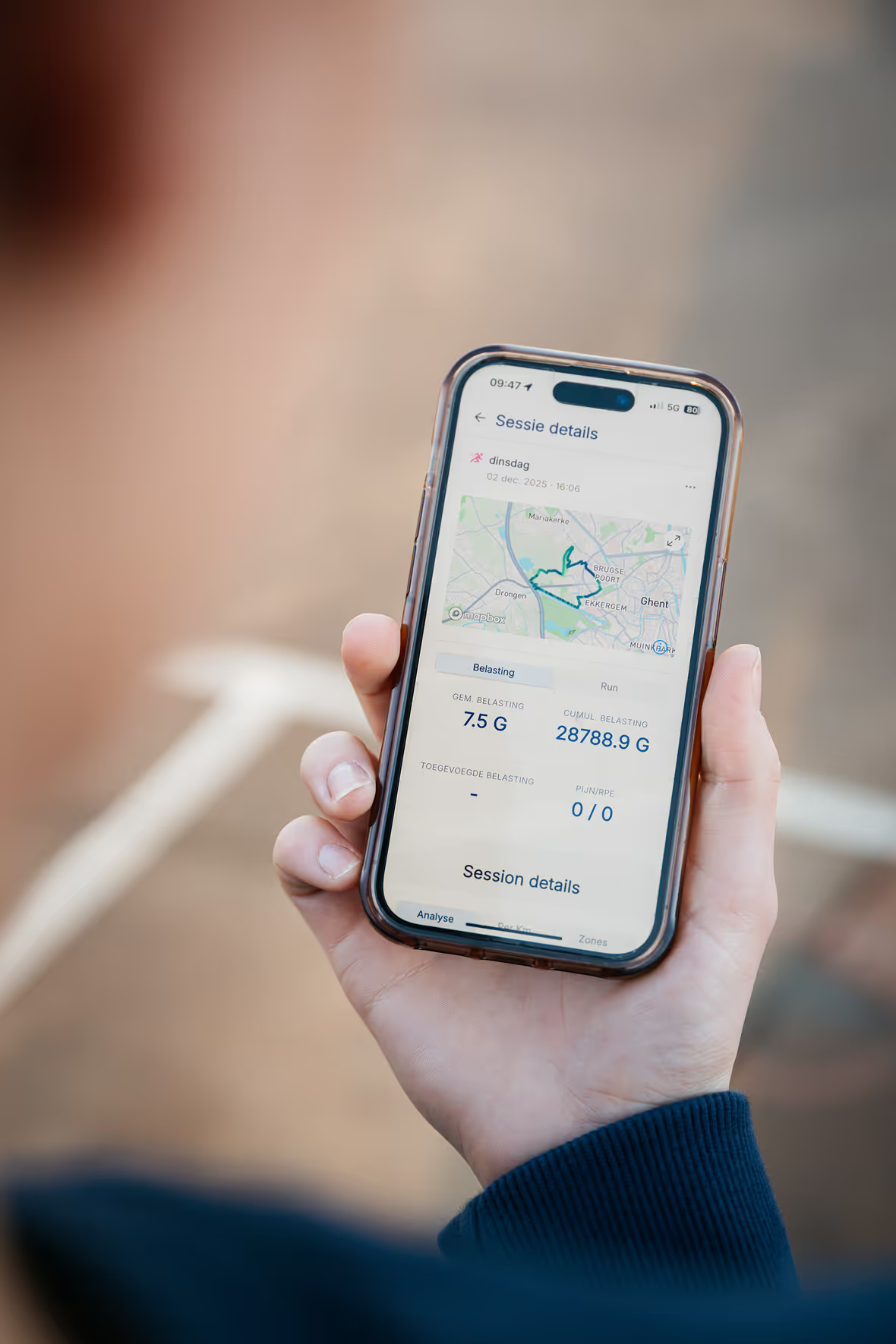
See intuitive visuals showing how load shifts throughout each run.
Relate pain and comfort levels to your experienced load and stay ahead of injury risk.
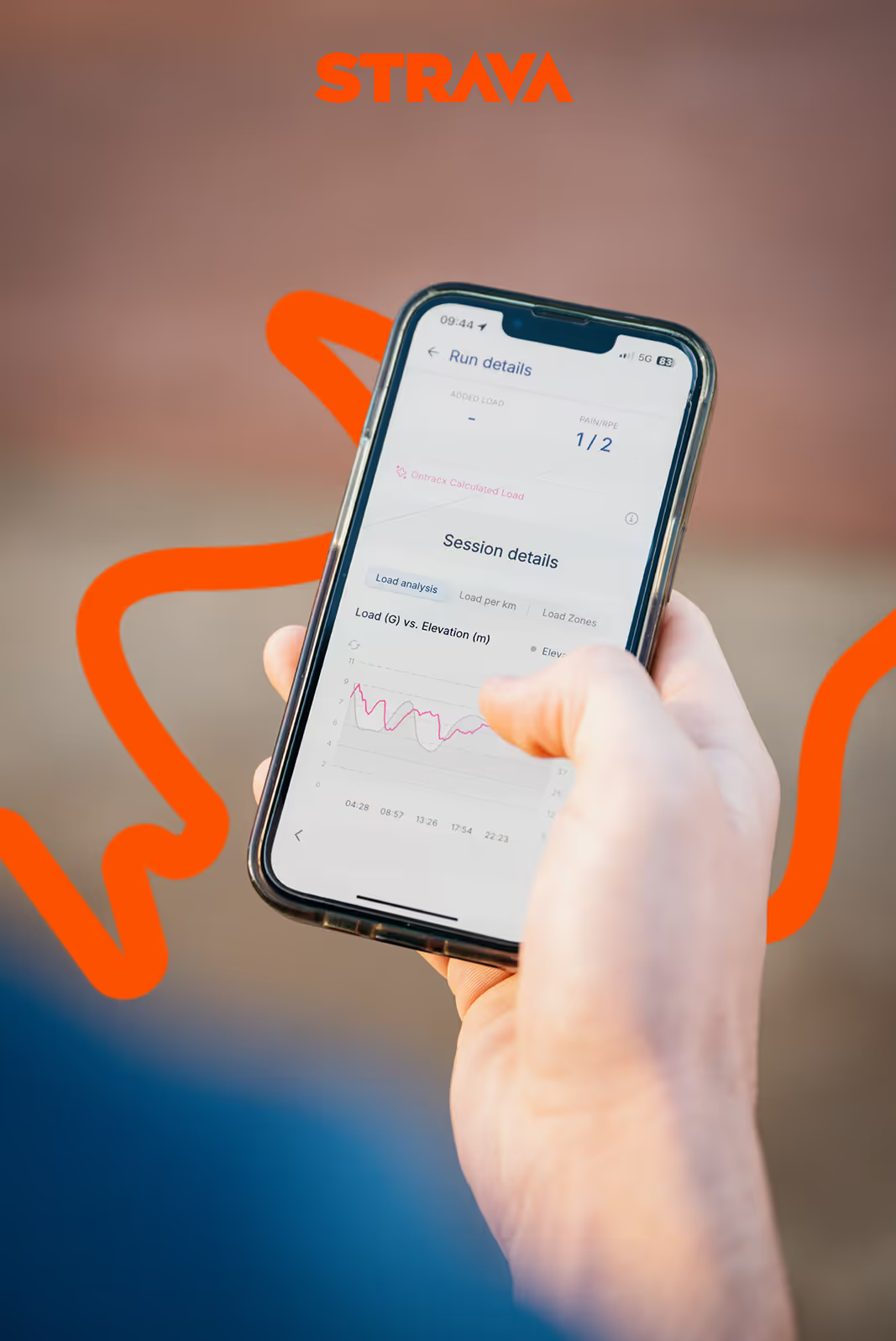
Sync your runs from Strava to OnTracx and monitor your load without needing a sensor. Get the same insights on tolerance, progression, and load patterns directly from your historical data.
Buy your OnTracx sensor now
Get to know the science, the journey, and the people behind OnTracx
Read insights
Over 70% of running injuries are linked to excessive mechanical load, often from sudden increases. Fitness can improve faster than tissue adaptation, risking overload. Tracking load helps runners and professionals spot spikes, plan safer progressions, and support return-to-run after injury.
OnTracx is for runners seeking insight into how their body handles load, especially those returning from injury, managing overuse injuries, or aiming to train consistently. It helps track load progression over time. Always consult a medical professional if you experience pain or related symptoms.
Many runners use OnTracx during return-to-run. By tracking mechanical load, athletes and professionals can monitor load increases, how runs affect the body, and ensure gradual progression. Used with a clinician or coach, it supports a structured return, but always consult a professional if pain occurs.
Indirectly, yes. Injuries often disrupt training, limiting endurance progress. By helping runners track and manage load, OnTracx supports more consistent training, fewer interruptions, and better long-term performance improvements.
OnTracx sensor measurements strongly correlate with lab-based “gold standard” load measures (r = 0.91). This means that our sensor-based measure is almost the same as the load parameter calculated in lab-settings. As a Ghent University spin-off, we prioritize accuracy and validity of our product.
The OnTracx app shows how your running load evolves. Track mechanical load per run, weekly progression, load during run segments, total contribution, and time in load zones. With GPS, see maps of load changes along your route, helping runners understand how training impacts the body.
Mechanical load is measured in “G” units. Average runners experience ~9 G, high-impact runners >12 G, but it varies widely. The load of two runners who run the same distance at the same pace can differ by no less than 15%. OnTracx lets you track load during and after each run for personalized insights. More information about running load available in this article.
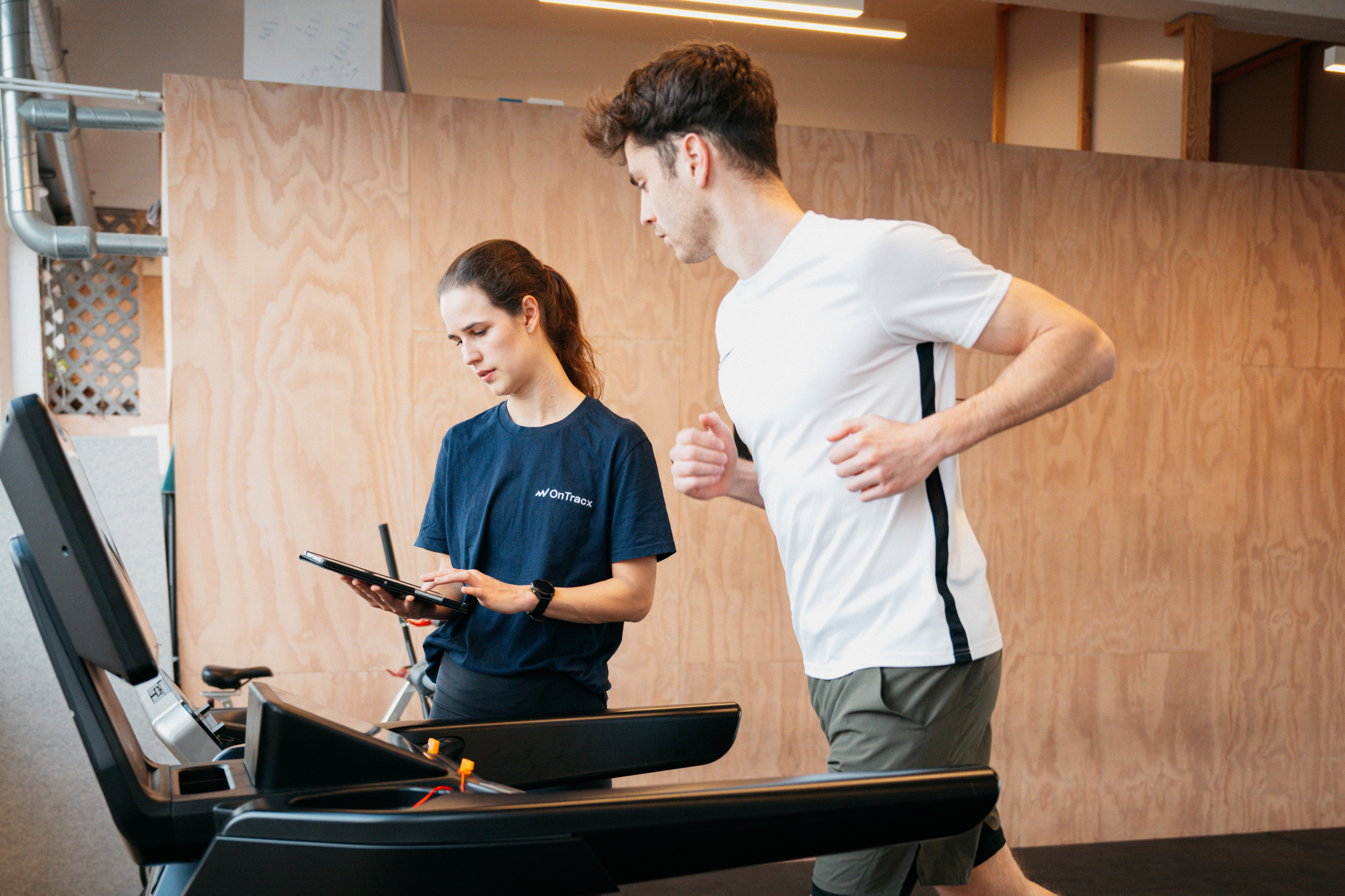
No. OnTracx can be used independently to track running load, but its core idea is that technology provides insights while experts turn them into action. Many runners use it with physiotherapists, podiatrists, or coaches, who can perform load screenings and guide structured training progression.
Surface, footwear, and running style all influence mechanical load, but effects vary per runner. OnTracx helps you discover which conditions reduce load, giving personalized insights for safer training and return-to-run. Learn more about how OnTracx helps you prevent overuse injuries in this article.
The OnTracx Sensor measures mechanical load directly, but the app can also estimate load via Strava using previous sensor runs or a load screening. Sensor-free use is mainly designed for runners who are using OnTracx under the guidance of an expert. However, runners who purchased a sensor independently can use it to switch between sensor-based and sensor-free runs, so they don’t need to wear it every time.
Most apps track distance or pace, but OnTracx focuses on mechanical load (the stress on muscles, tendons, and bones). It measures load step-by-step, showing how much your body experiences per run, how it accumulates over time, and how each run contributes, giving runners a new perspective on training progression that traditional metrics often miss.
No, you can choose! You can run in the way that suits you best: paired with a phone or in standalone mode. More information can be found in this article.
The longer you run with OnTracx, the better it tracks load progression. On average, a runners' condition improves in ~4 weeks, but muscles, tendons, and bones adapt over ~6 months. Tracking mechanical load over time helps guide training safely and maximize long-term benefits. Learn more about how OnTracx helps you prevent overuse injuries in this article.
No, OnTracx isn’t a medical device and doesn’t diagnose or treat injuries. It provides insights into running load and training patterns, helping runners and professionals understand how training load evolves over time. All training decisions should be made by the runner, ideally with a qualified professional’s guidance.
While OnTracx is not yet fully integrated with all sportwatches, this functionality is actively in development. Currently, OnTracx is compatible with Garmin! You can view your load in real-time directly on your Garmin watch while running, completely phone-free. Read here how to add the OnTracx load field to your Garmin and start tracking immediately. Compatibility with other major brands will follow.
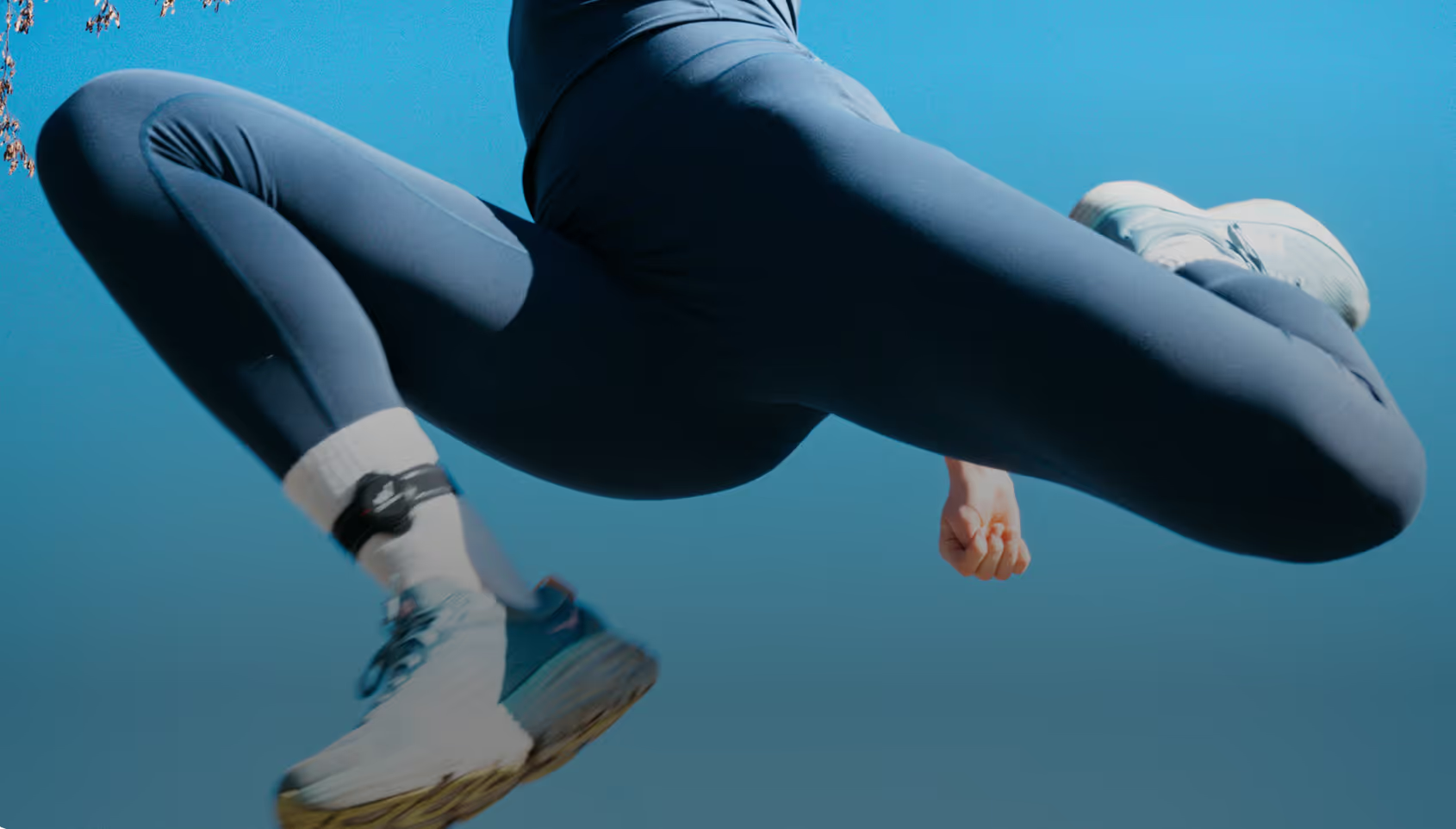
Place the sensor the same way each run: about 10 cm above the inner ankle on the flat part of the shin, firmly strapped, on the same leg—ideally the one most affected by running injuries. More info available in this article.
The sensor is placed on the lower leg because it provides the most reliable running load data. The lower leg captures the initial impact at foot strike, avoids interference from shoes or other locations, and lab testing confirmed it gives accurate, consistent measurements.