Go back to all insights

New updates allow a smoother OnTracx experience for runners and professionals
Match planned and executed sessions, simplify lab screening data handling, and a brand new runners web dashboard
23
/
04
/
2026
2
min read
%20(5).png)
TABLE OF CONTENTS
auteur
Linde-Raven Depuydt
Share
%20(4).avif)
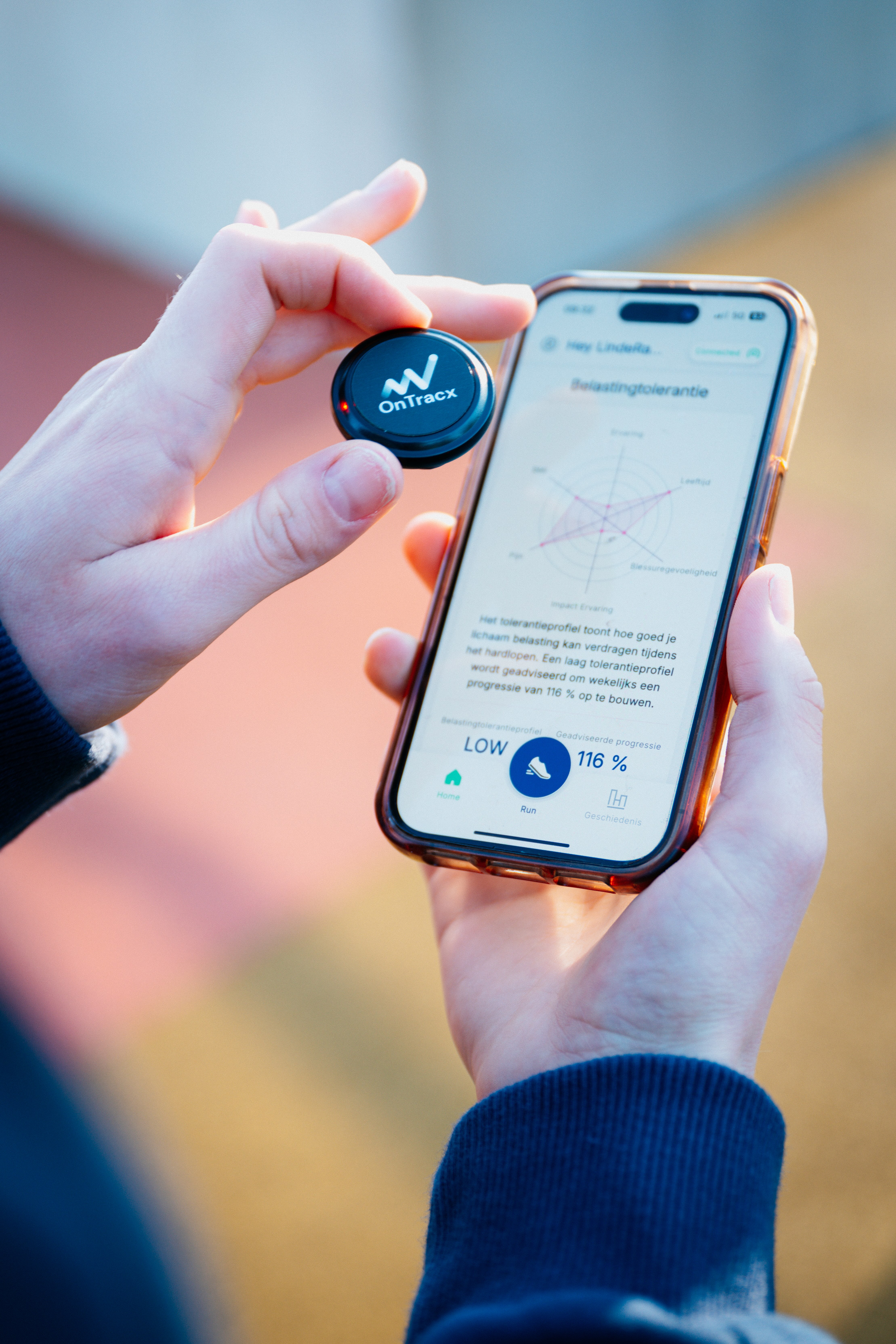
Training doesn’t always happen exactly as planned and technology shouldn’t add extra steps along the way. This week’s OnTracx updates make it easier to follow training in real life (even when sessions move to a different day), simplify lab workflows for professionals, and give runners a clearer view of their own data through a new web dashboard.
What's new for PROFESSIONALS:
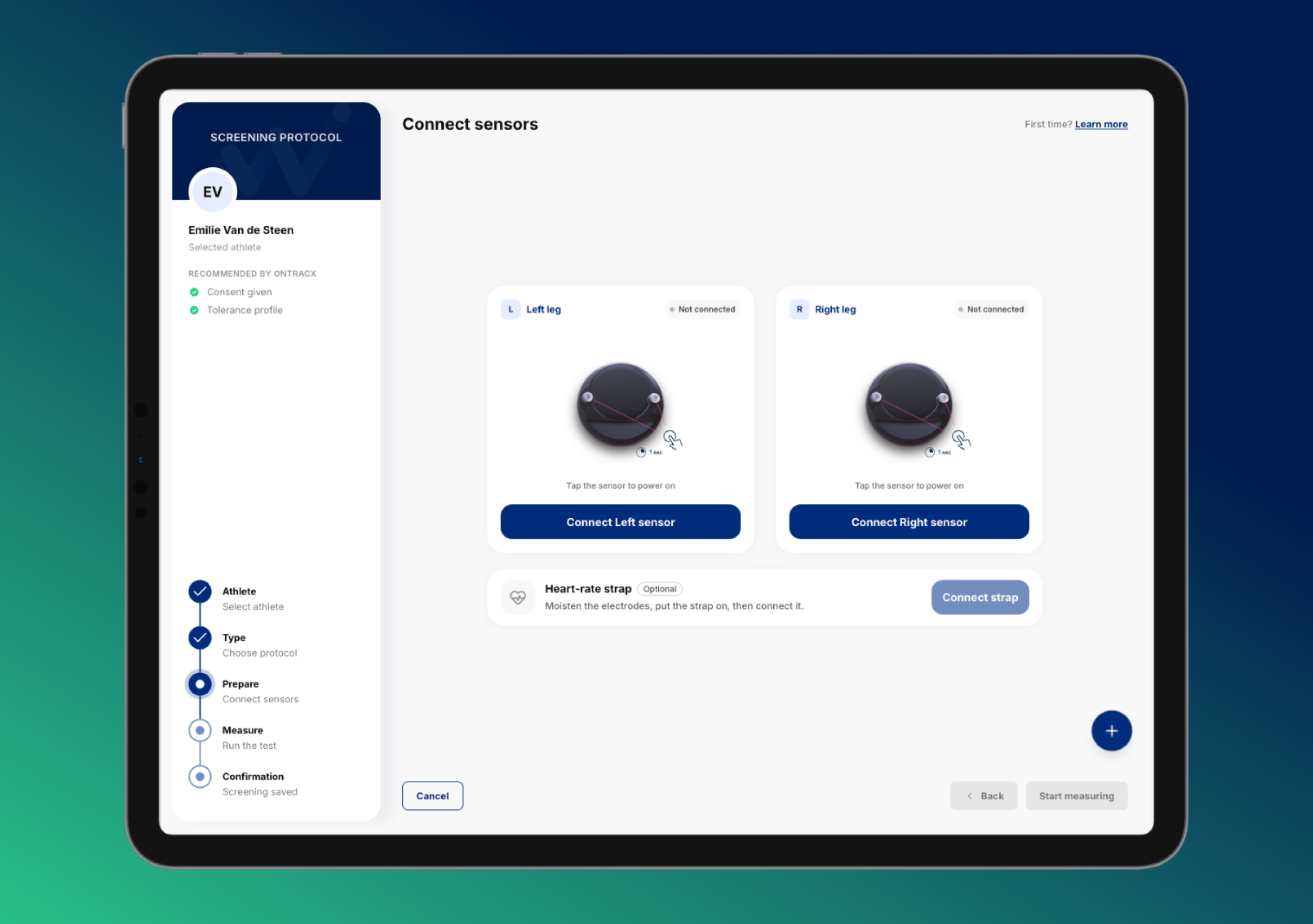
1) No more “clearing” the sensor after lab screenings (new Volatile mode)
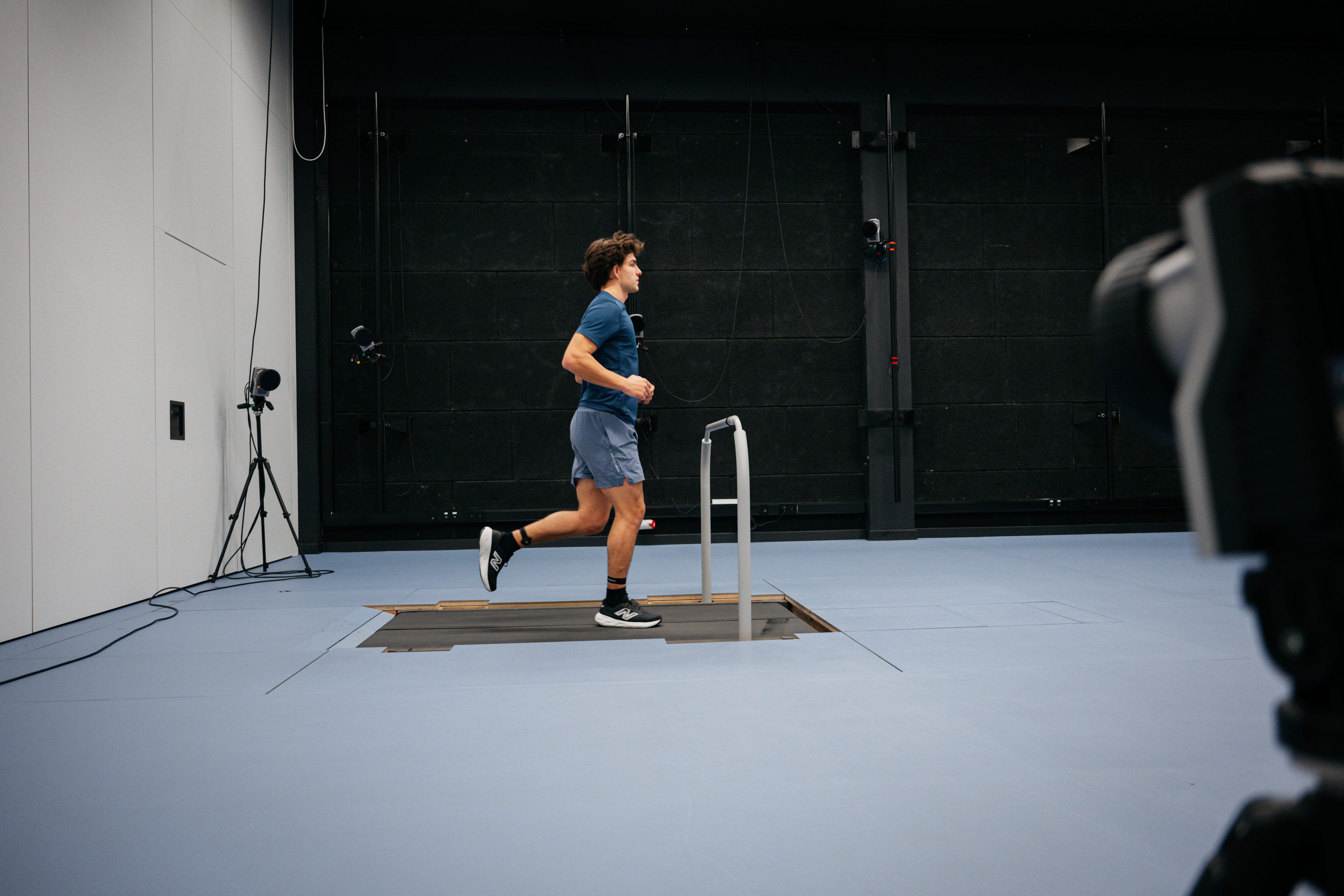
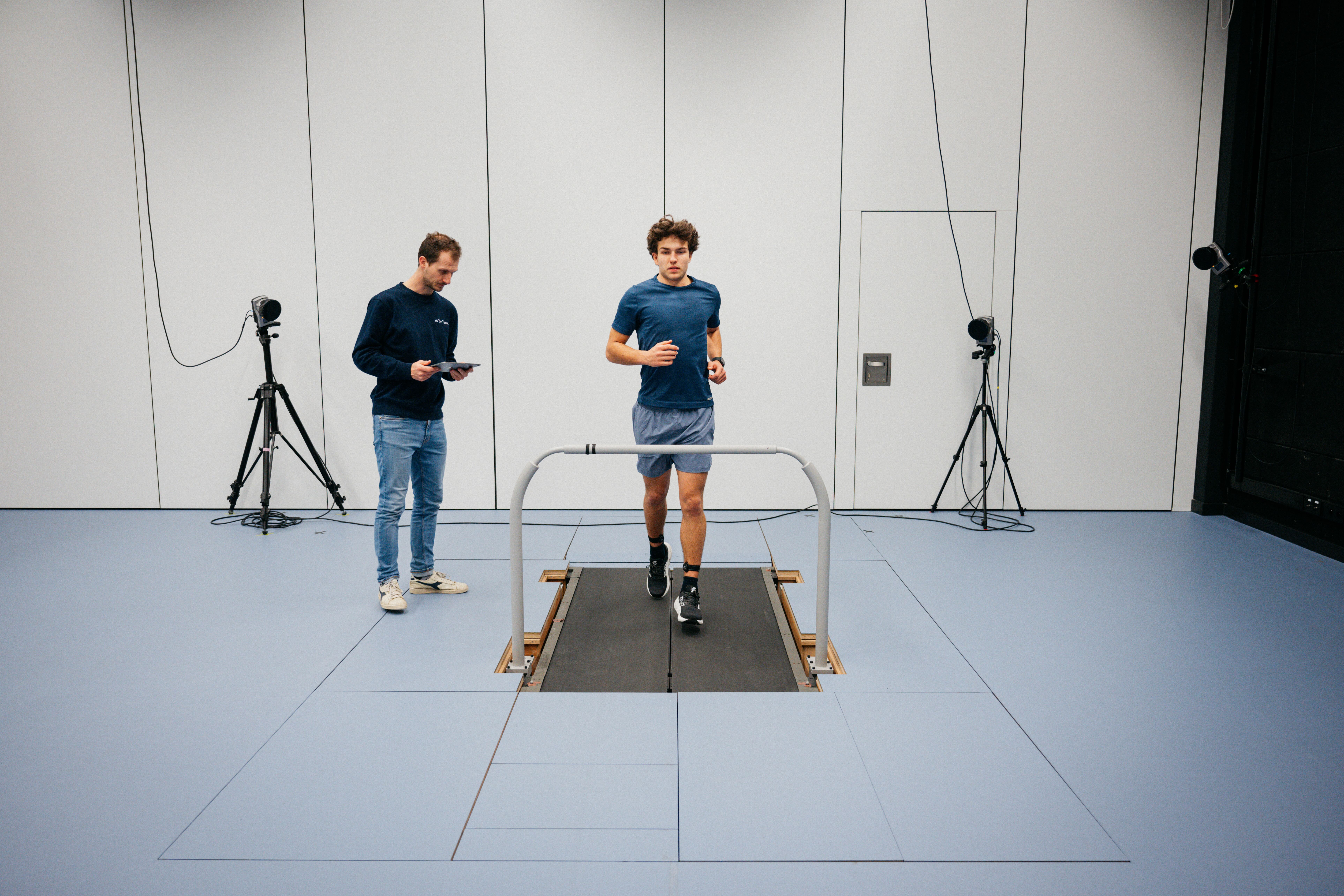
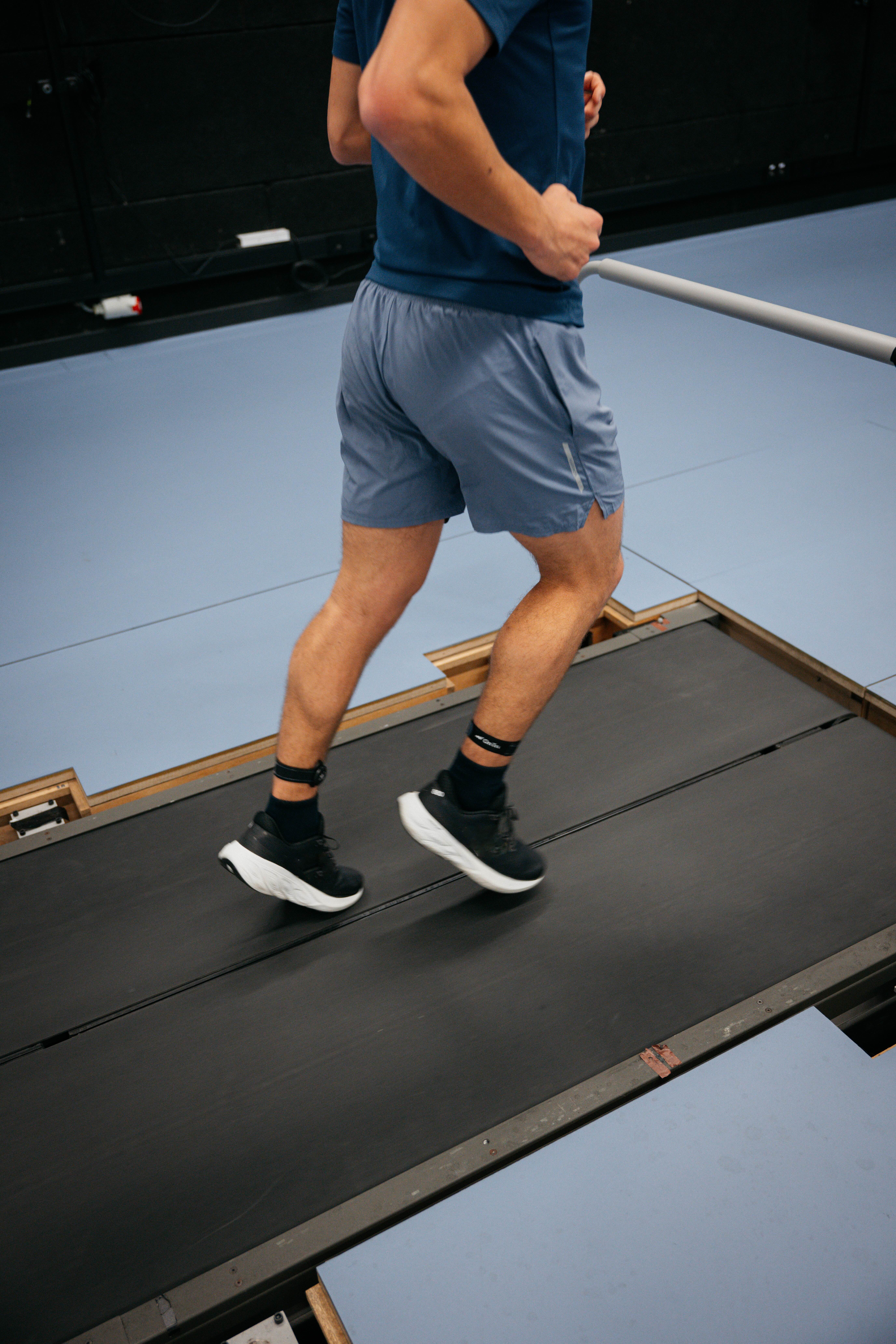
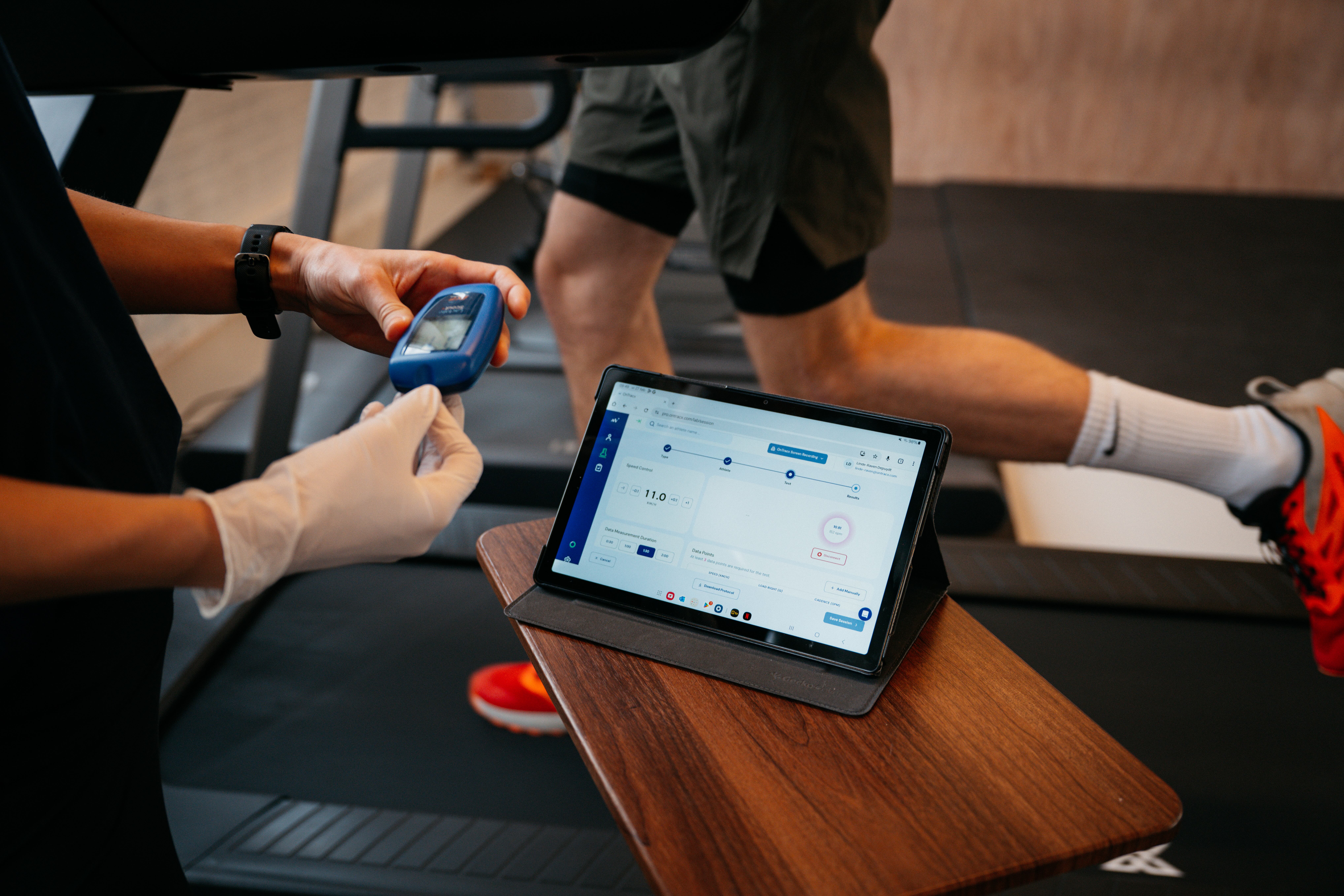
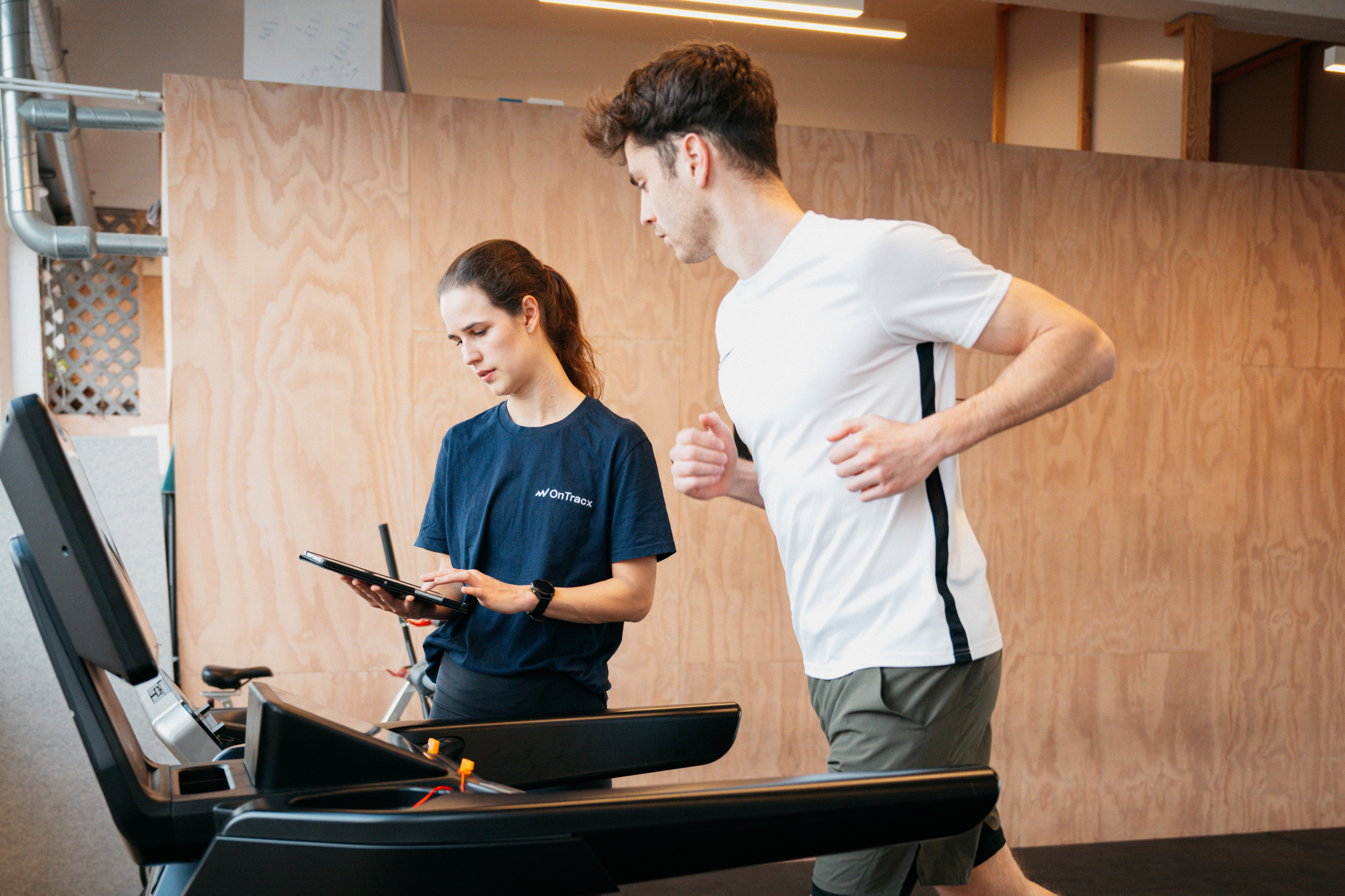
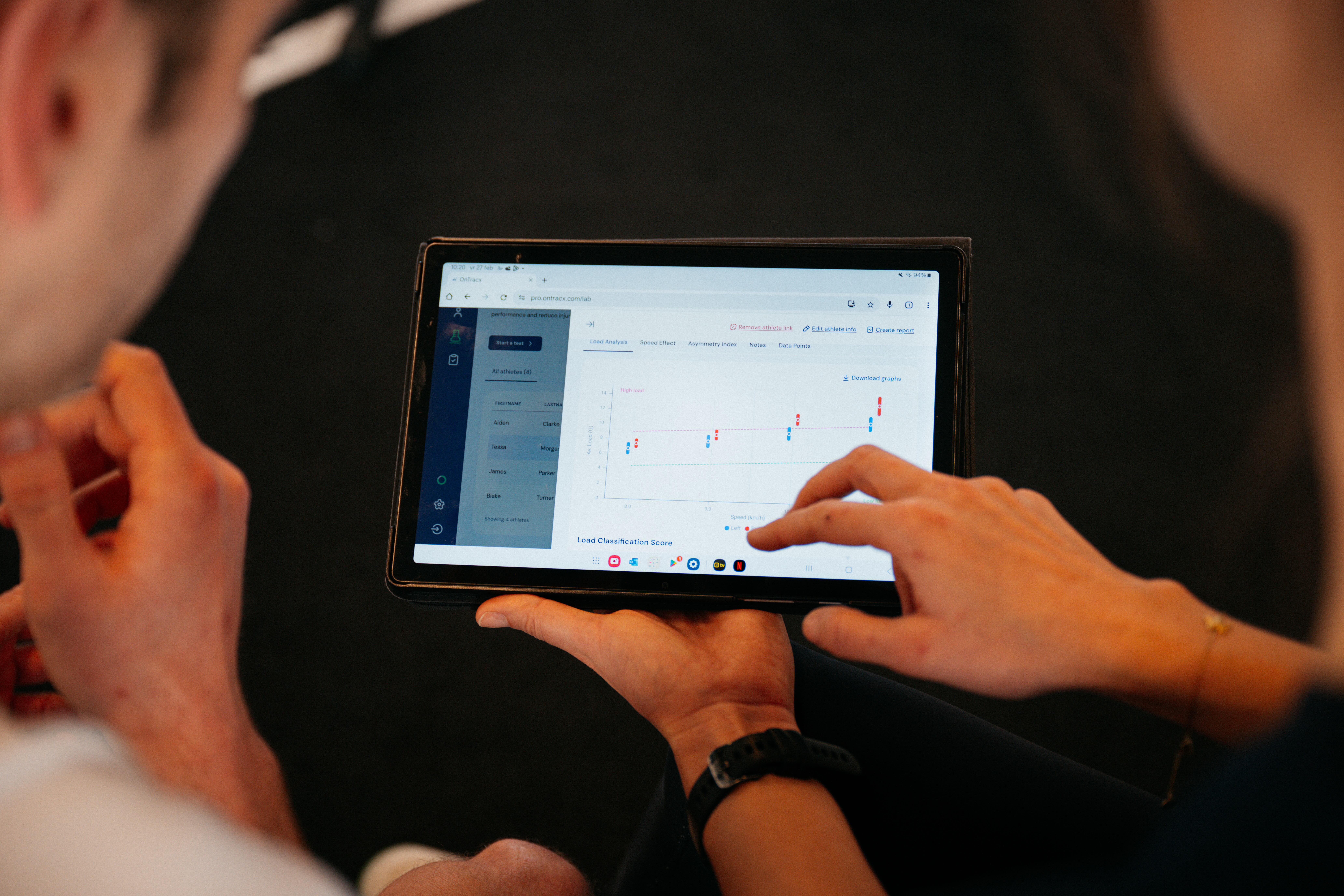
If you use OnTracx lab often, you’ll love this: the latest firmware introduces a volatile mode so Pro users no longer need to periodically sync the sensor with the mobile app just to clear its memory.
Until now, lab sessions were also stored locally on the sensor, meaning memory could fill up if you didn’t connect regularly. With volatile mode lab sessions won’t be stored on the sensor when the system detects it’s connected in the lab context.
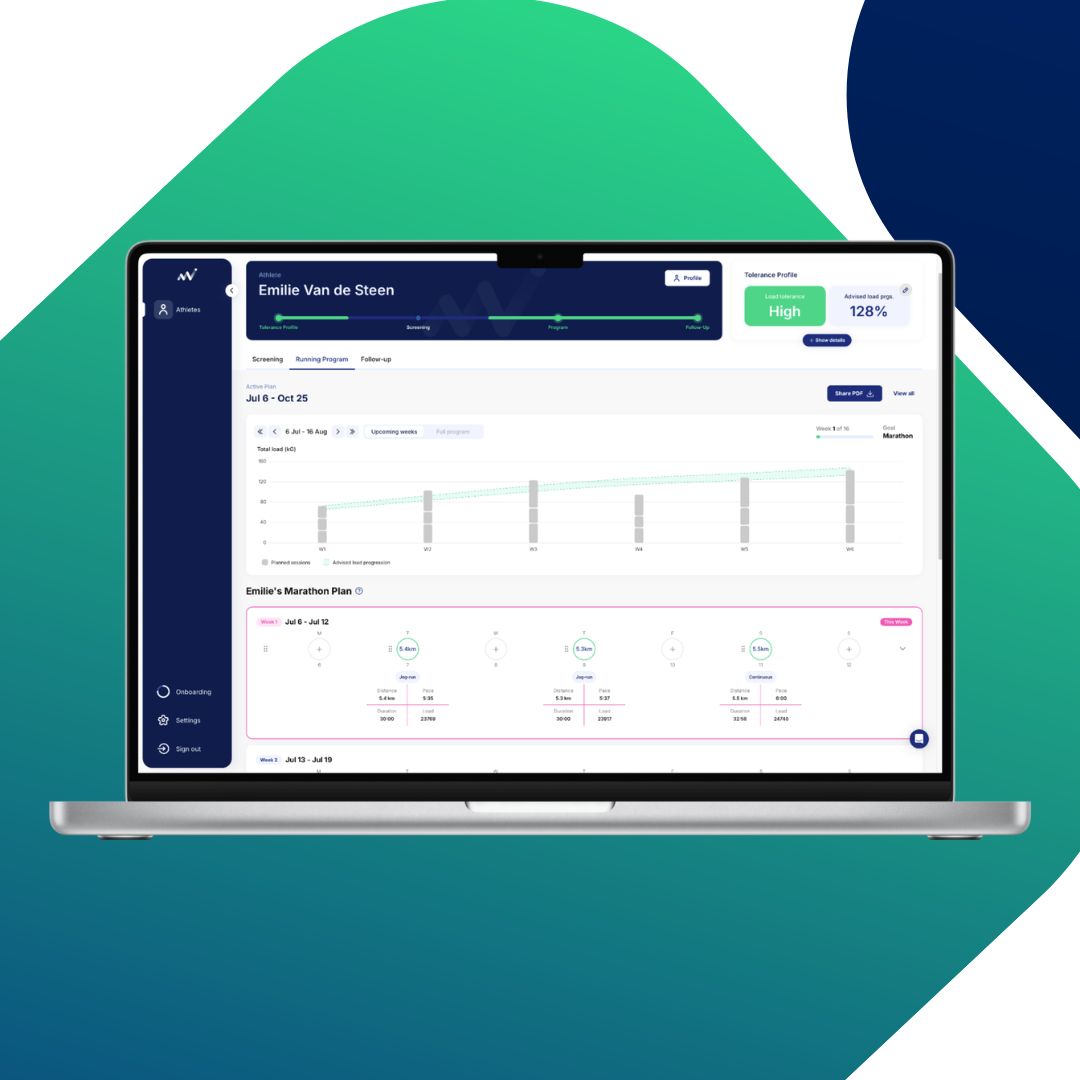
2) Match executed sessions to planned sessions
With this update, professionals can now compare an executed training session to the planned session even if the athlete completed it on a different day.
Previously, sessions done on a different day than planned didn’t match automatically making comparisons harder and data interpretation less accurate. Now you can: manually match executed and planned sessions and instantly see where the executed session differed from the plan.
%20(7).gif)
What's new for RUNNERS:
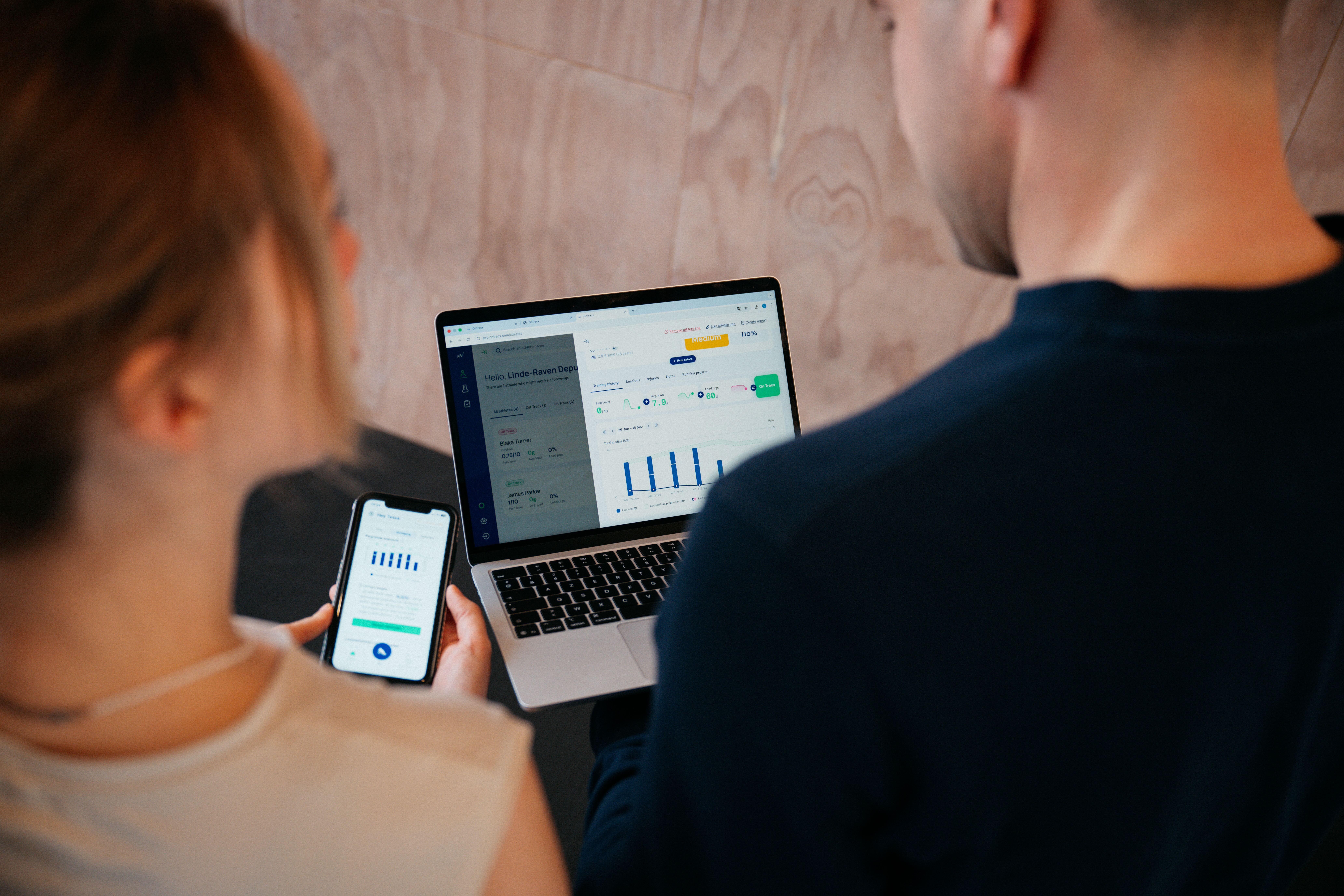
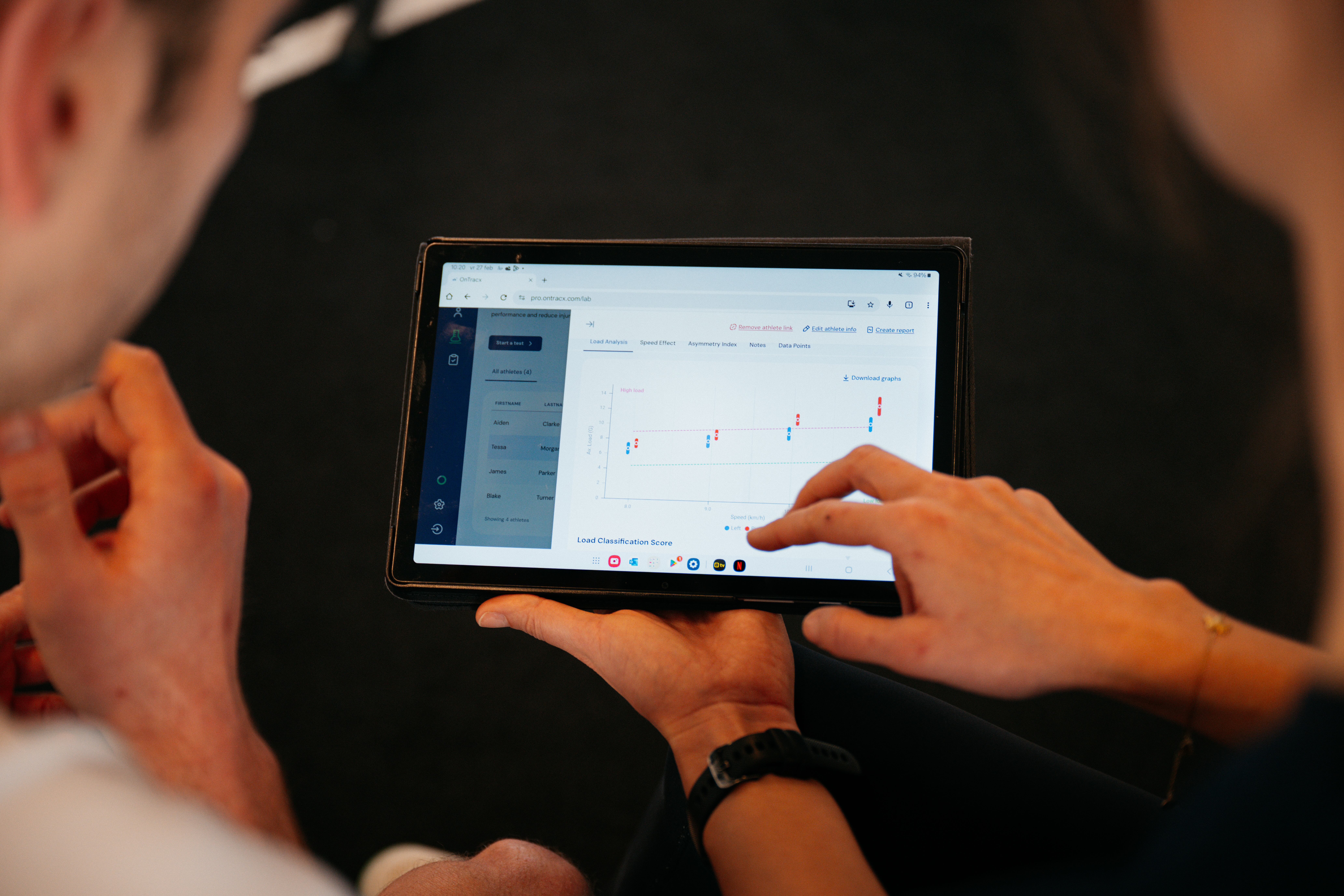
3) Athletes now have their own web dashboard on pro.ontracx.com
Runners can now access a dedicated web dashboard on pro.ontracx.com to: view their data, manage Strava and Garmin connections and
This also introduces two account modes for Pro users: Professionals can switch between their professional account and their personal (runner) account via Settings on pro.ontracx.com.
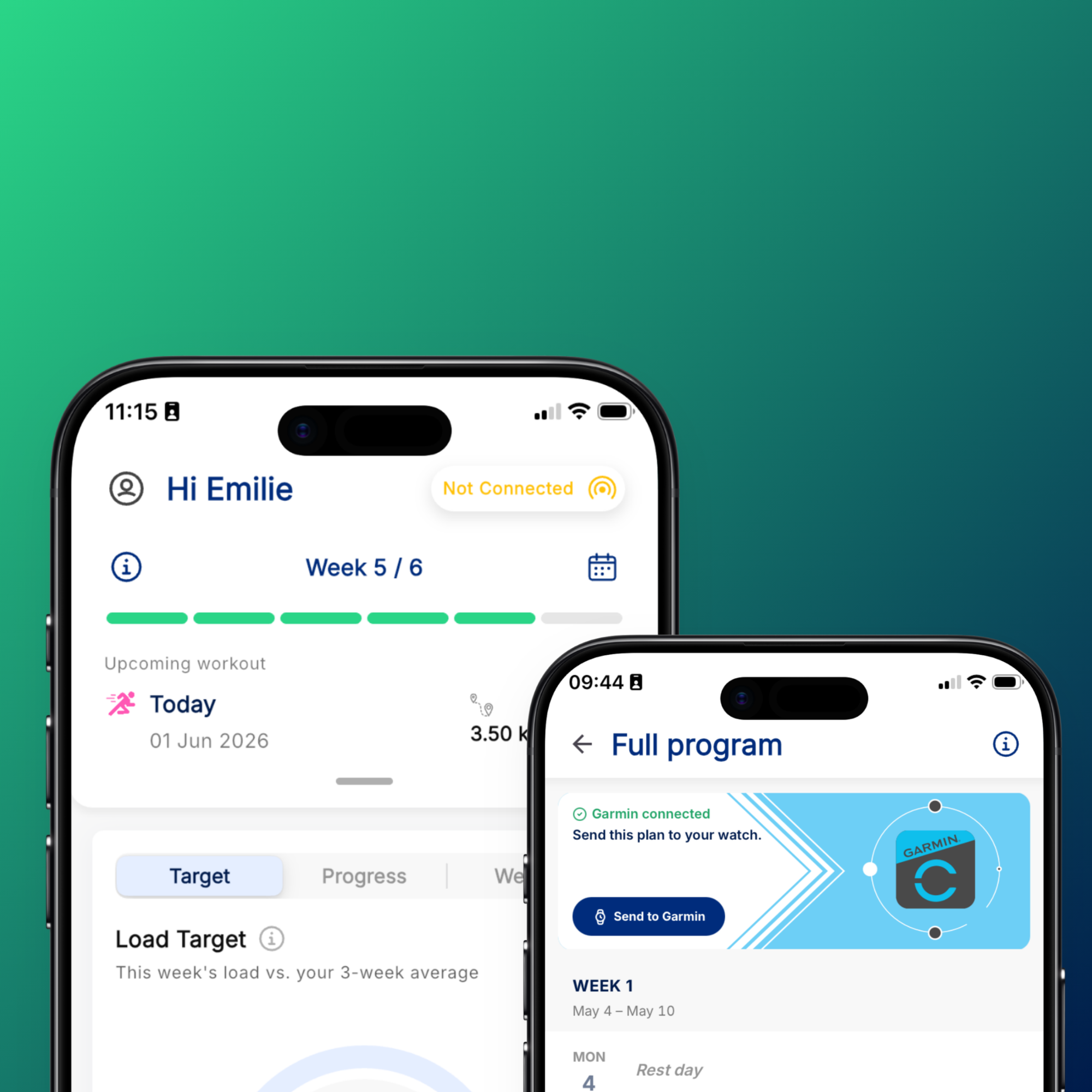
4) Direct Garmin integration + Strava descriptions
We’ve also released a direct Garmin integration, enabling fit files (including OnTracx load from the data field) to sync automatically into OnTracx.
Need a little extra guidance getting setup? You can find the step-by-step guide here
In addition, we released a new auto-description feature that writes OnTracx load data into Strava activity descriptions.
5) UI update
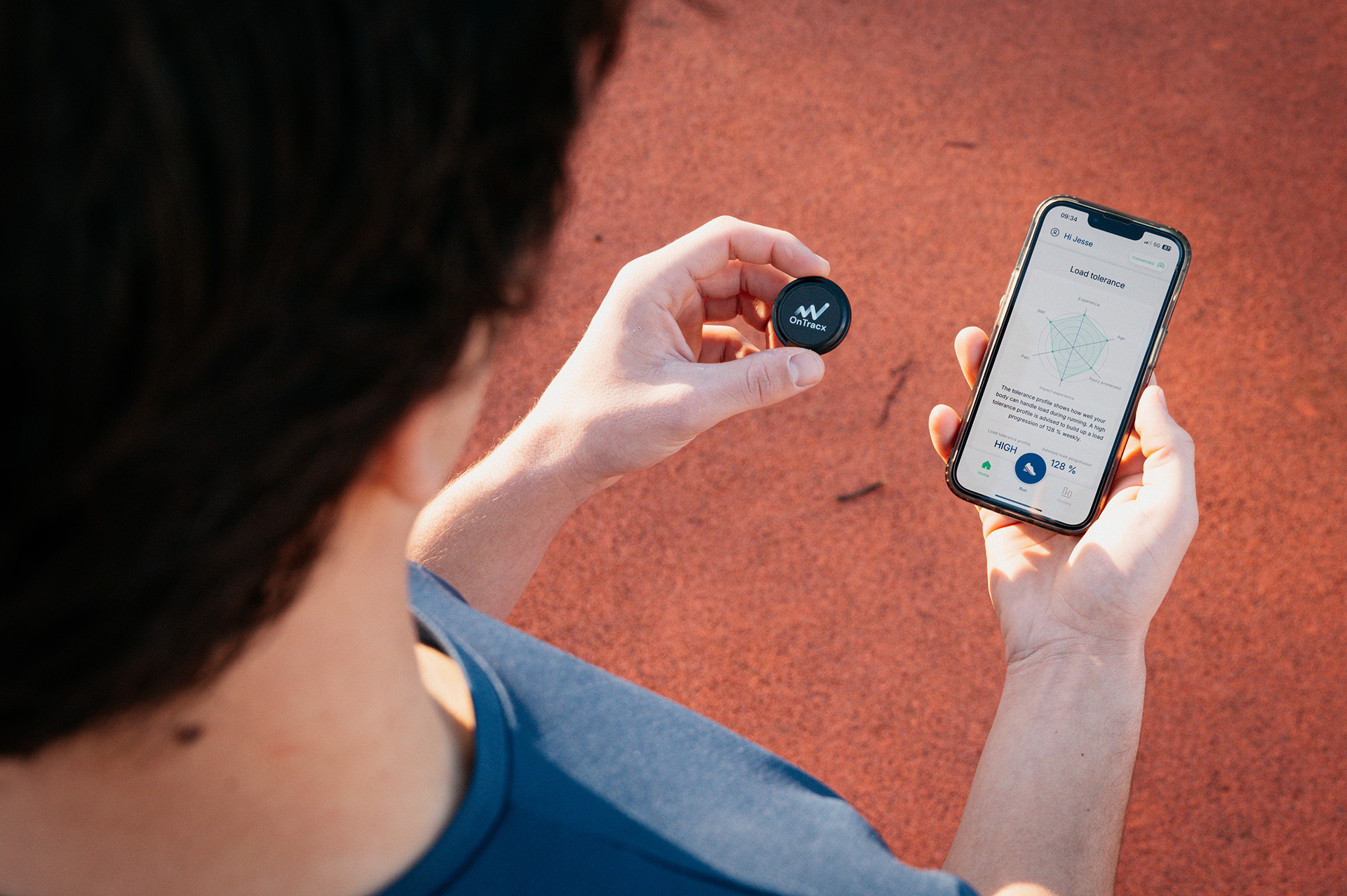
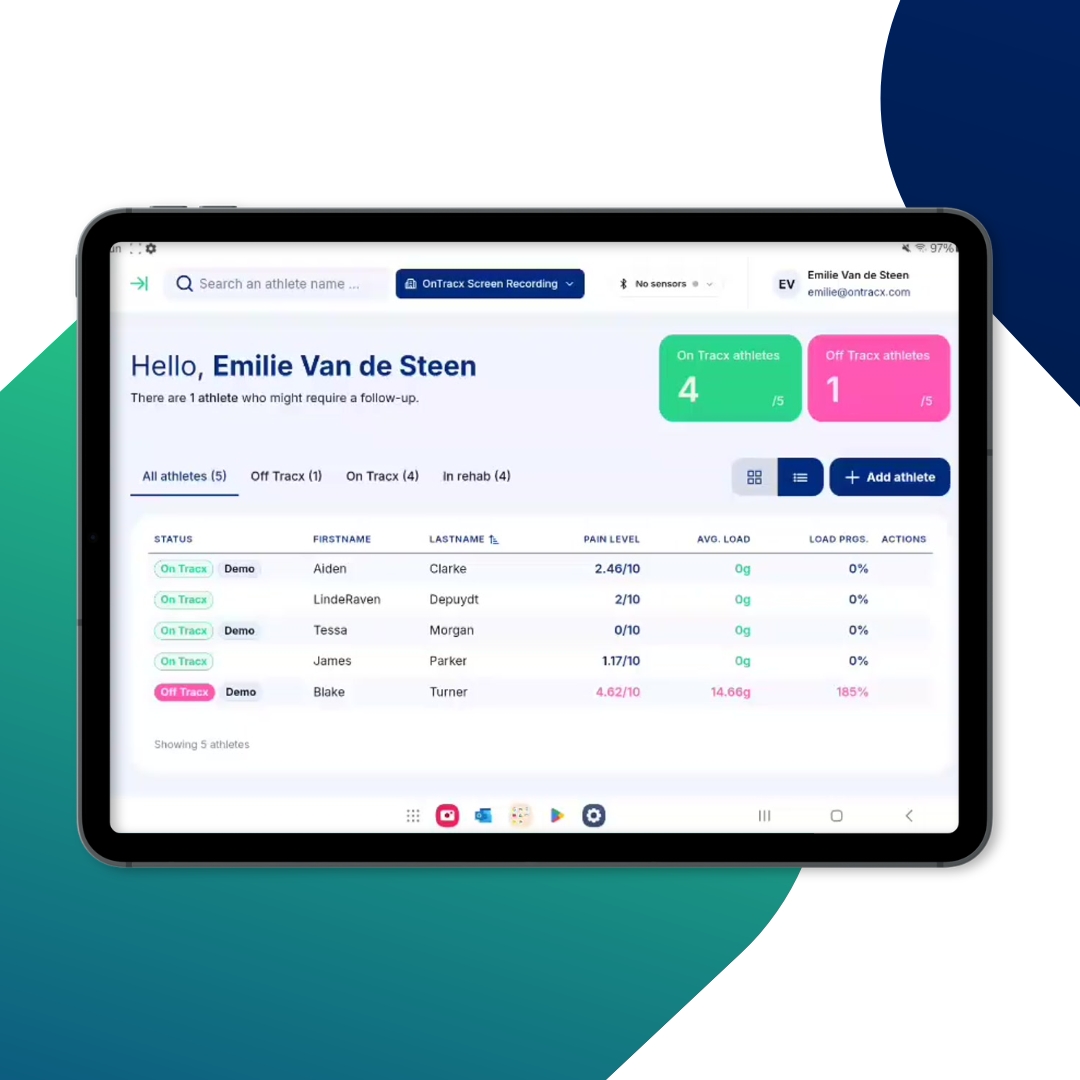
The UI improvements make it easier to read load data, understand training status, and navigate the app.
%20(6).gif)

.jpg)
.jpg)

.png)





%20(3).avif)

.jpg)