When does a single running session raise injury risk? Evidence from 5.200 runners.
14
/
08
/
2025
5
min read

TABLE OF CONTENTS
auteur
Senne Bonnaerens
Share



Can one big run push you into injury?
We’ve all been there: your legs feel good, or in preparation of your next event and you decide to go just a bit further than usual. It feels like a small win, until a few days later the pain starts. What if that single “breakthrough” session was actually the start of an overuse injury?
Recent research suggests it’s not just steady progression in mechanical load that matters, but also that one peak long run on its own can dramatically raise injury risk. In fact, pushing beyond a certain threshold in a single session, compared to your recent running history, could be enough to tip the scales from safe training to sidelining pain.
Read here why progression in mechanical load matters more than milage in prevent running injuries.
Recap: most running injuries occur from excessive mechanical load
Most running injuries are overuse injuries. That means they don’t happen in one dramatic moment like twisting your ankle - they creep up over time.
When you run, your muscles, bones, and joints take on a load (also called mechanical or musculoskeletal load). Your body can handle a certain amount of load, known as your load capacity. If you keep your runs within that capacity, your tissues get stronger. But if you exceed it, your body can’t adapt in time. That’s when micro-damage accumulates, turning into pain, and eventually into an injury that forces you to stop running.
Many of these injuries can be attributed to trainings errors, including the “too much, too soon” trap: increasing your running distance or intensity faster than your body can handle. Read about common training errors and how to prevent them in our other blog.
Buy your OnTracx sensor now
No subscription cost
Free shipping
30-day money back guarantee
Which running patterns have been shown to raise the risk of injury?
A huge new study from Frandsen et al., published in the British Journal of Sports Medicine, followed 5,205 runners over 18 months — collecting training data from their Garmin devices and linking it to injury reports.
In this study, it was investigated whether single-session ‘load spikes’ increase the risk of sustaining a running injury. The results were clear:
If your current run was more than 10% longer than your longest run in the last 30 days, your risk of an overuse injury jumped significantly:
- Small spike (10–30% longer): +64% injury risk
- Moderate spike (30–100% longer): +52% injury risk
- Large spike (>100% longer): +128% injury risk
For example, if your training load increases gradually, everything is going well. The most important thing is to avoid sudden spikes in load, such as the +20% and +27% shown on the graph below (Figure 1). If your current run is more than 10% longer than your longest run in the past 30 days, your risk of an overuse injury increases significantly.

From a clinical load-management perspective, it would be more meaningful to evaluate thresholds such as the 10% rule or the acute:chronic workload ratio (ACWR) based on the actual experienced mechanical load rather than distance alone; however, in-field quantification of step-by-step load was not feasible in this study, as such continuous biomechanical measurements were not available.
As such, this study concludes that one “monster” run - even if the rest of your week is easy - could be an important trigger concerning the occurrence of running injuries.
How can OnTracx help me manage my training load to stay injury-free?
Most runners today track distance and pace. But here’s the problem: injuries aren’t just about how far you run, they’re about the actual mechanical load your body experiences.
That’s where OnTracx changes the game.
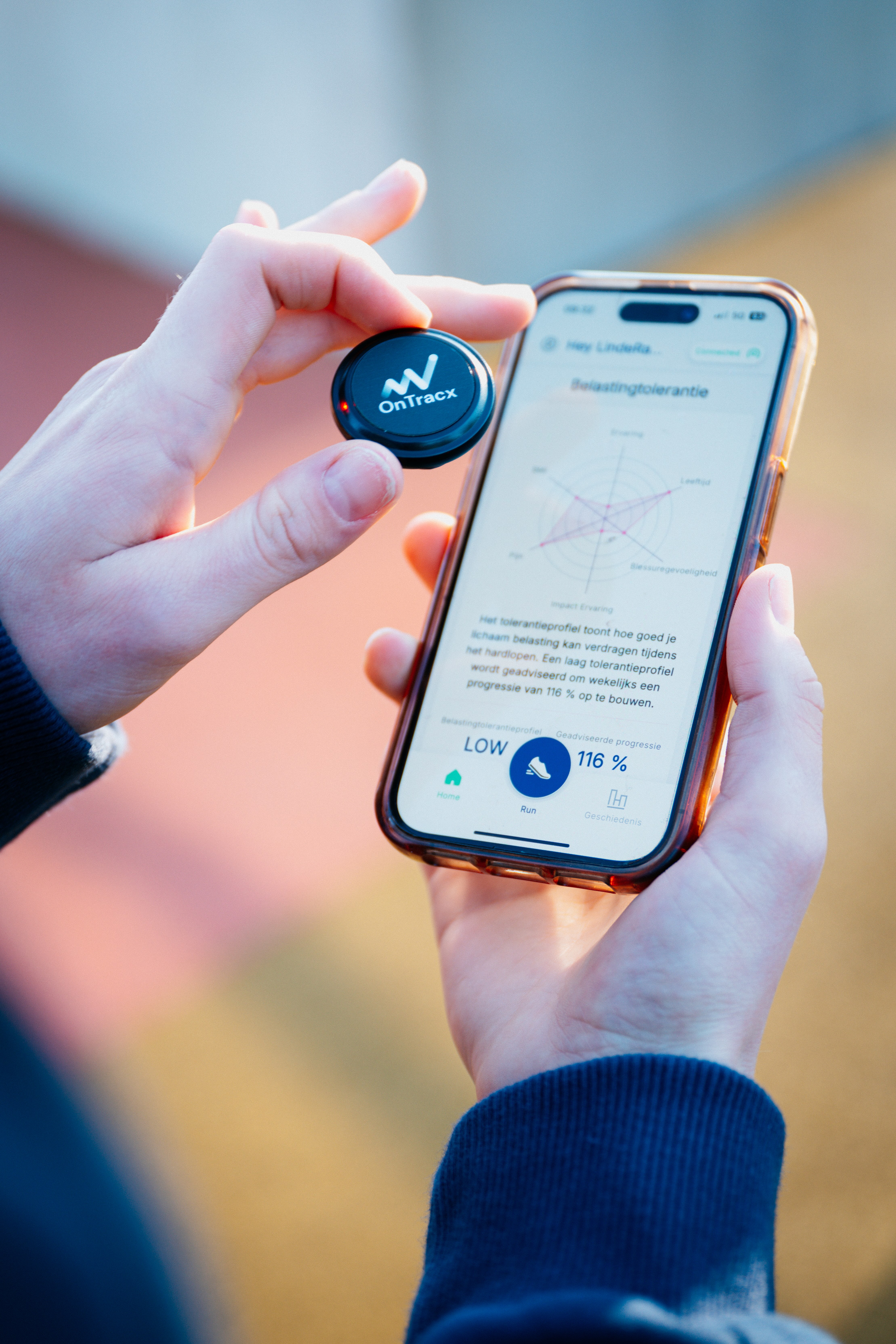
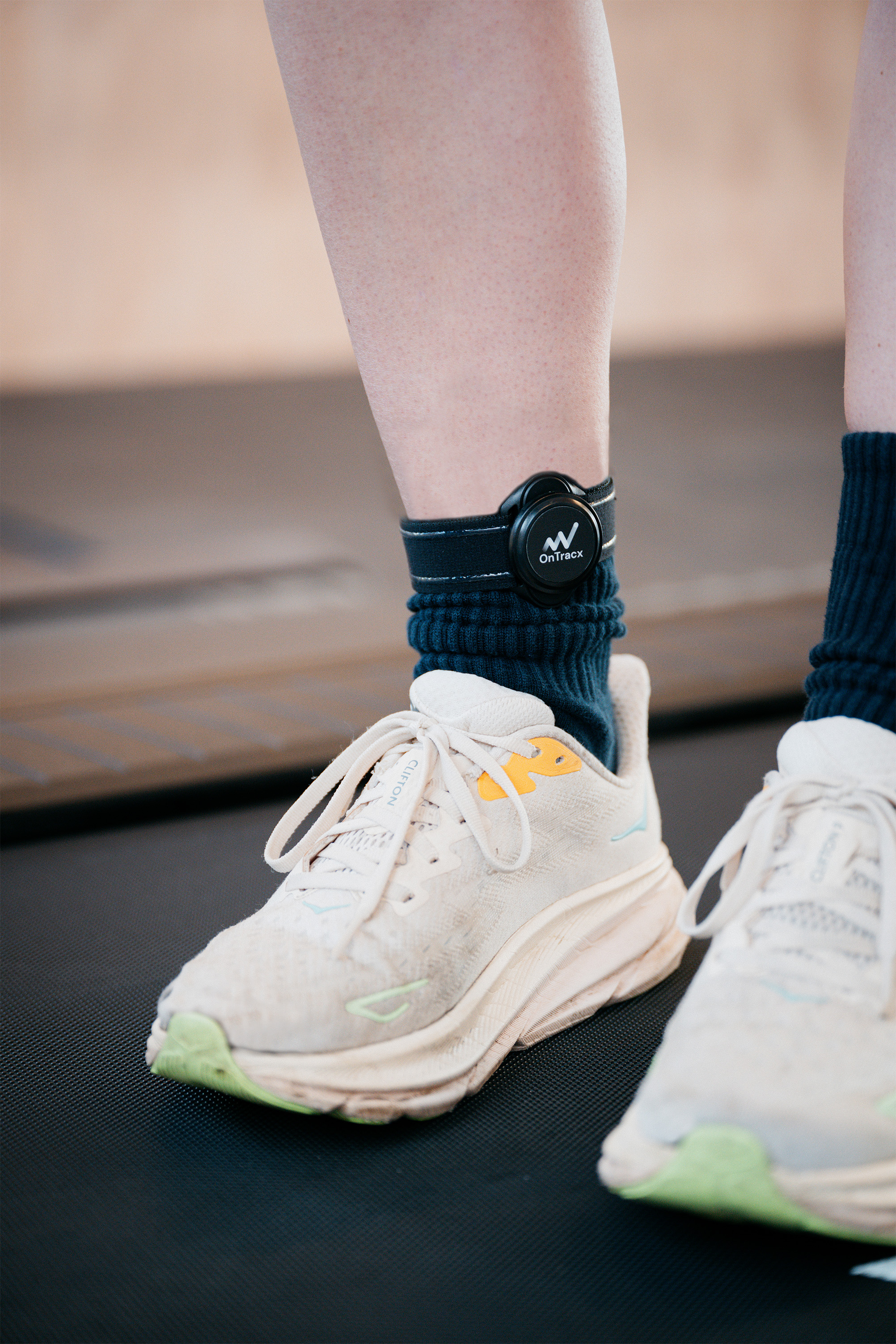
- Worn around your lower leg, the OnTracx sensor measures the true biomechanical load of every step — taking differences in weight, running style, surface, and footwear into account. This allows to measure the total load of every running session, and to detect overloading.
- It gives you a load profile for every session and flags sudden spikes compared to your recent running history, thereby indicating when you’re at higher risk for sustaining a running injury.
- It’s not just about running distance — you can run 8 km downhill on concrete and have a far higher load than 10 km on grass. OnTracx quantifies that difference and takes the actual load of every session into account.
Load is very individual, and is not always as we believe it should be. Read all about it in this blog.
Any examples of OnTracx use cases?
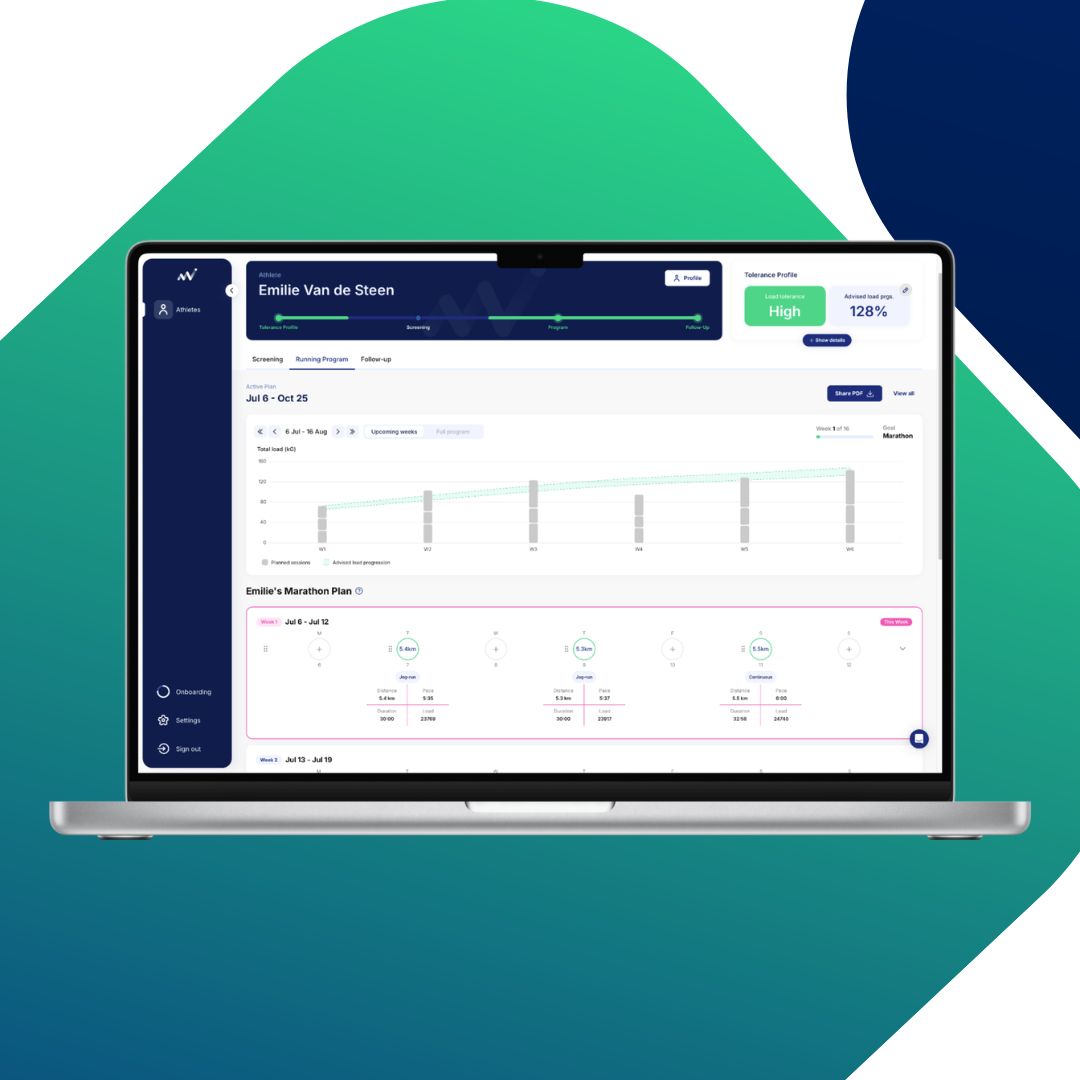
To give a clear example: one of our OnTracx users showed a steady increase in load progression over time (illustrated in figure 2 below).
Each block represents a single running session. The bigger the block, the more load you built up in that session. This can be the result from factors like distance, running pace, elevation profile of your run, running surface, footwear, and more. Smaller blocks represent lighter sessions with lower total load.
The pink highlight shows a sudden spike in load, going above the suggested weekly target (the recommended amount of load for that week). This can happen if the load in a single session increases too quickly, or if too many sessions are done in a short time. These sudden jumps can raise the risk of injury, as the body doesn’t have enough time to adapt.
Afterwards, the training plan was adjusted to stay within the suggested load progression, shown as the green zone, which represents the safe training range. By following this safer progression zone the risk of overload reduced, which also lowered the chance of injury.
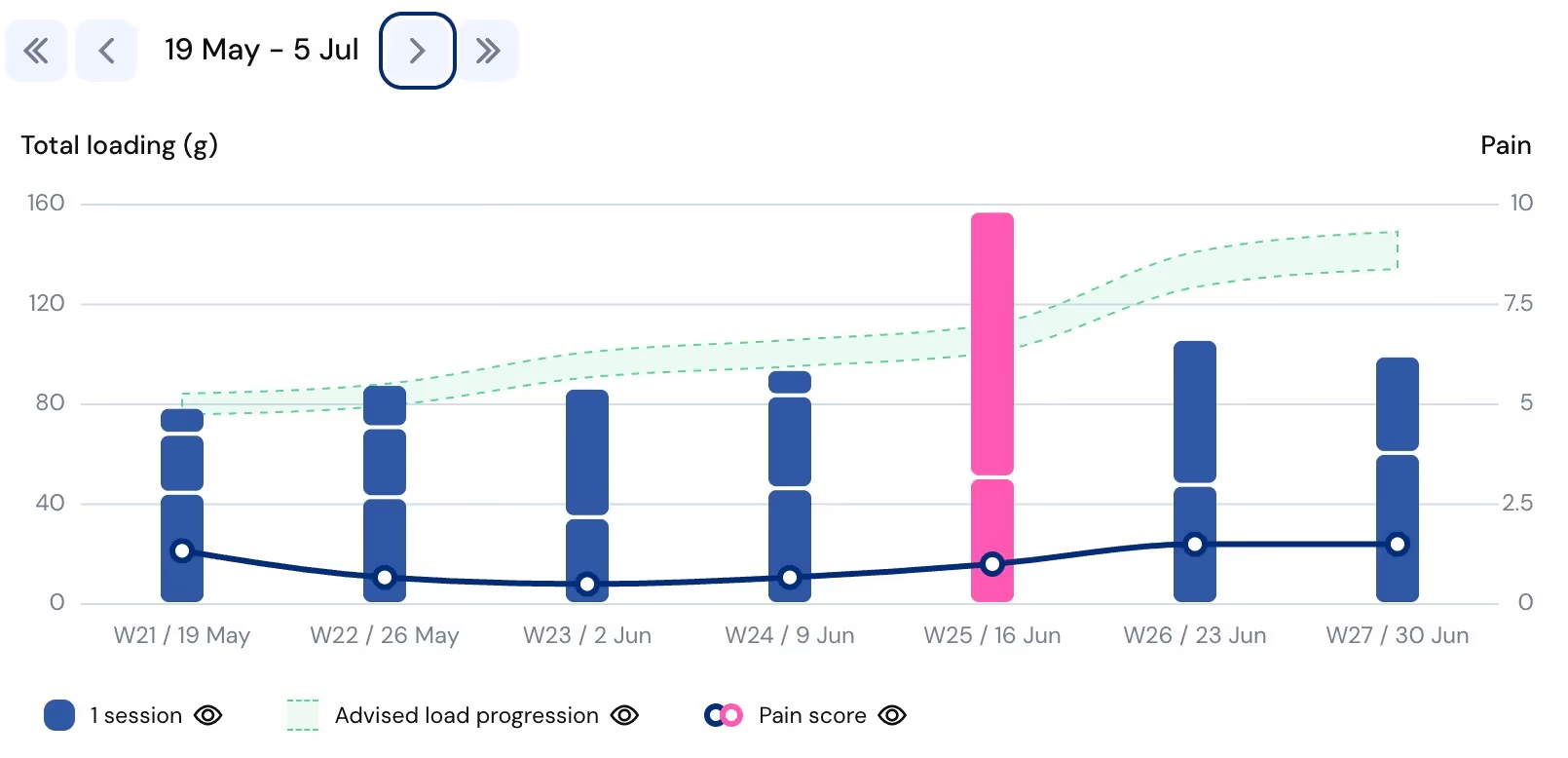
Figure 2: Total (bars) and advised (green line) progression of an actual OnTracx user. The y-axis represents total loading (G-forces), and the x-axis represents weeks of running sessions. Each blue block corresponds to a single running session, and the green line indicates the advised load progression.
Here’s how it can keep you safe:
- Spot dangerous (load) spikes before they happen: If today’s planned run would exceed the safe 10% threshold (in terms of load, not just distance), watch out – because you’re at higher risk for sustaining an overuse injury.
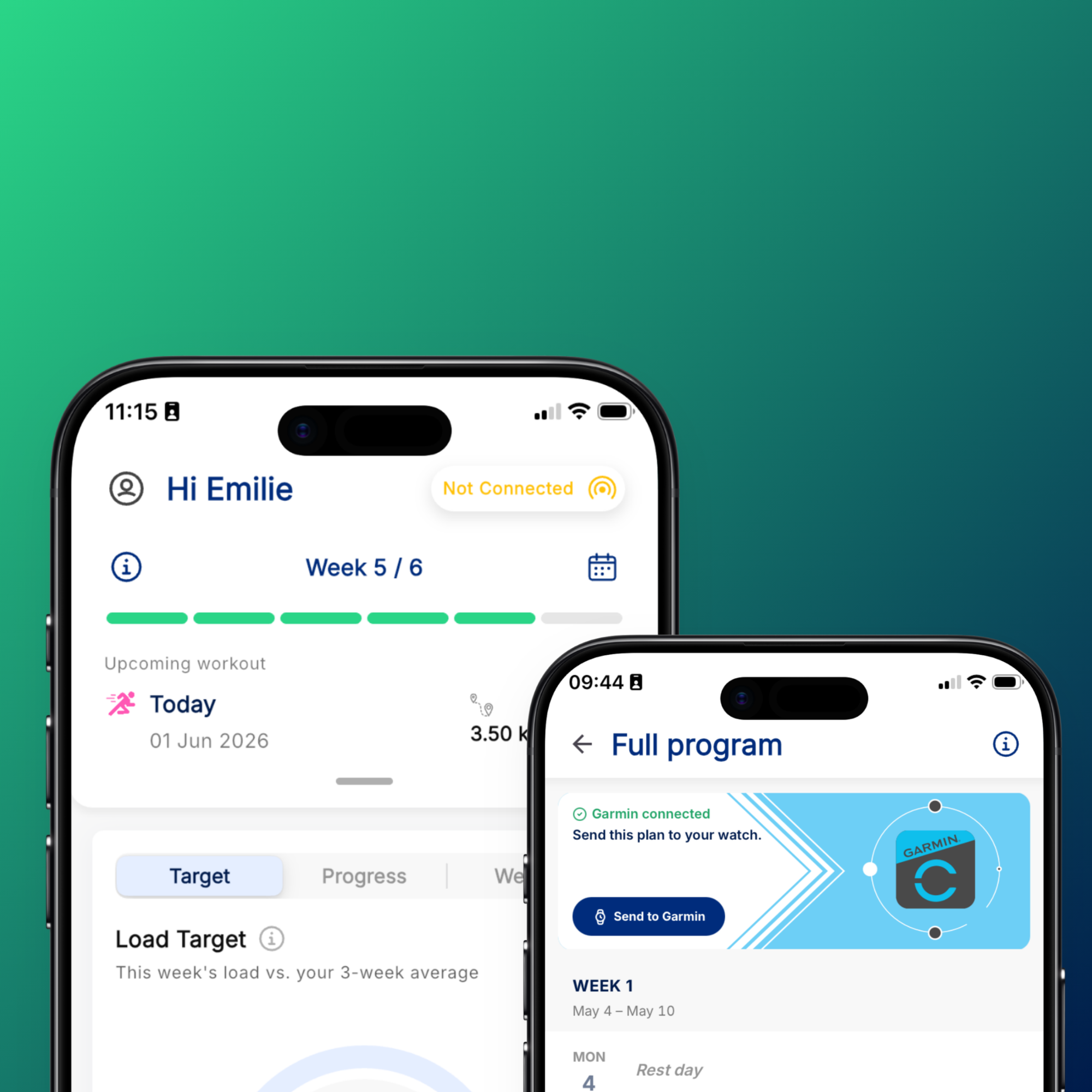
- Custom progression plans: The OnTracx app can help you increase your load gradually (based on your load capacity), ensuring your tissues adapt without overloading them.
- Data-driven recovery: If you’re coming back from injury, OnTracx helps you ramp up at a safe pace, preventing a setback. OnTracx is a scientifically valid device, which has been (and still is) developed in co-creation with (clinical and academic) experts in-the-field.
Simply put: with OnTracx, you can track exactly the risks highlighted in the Frandsen study and respond to them in real time, while HCPs can stay updated on each athlete’s progression through our OnTracx Pro platform.
A summary of tips to reduce your risk of injury more effectively
The Frandsen study shows that a single overly ambitious run can tip you into injury, even if your weekly totals look fine. To reduce your risk:
- Don’t exceed 10% more than your longest run in the past 30 days — in distance, but even better in the experienced biomechanical load.
- Don't assume that gradual distance increases equal gradual load increases. Your body experiences vastly different load levels depending on factors like distance, running pace, elevation profile of your run, running surface, footwear, and more. In example 5km at 8 km/h versus 10 km/h can mean completely different biomechanical loads, even though the distance is identical.
- Use scientifically validated technology like OnTracx to measure your actual biomechanical training load and transition to smarter, safer training patterns. More about this in our other blog.

.png)










%20(5).png)


%20(3).avif)
%20(4).avif)


.jpg)