Go back to all insights

Manage your running shoes in the OnTracx app
13
/
10
/
2026
3
min read
.jpg)
TABLE OF CONTENTS
Share
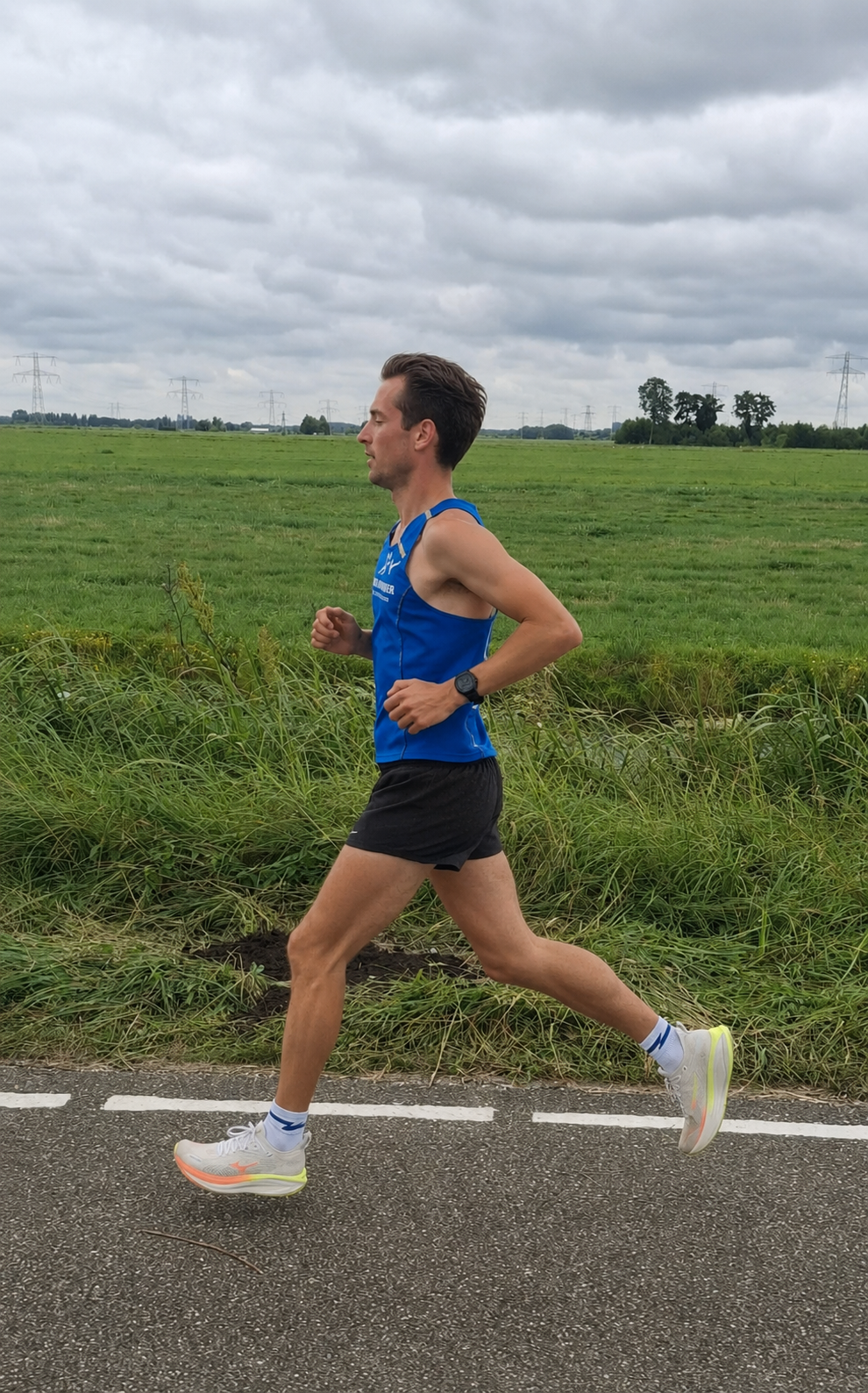
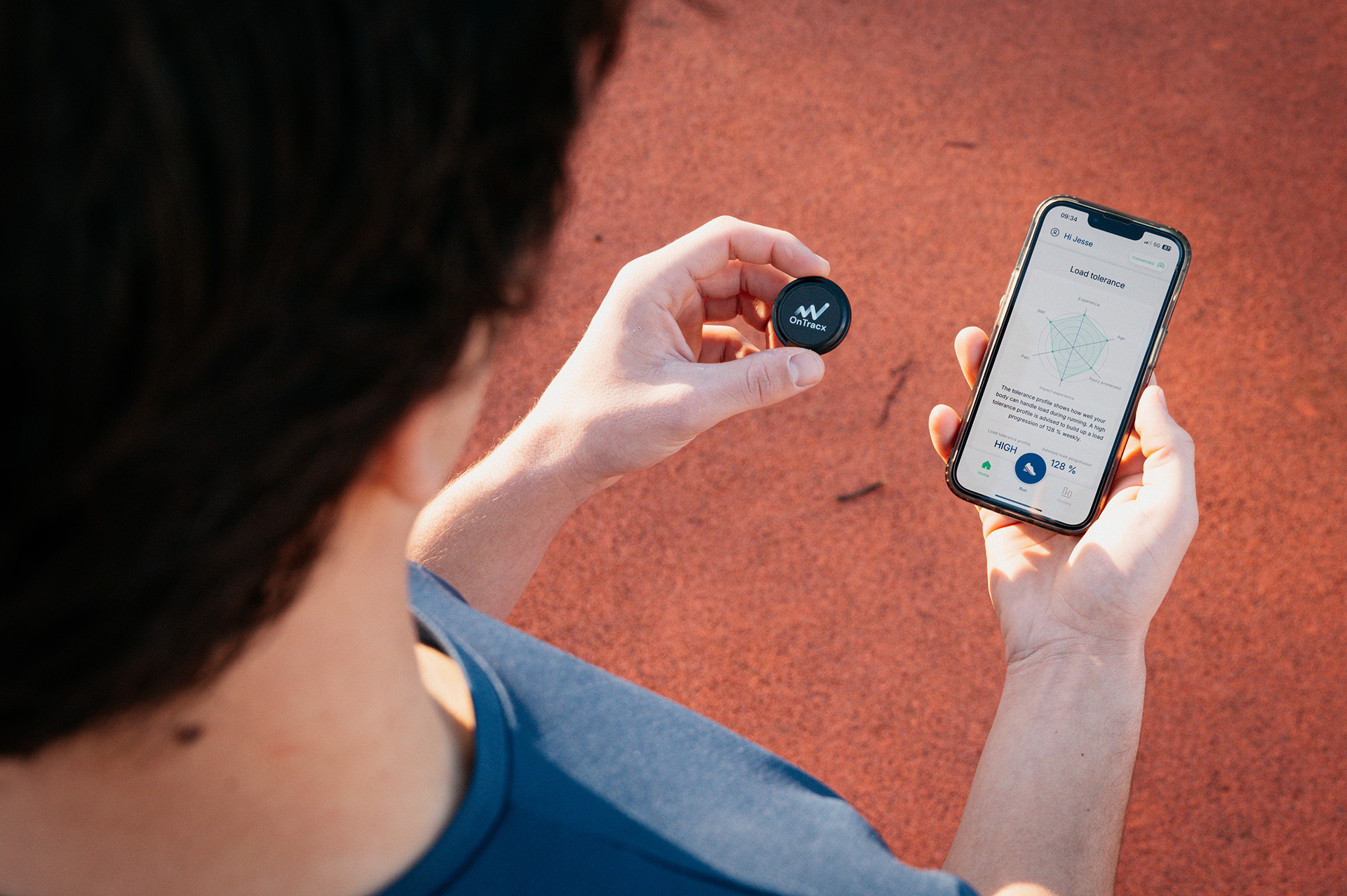
Your running shoes are part of your training history. With the latest OnTracx update, you can manage your shoes, track the distance covered in each pair, and link your footwear to your running sessions.
Every runner has their own training routine, and many runners rotate between different pairs of shoes. Keeping track of which shoes you use, how often you run in them, and how many kilometers they've covered can quickly become difficult.
With the new shoe management features in OnTracx, you can keep that information together in one place and build a more complete picture of your running history.
Create your personal shoe closet
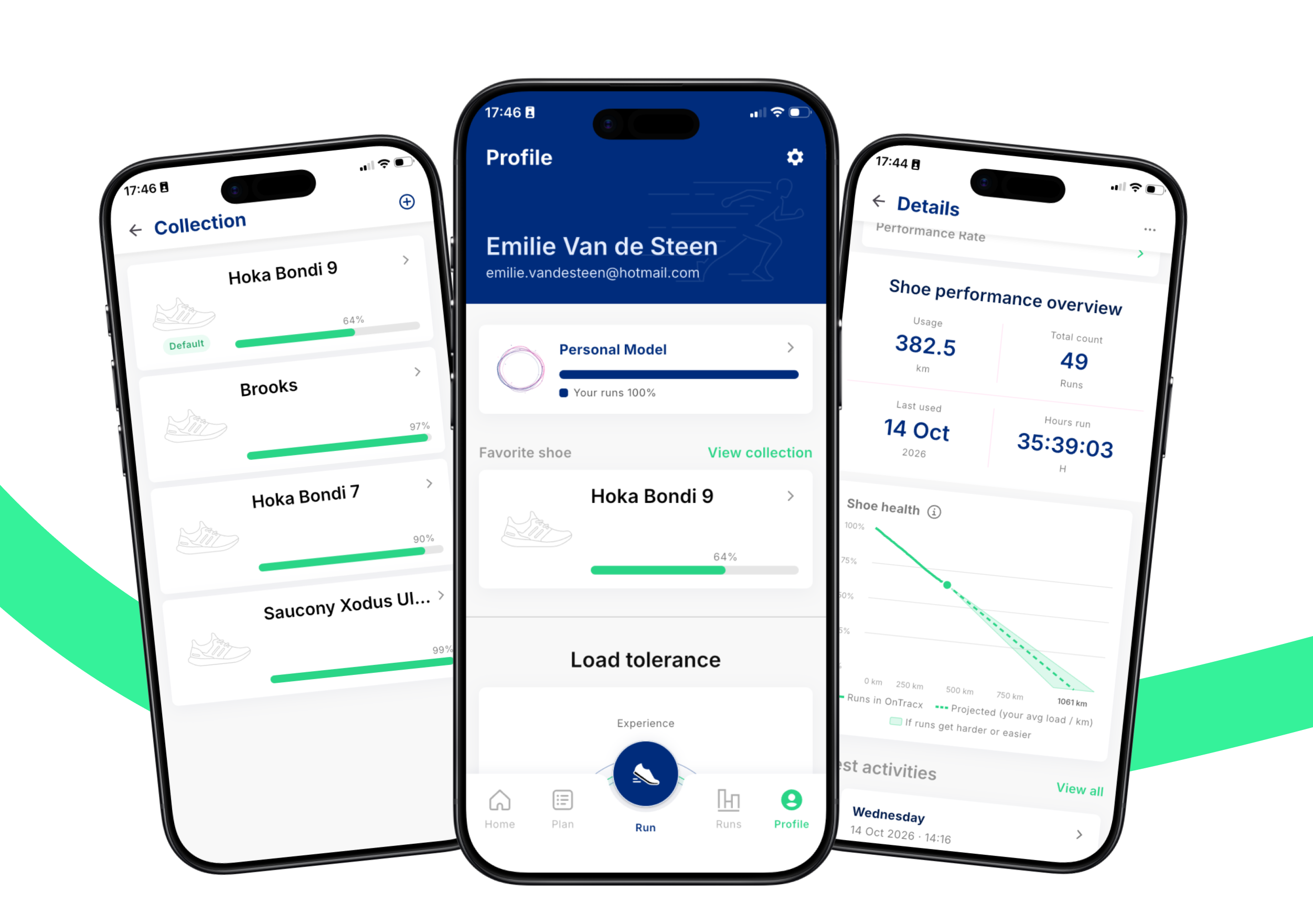
You can now add your running shoes to your personal shoe closet in OnTracx. Whether you run in one pair or rotate between several, you can keep your shoes organized and track the distance associated with each pair.
You can also set a preferred shoe. This pair is automatically selected when you start a running session, so you don't have to select it every time. If you decide to run in a different pair, you can easily change your selection for that session.
.jpg)
Link your shoes to every run
To build a useful shoe history, OnTracx lets you associate the shoes you wear with your individual running sessions.
If your runs are recorded through the OnTracx app, you can select the shoes you wore for each session. For activities synced through Strava, Garmin, or other supported connections that don't include shoe information, you can assign your shoes afterward.
This gives you a clearer overview of which shoes you use across your training, even when your runs come from different sources.
Keep your existing mileage
Already been running in a pair for a while? You don't have to start counting from zero.
When adding your shoes, you can enter a starting distance to include the kilometers you've covered before tracking them in OnTracx. If you add shoes from Strava, their existing Strava distance is carried over automatically.
That way, your shoe history can reflect more of your actual running experience from the beginning.
Retire shoes without losing their history
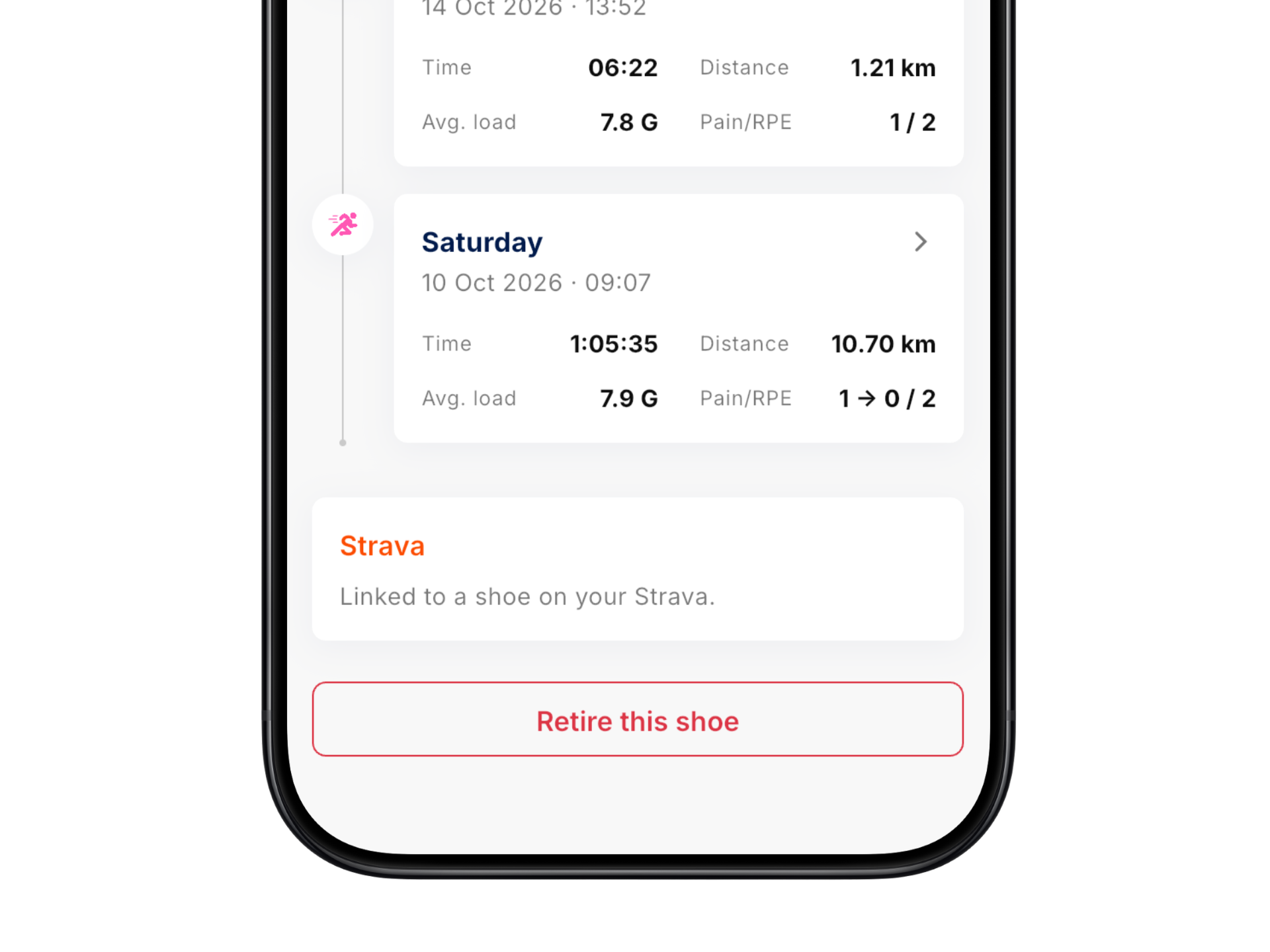
When you stop running in a particular pair, you can mark it as retired. Its history stays available, so you can keep track of shoes you've used in the past. If you decide to use a pair again, you can bring it back into use.
This helps you maintain an overview of both your current rotation and the shoes you've previously run in.
More than just kilometers
Tracking your shoes in OnTracx is the first step toward understanding how your footwear fits into your training.
Distance is a useful starting point, but every runner places different mechanical demands on their shoes. By linking your footwear to your running sessions, OnTracx can build a history that connects each pair to the training you've completed in it.
This shoe history lays the foundation for future features, including wear tracking, lifespan estimates, usage statistics, and insights into the relationship between footwear, training load, and injury risk. These advanced features are planned for a future release and aren't available yet.
Start tracking your shoes in OnTracx
Add your running shoes, choose your preferred pair, and assign the shoes you wear to your runs. With your footwear and running history together in OnTracx, you'll have a more complete overview of your training and a foundation for more personalized footwear insights in the future.
Don’t want to miss a single update?
Want to stay up to date on what's new in OnTracx? Sign up for our monthly newsletter and be the first to hear about new features, improvements and tips to get even more out of your training.

.jpg)

.png)





%20(5).png)

%20(3).avif)
%20(4).avif)

.jpg)