Go back to all insights

Screen and support your athletes anywhere with the OnTracx app on tablet
22
/
06
/
2026
1
min read
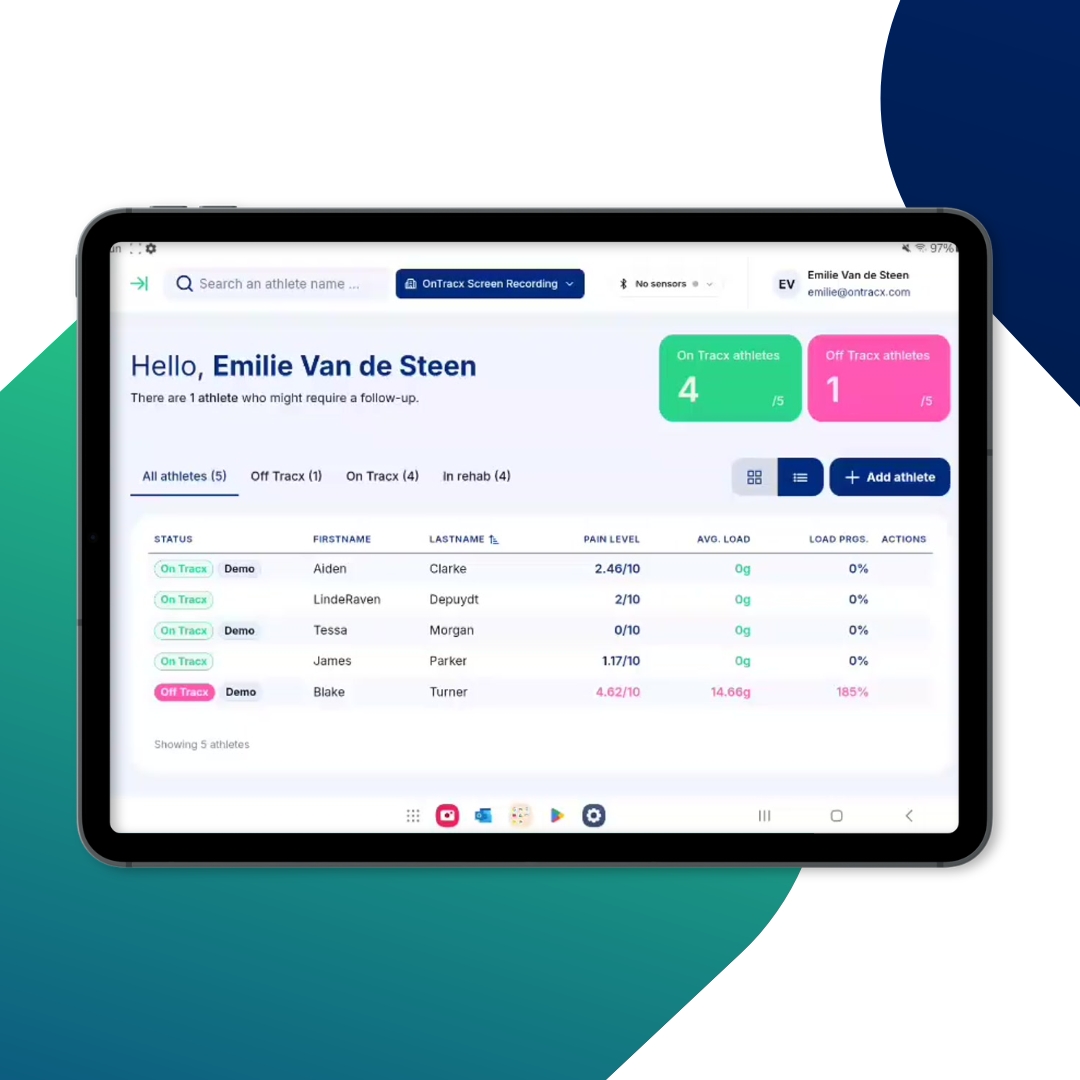
TABLE OF CONTENTS
Share
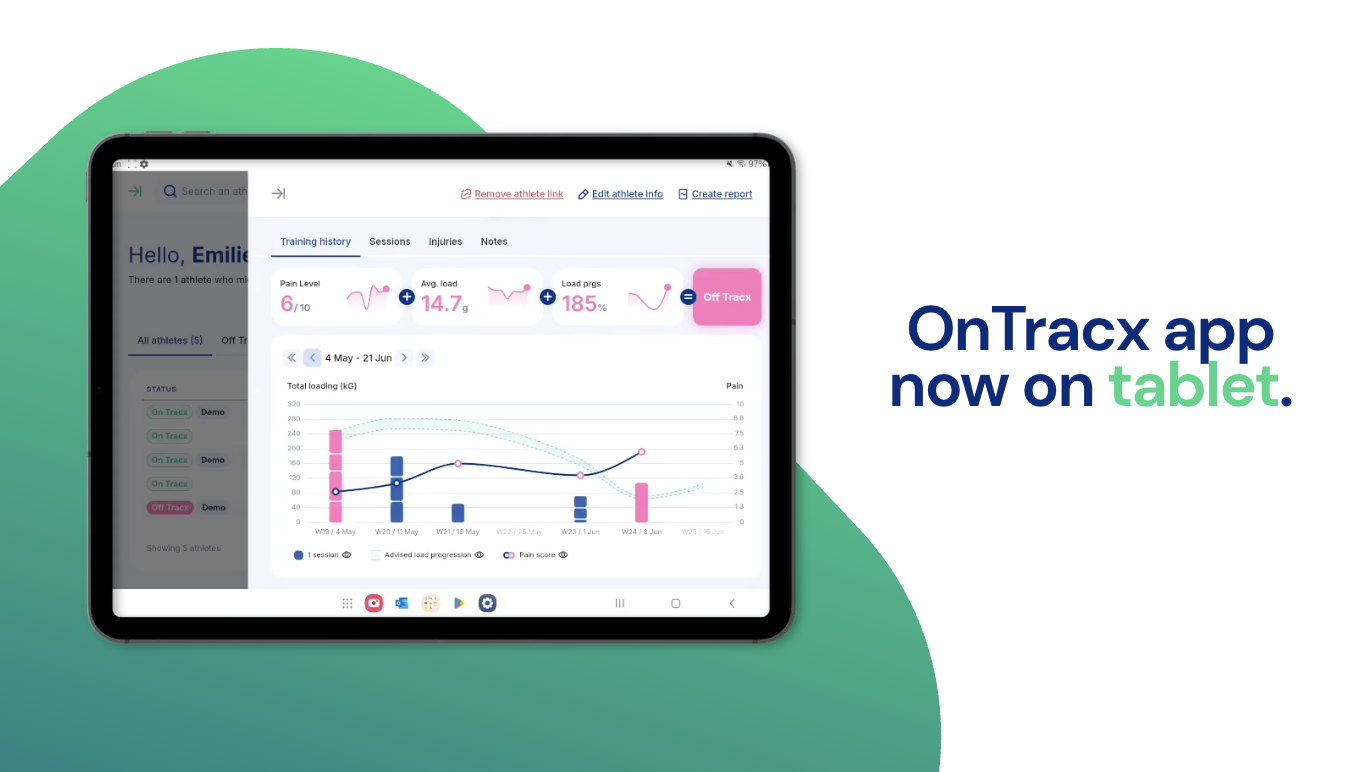
OnTracx is expanding beyond the desktop, bringing your complete workflow to tablet.
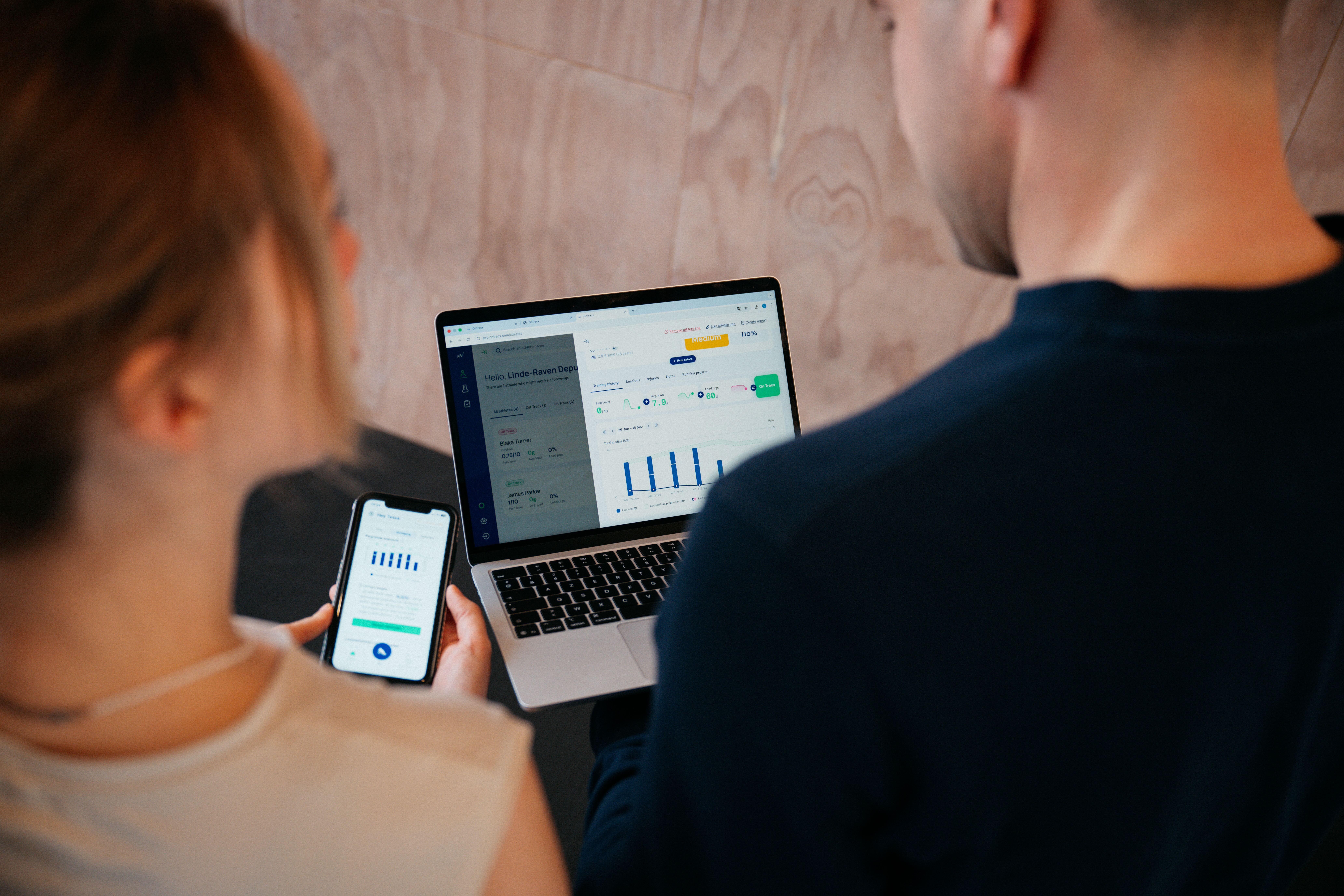
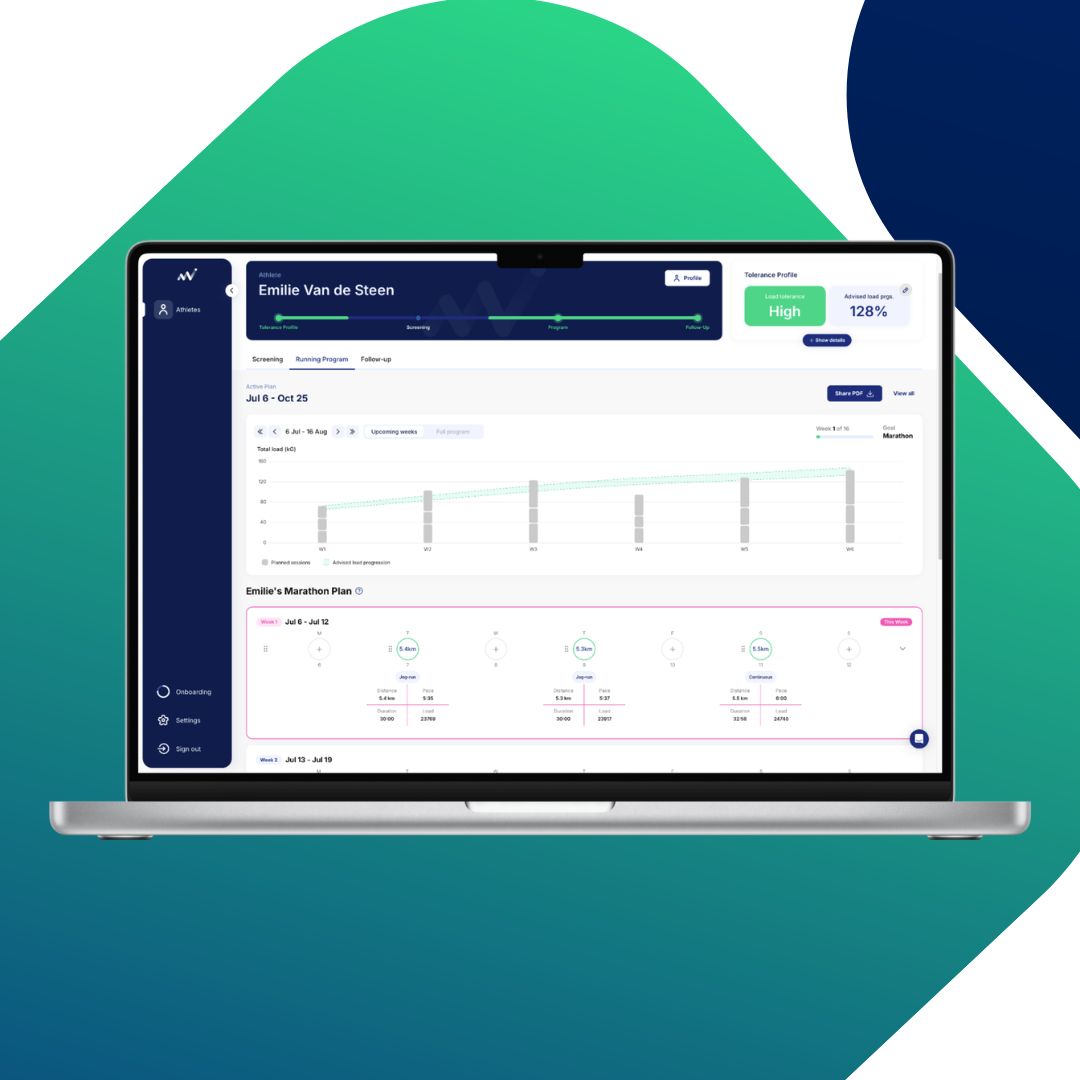
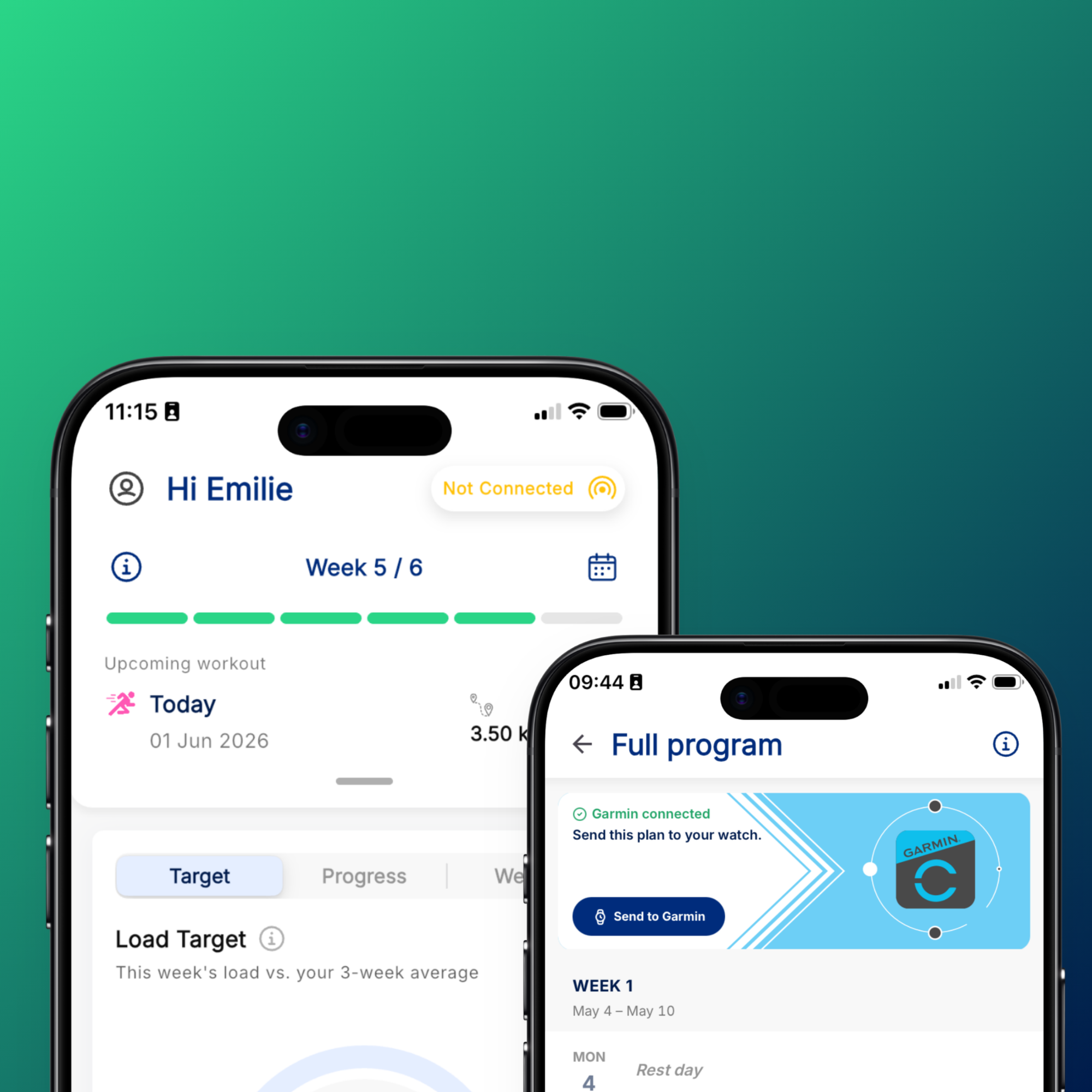
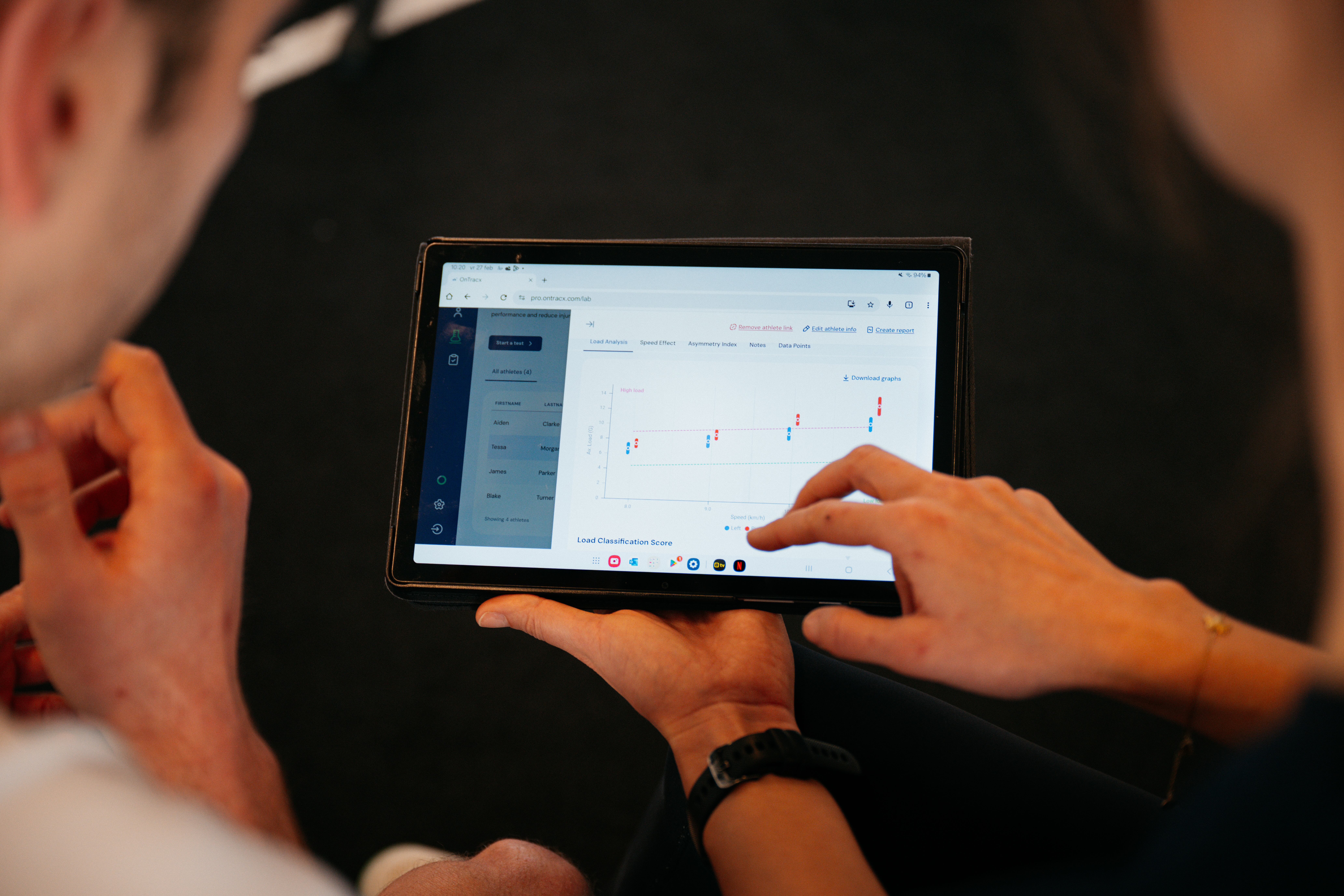
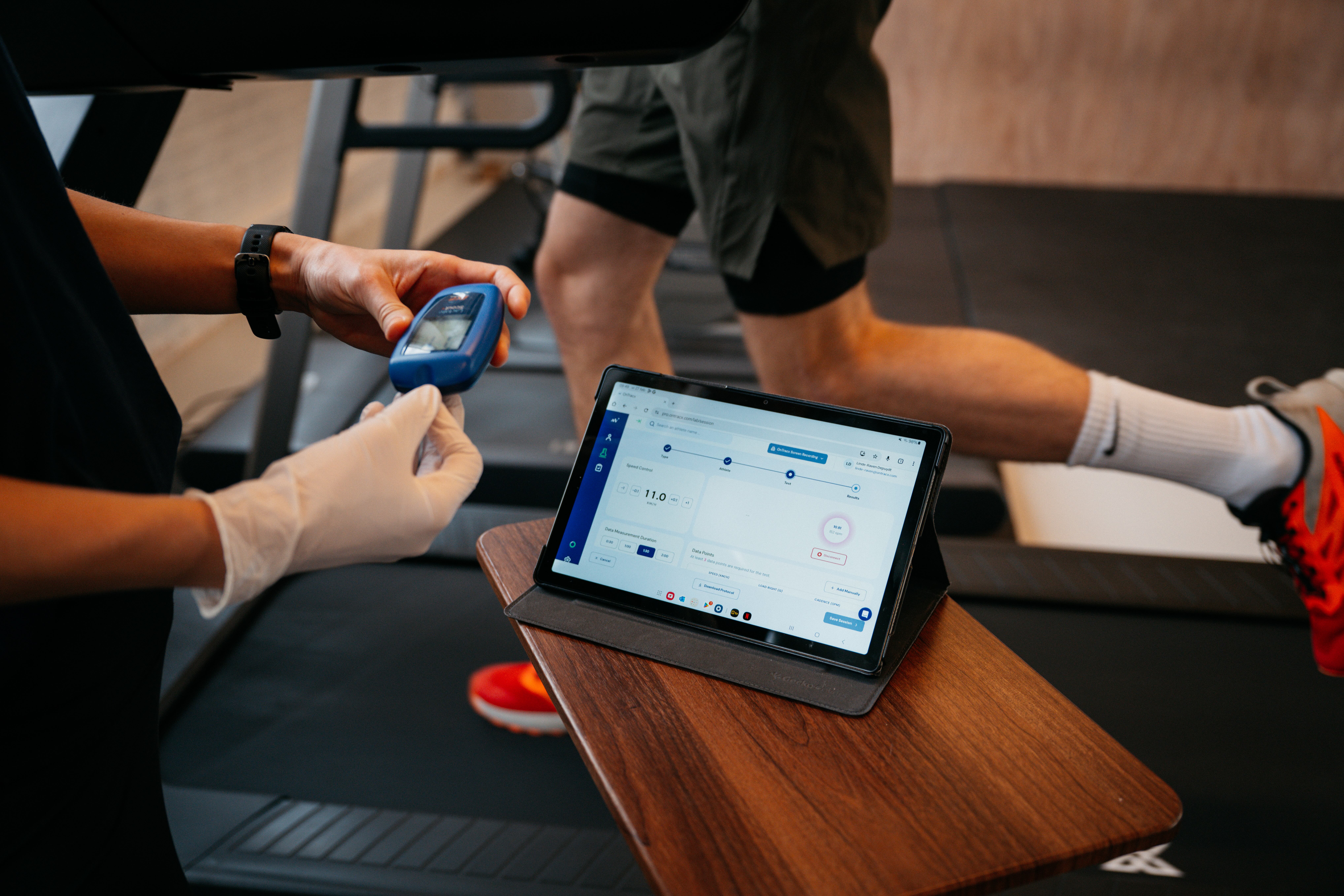
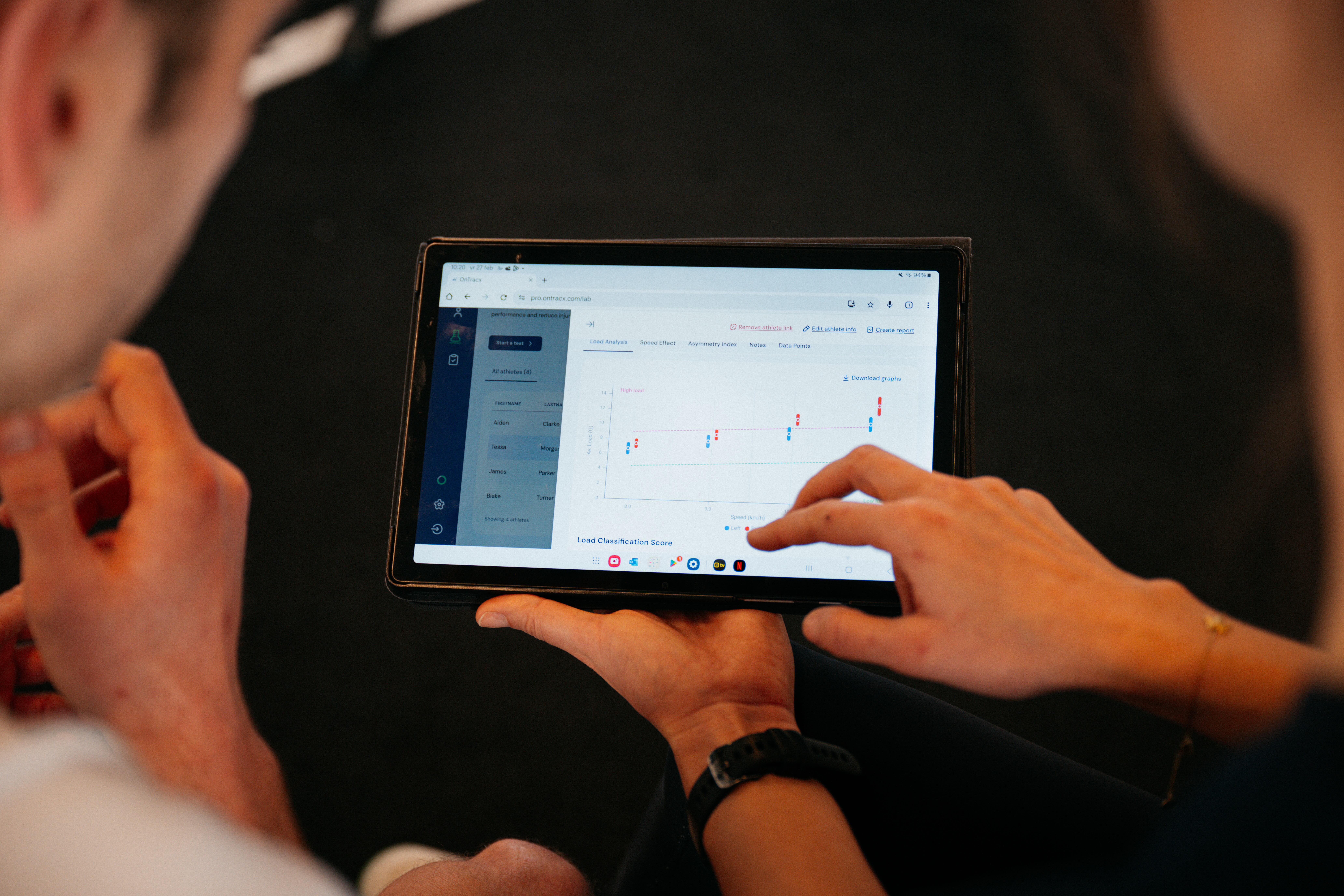
What's new Coaches and physios can now access their full OnTracx dashboard directly from a tablet. Simply download the OnTracx app from the Google Play Store or Apple App Store, log in with your existing professional account, and you're ready to go — no new account, no extra setup.
The app works on both iPad and Android tablets, and brings the complete experience to your hands:
- The full dashboard with your athlete overview
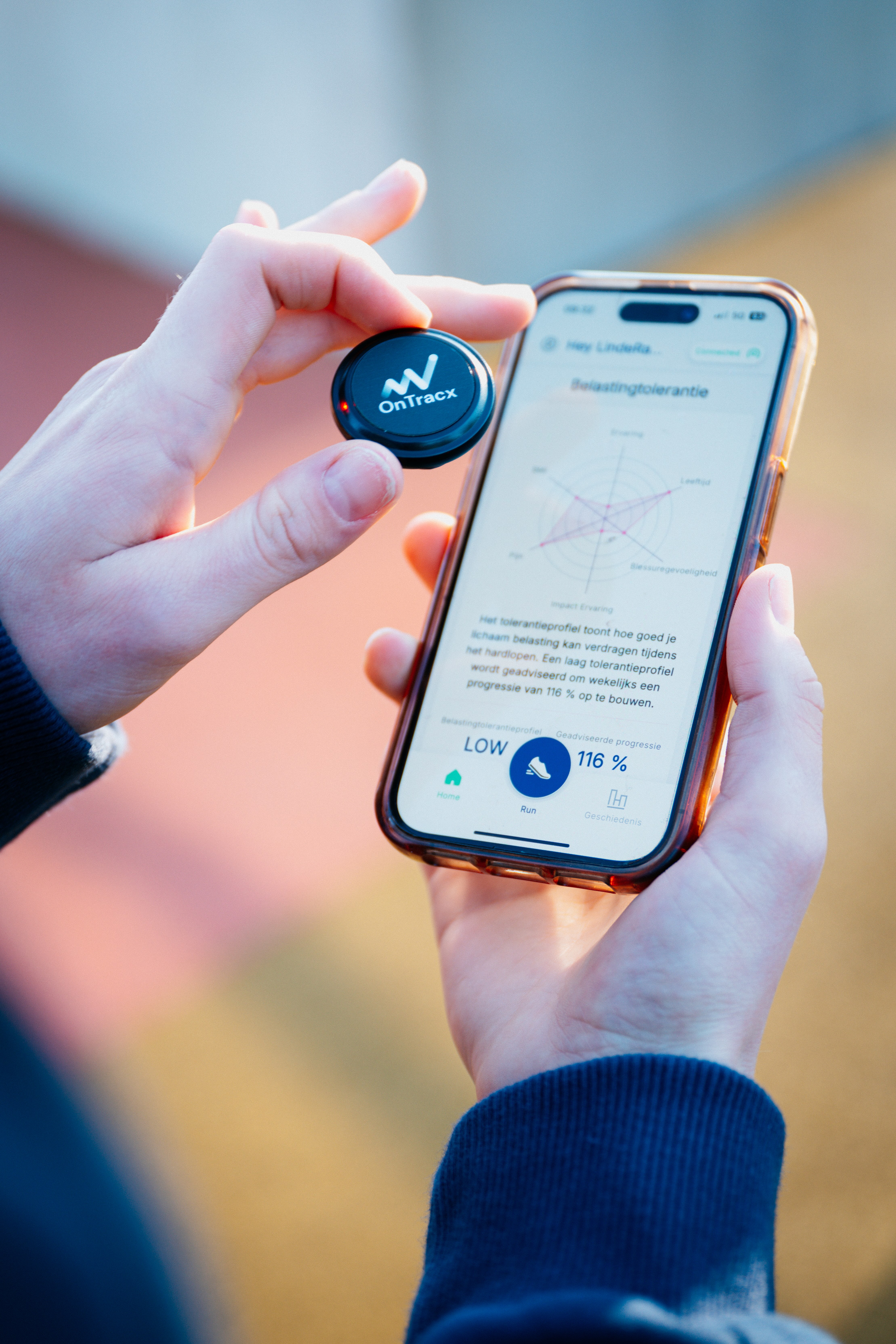
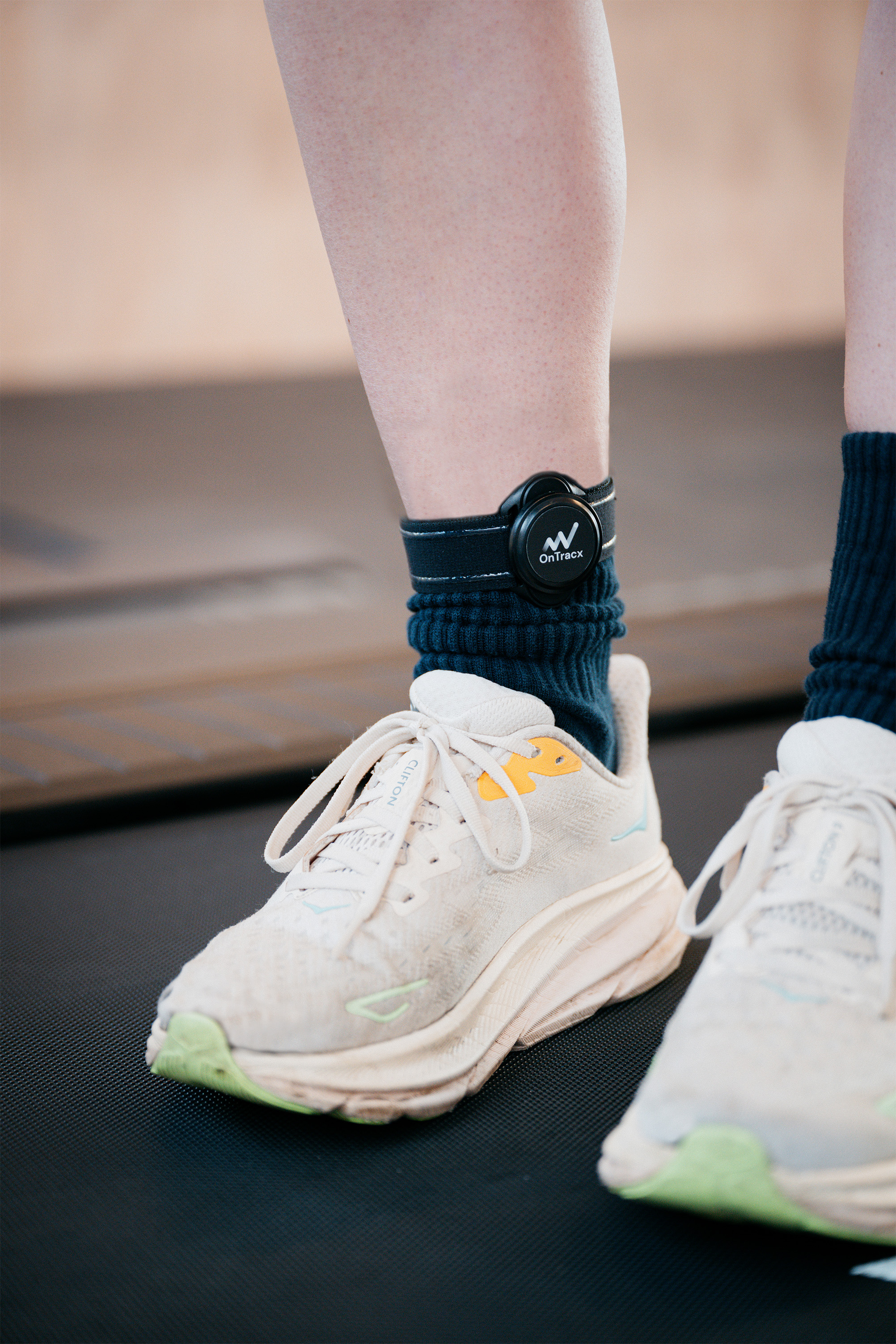
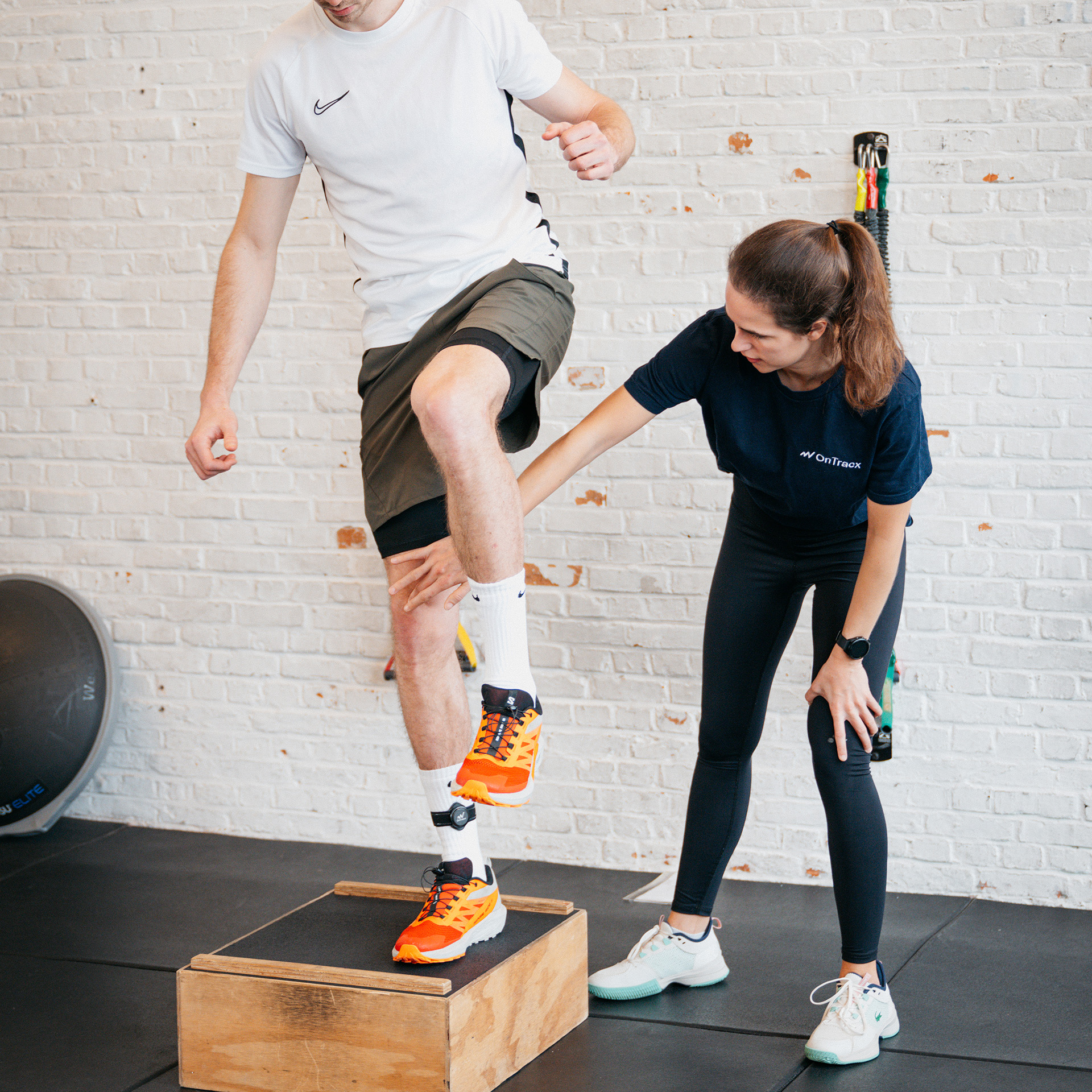
- Load-based screenings with the OnTracx sensor
- Creating and managing personalized plans
- Follow up your athletes in the field
Why it matters
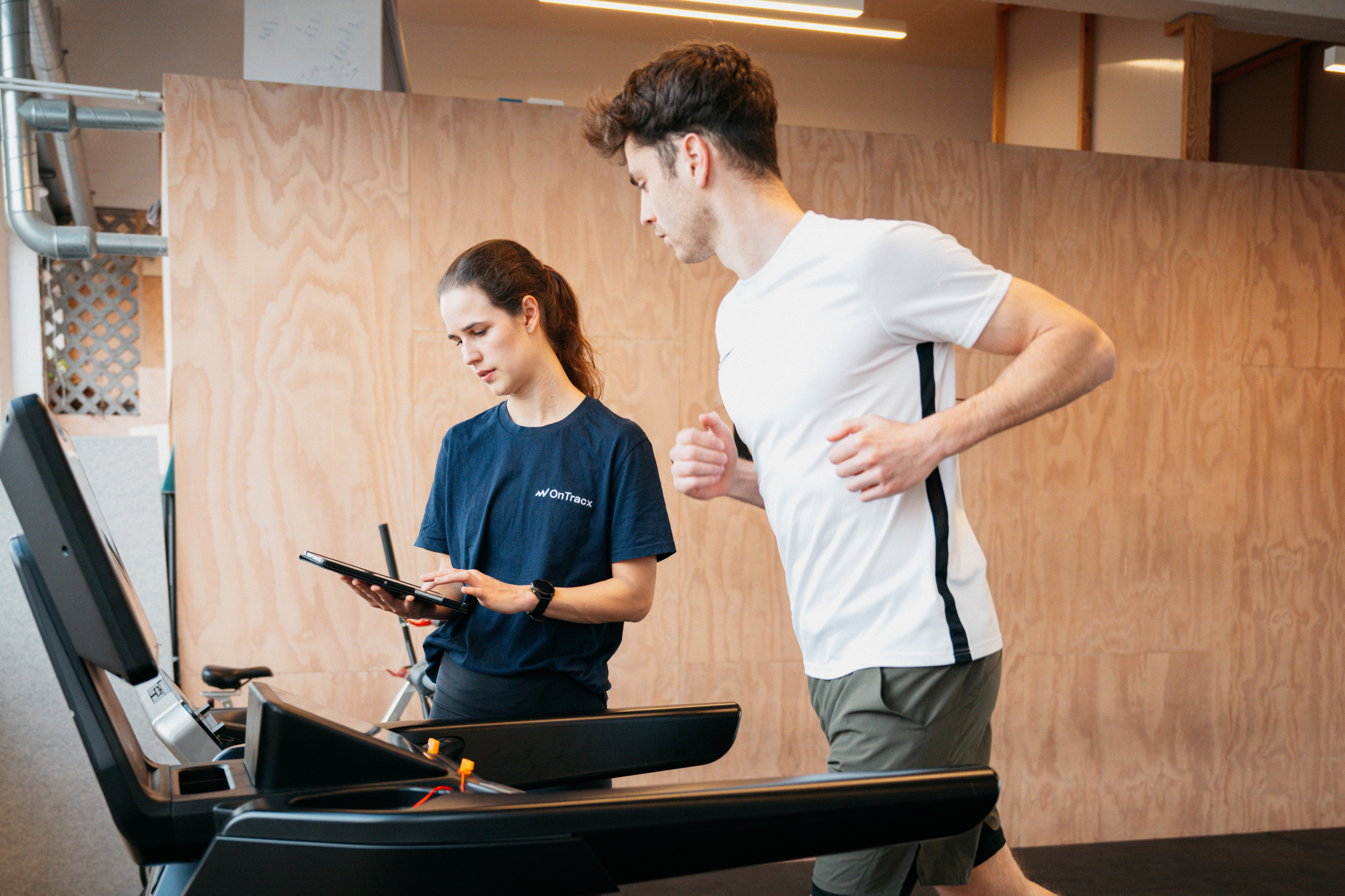
Whether you're in your practice, in the gym or on the move — you no longer need a desk to run a screening. Everything you're used to on desktop works just as well in your hands. The existing desktop and web platform is unaffected and continues to work as before.
How to get started
- Download the OnTracx app from the App Store or Google Play
- Log in with the account linked to your professional profile
- Start screening That's it.
Any further questions? Contact support@ontracx.com
.png)






%20(5).png)


%20(3).avif)
%20(4).avif)


.jpg)