TABLE OF CONTENTS
Share
%20(5).png)
The latest OnTracx update turns the app into a real training partner. Run your planned workouts with step-by-step guidance, follow your effort live on a new map view, understand what drives your running load, and read your screening report right in the app.
Most runners don't lack data. They lack the right information at the right moment: knowing which interval comes next, whether today's pace fits the plan, or why one run felt so much harder than another.
This update is built around that moment. It brings your training plan, your live running data and your personal load insights into one place, so you can spend less time checking and more time running with confidence.
Run your planned workouts with OnTracx as your guide
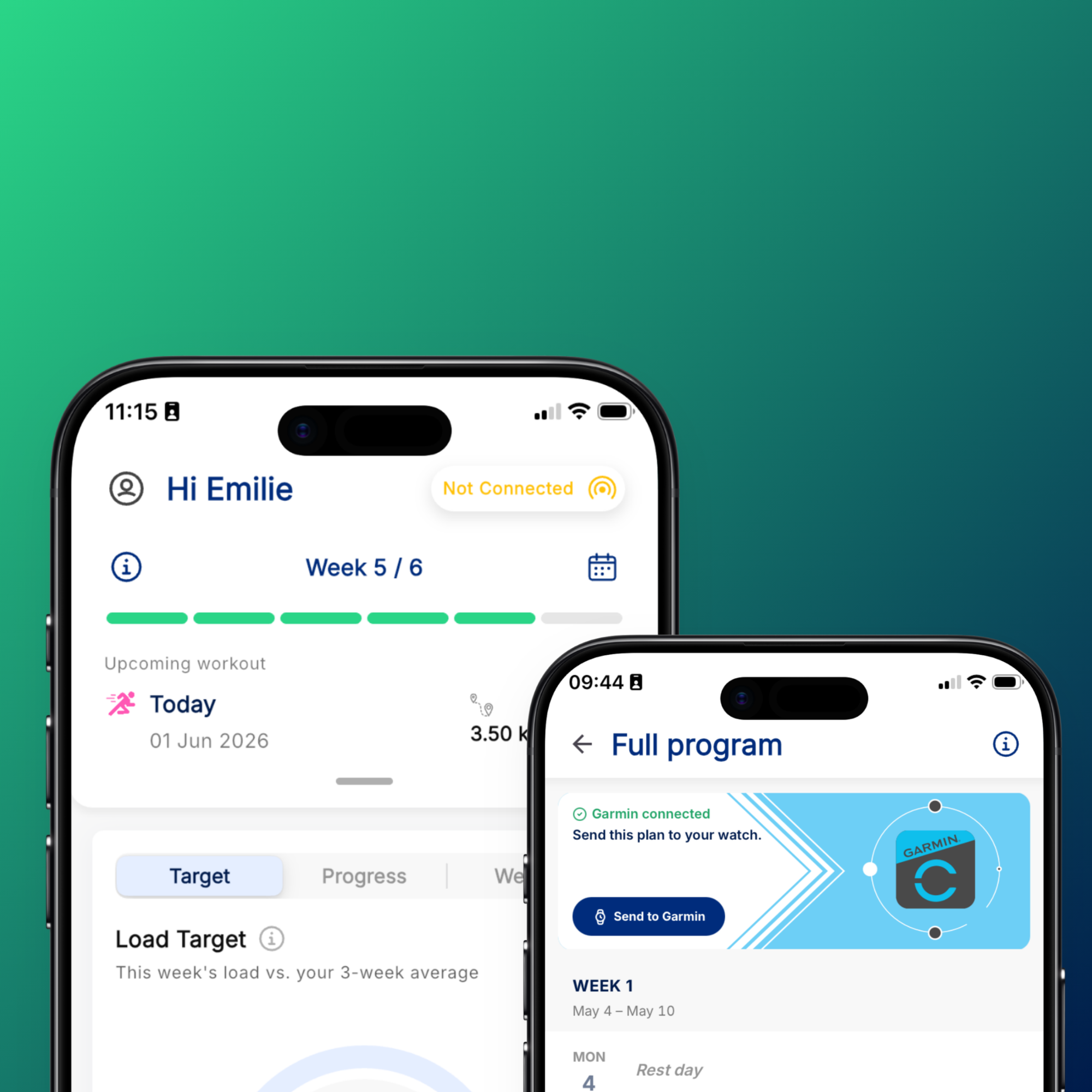
Before you head out, you can now select your planned workout from your training program. Once you start running, OnTracx guides you through it:
- Know where you are. The app shows which part of the workout you're in and what's coming next.
- Stay on target. You can see at a glance whether your pace matches what the plan asks for.
- Keep your eyes on the road. Your phone vibrates at every new step, so you don't need to look at your screen to know when a warm-up ends or an interval starts.
No more memorizing intervals or stopping to check your plan. You run the session the way it was designed, and you get more out of every workout.
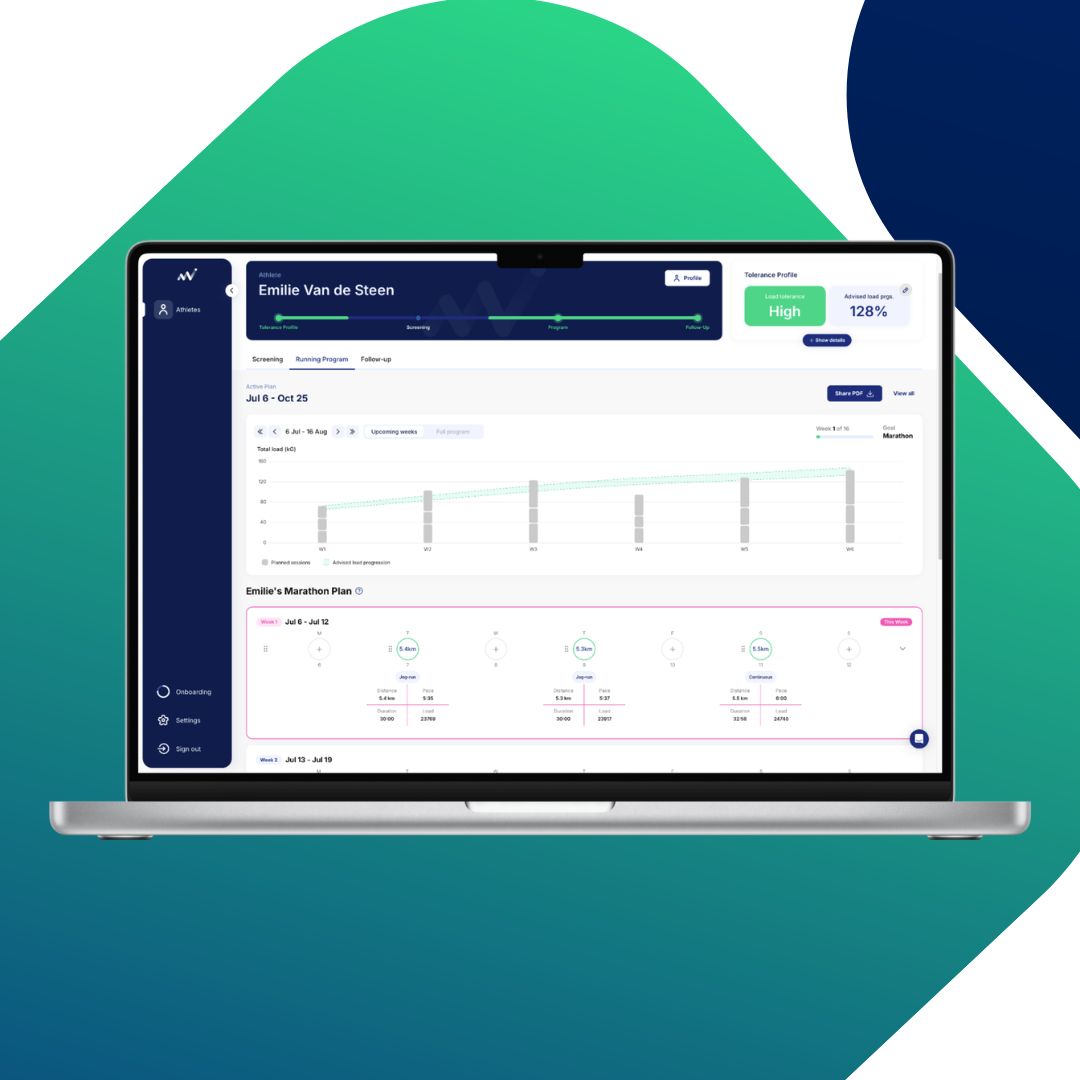
See how your training matches your plan
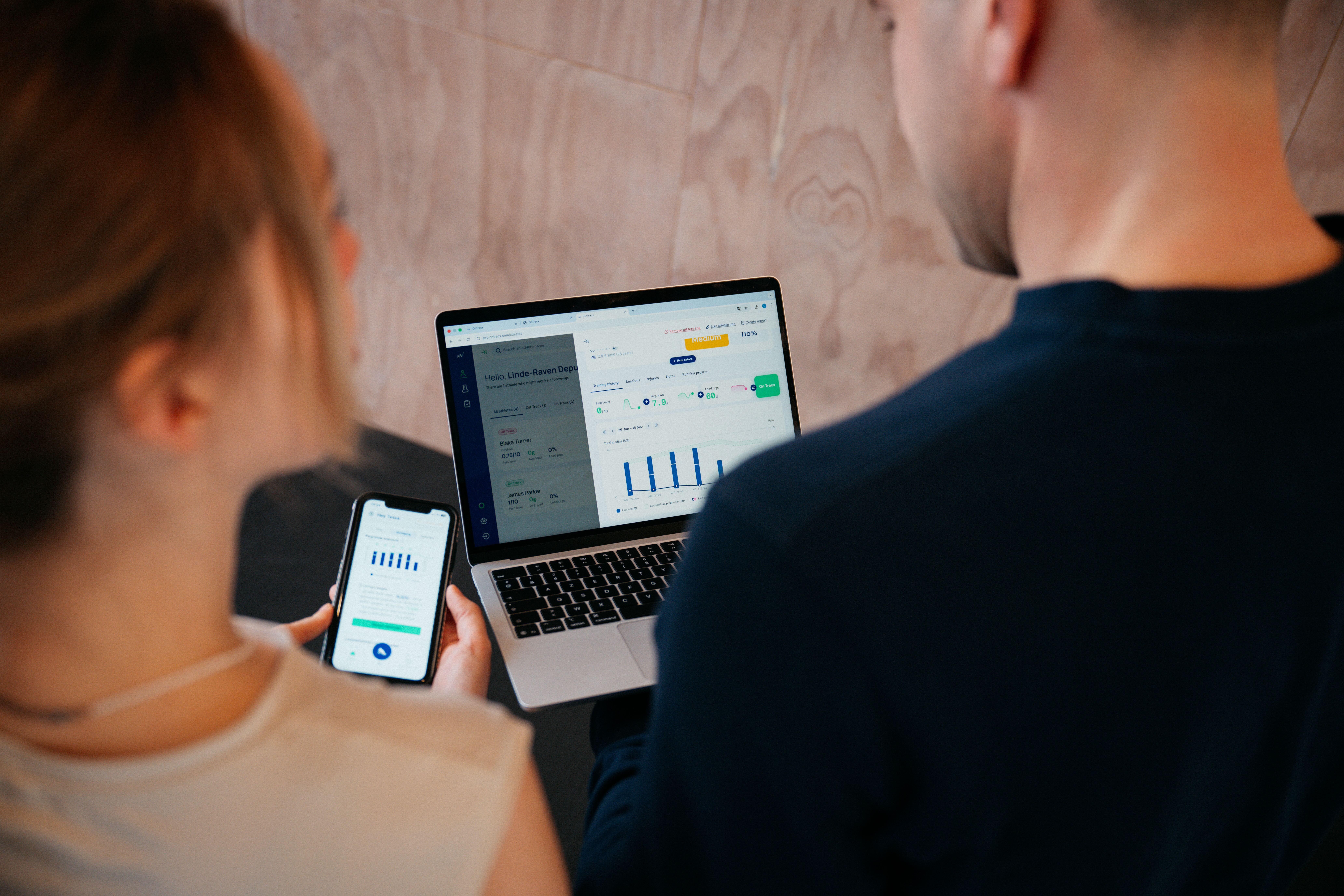
On the Plan tab, you can now see how closely your completed runs matched your plan. That gives you an honest picture of your consistency and helps you spot when your training starts drifting away from what you intended.
Runs that weren't part of your plan, like a spontaneous run with friends, also show up on your calendar. That way, your overview reflects all the running you actually do, not just the planned sessions.
Prefer running with your watch? You can now send your training schedule straight to your Garmin watch, so your planned workouts are ready wherever you train.
.png)
A new live run view: map first, more insight
The live run screen has been redesigned for outdoor runs. Your run stats now sit in a compact, collapsible widget that floats over an interactive map. On that map, your GPS route is colored by your live training load, so you can see exactly where on your route your effort builds up, whether that's a steep climb or a faster stretch.
We've also added three new live metrics alongside your existing stats:
- Pace, to keep your speed in check
- Elevation, to understand how hills affect your effort
- Cumulative load %, to follow how much load you've built up during the run
Together, they help you manage your effort in real time instead of finding out after the run that you went too hard.
Running on a treadmill? You keep the familiar full-screen layout and get the same new metrics.
.png)
Understand what drives your running load
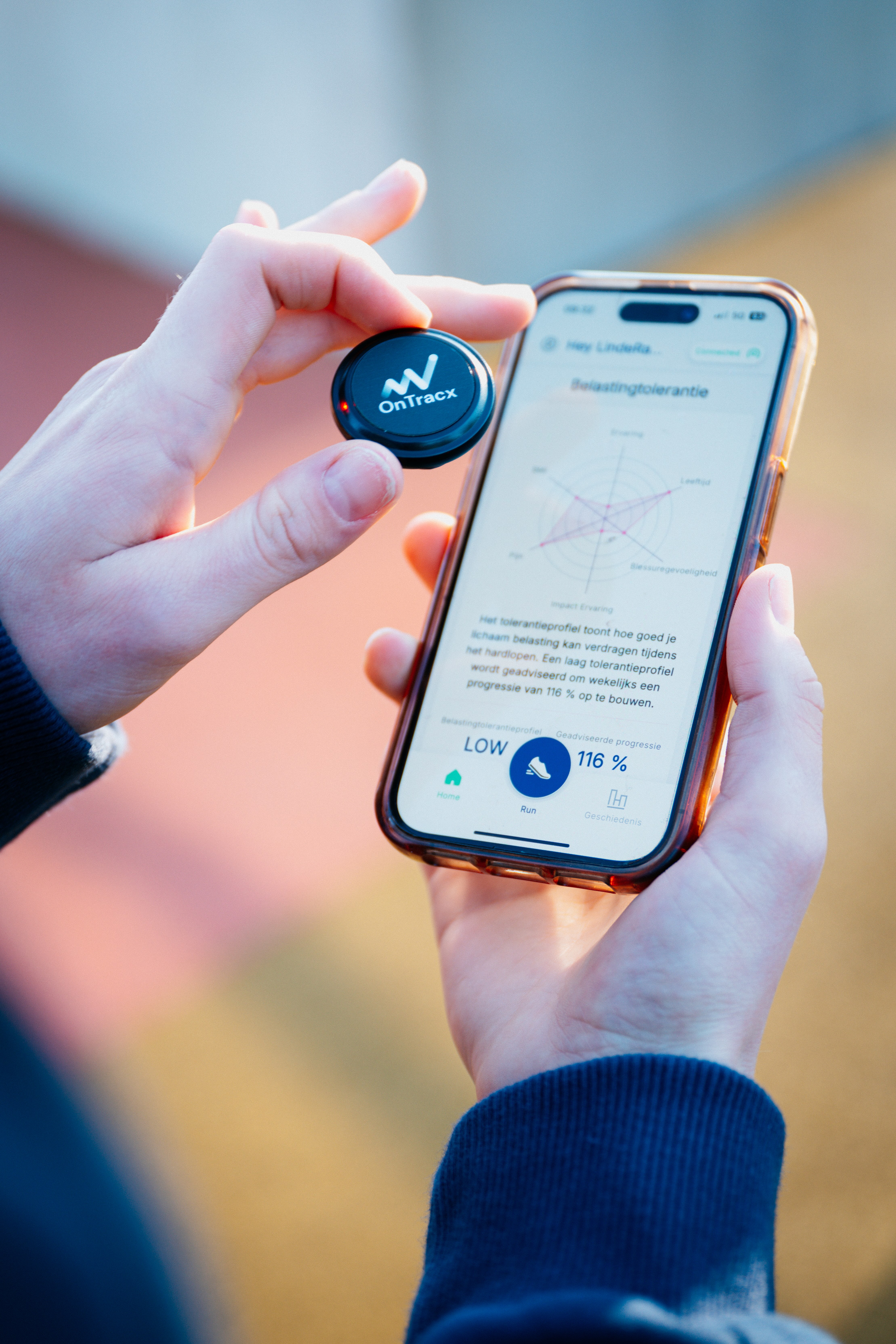
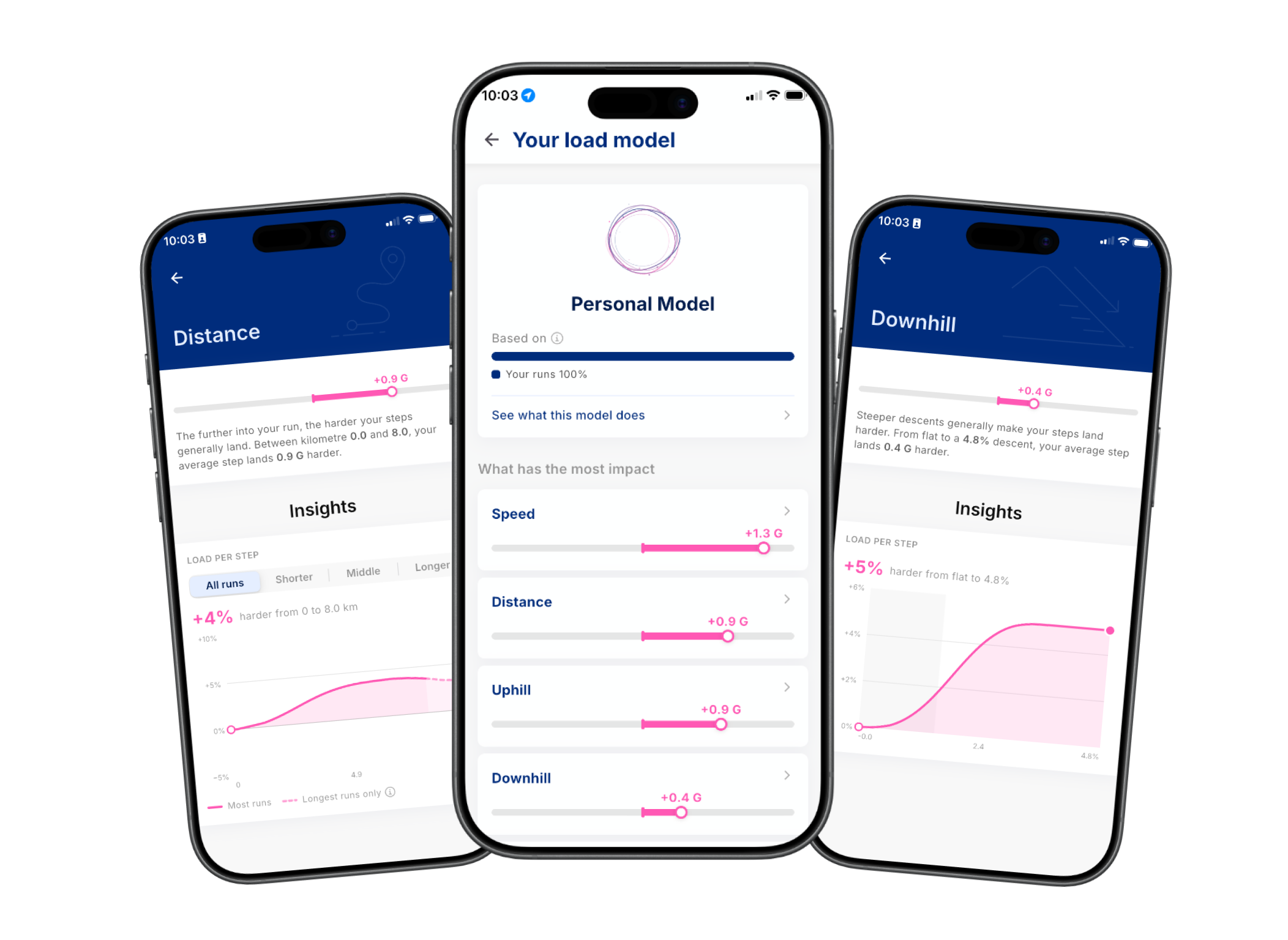
Every runner responds differently to training. That's why OnTracx now gives you a personal insights of what drives your running load: pace, cadence, hills, distance and your shoes.
This helps you understand which choices actually make a difference for your body. Maybe hills add more load than you expected, or a small change in pace matters more than an extra kilometer. With that insight, you can adjust your training in a way that fits you.
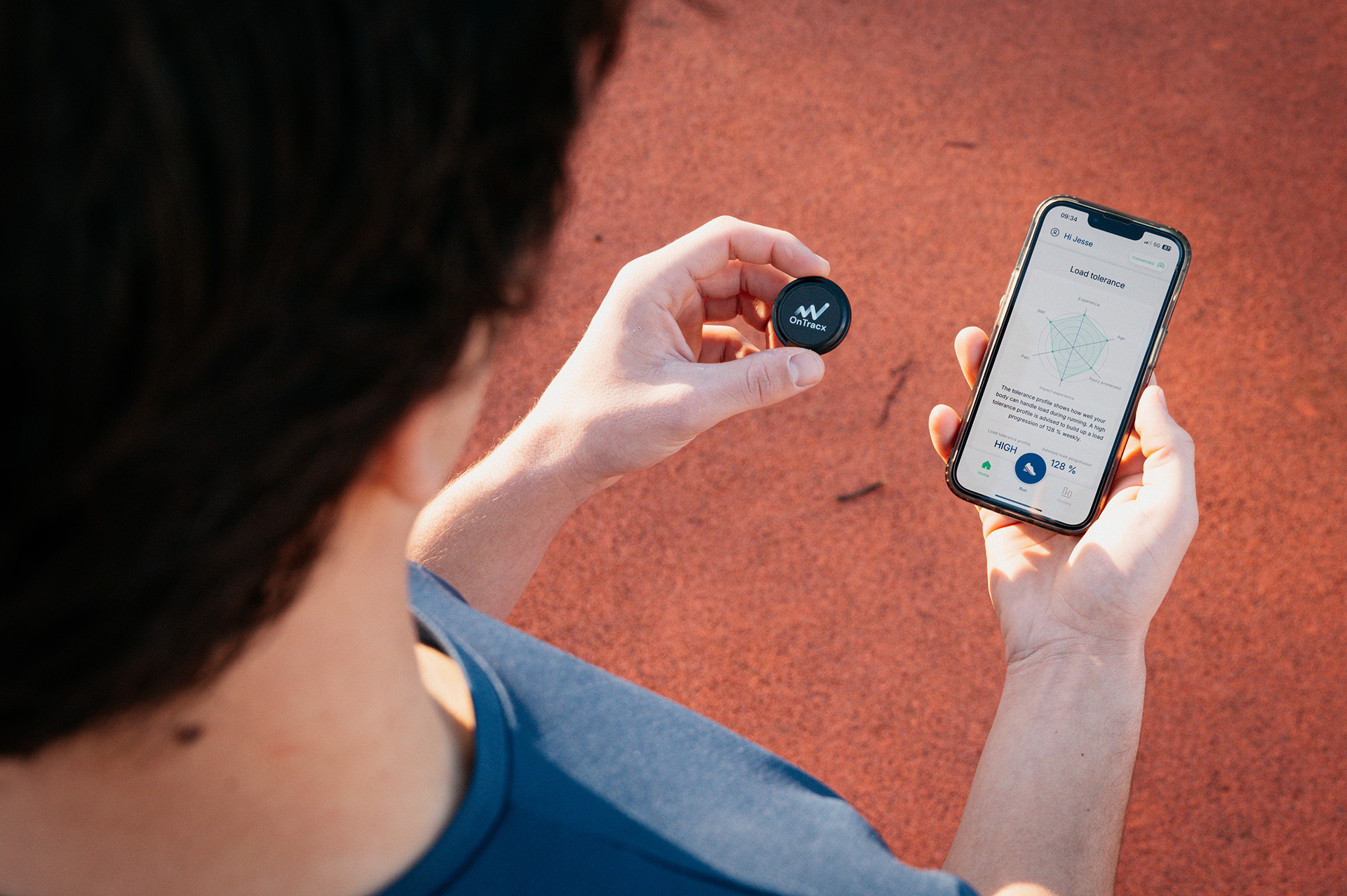
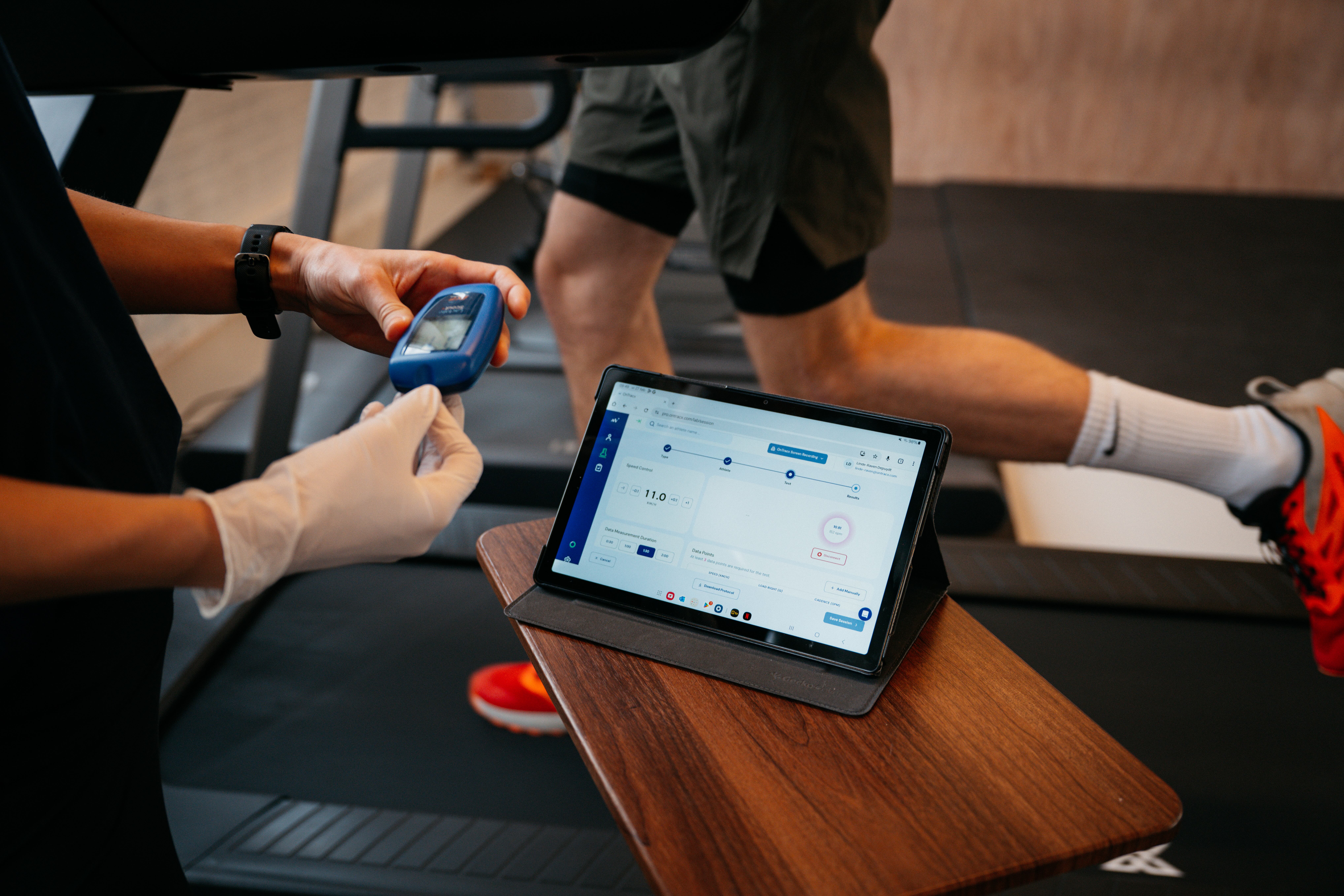
While the app is still getting to know you, these values are shown in gray as early estimates. They become more personal as you log more runs. If you run with the OnTracx sensor, you get a load model built entirely around you.
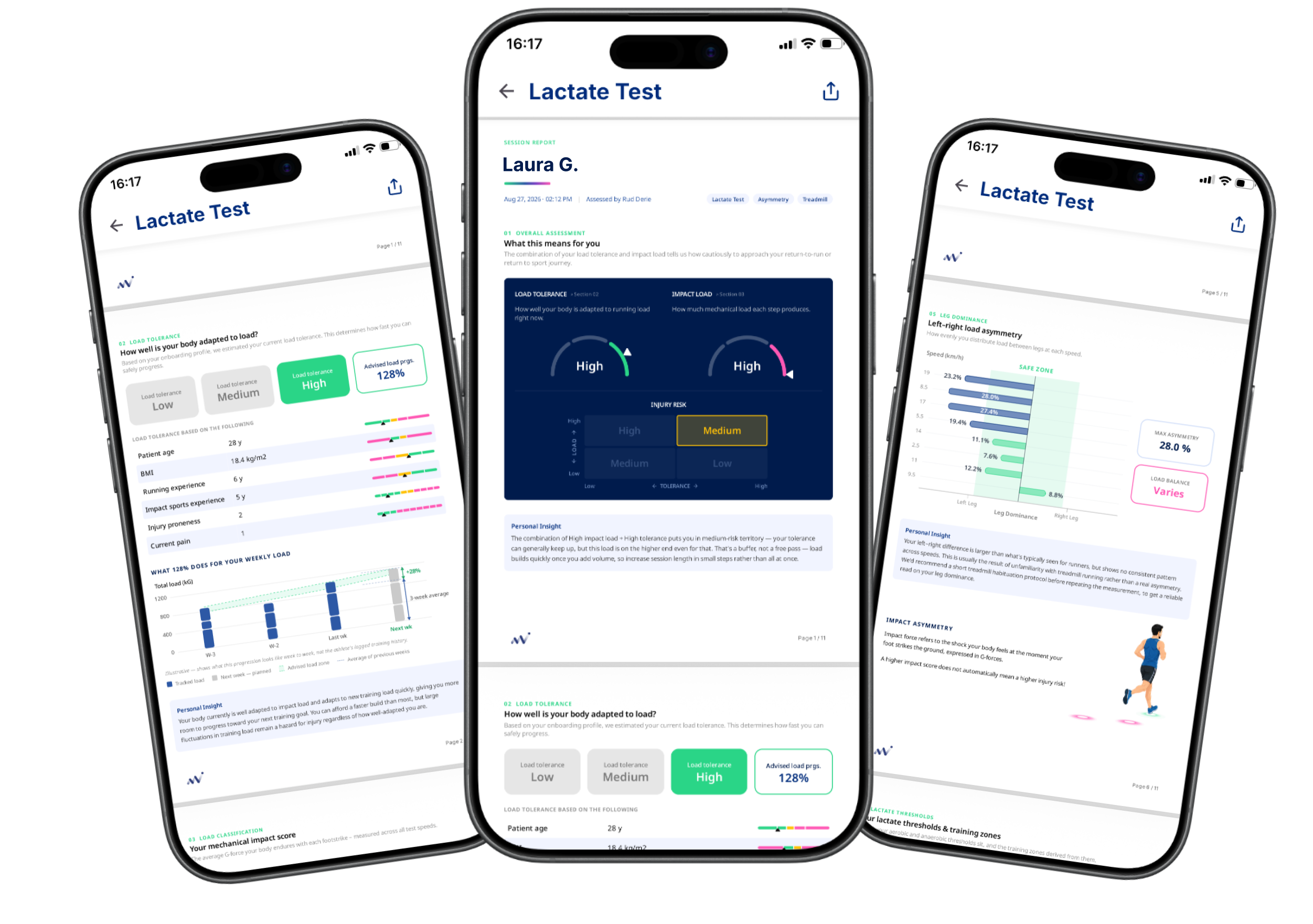
Your screening report, right in the app
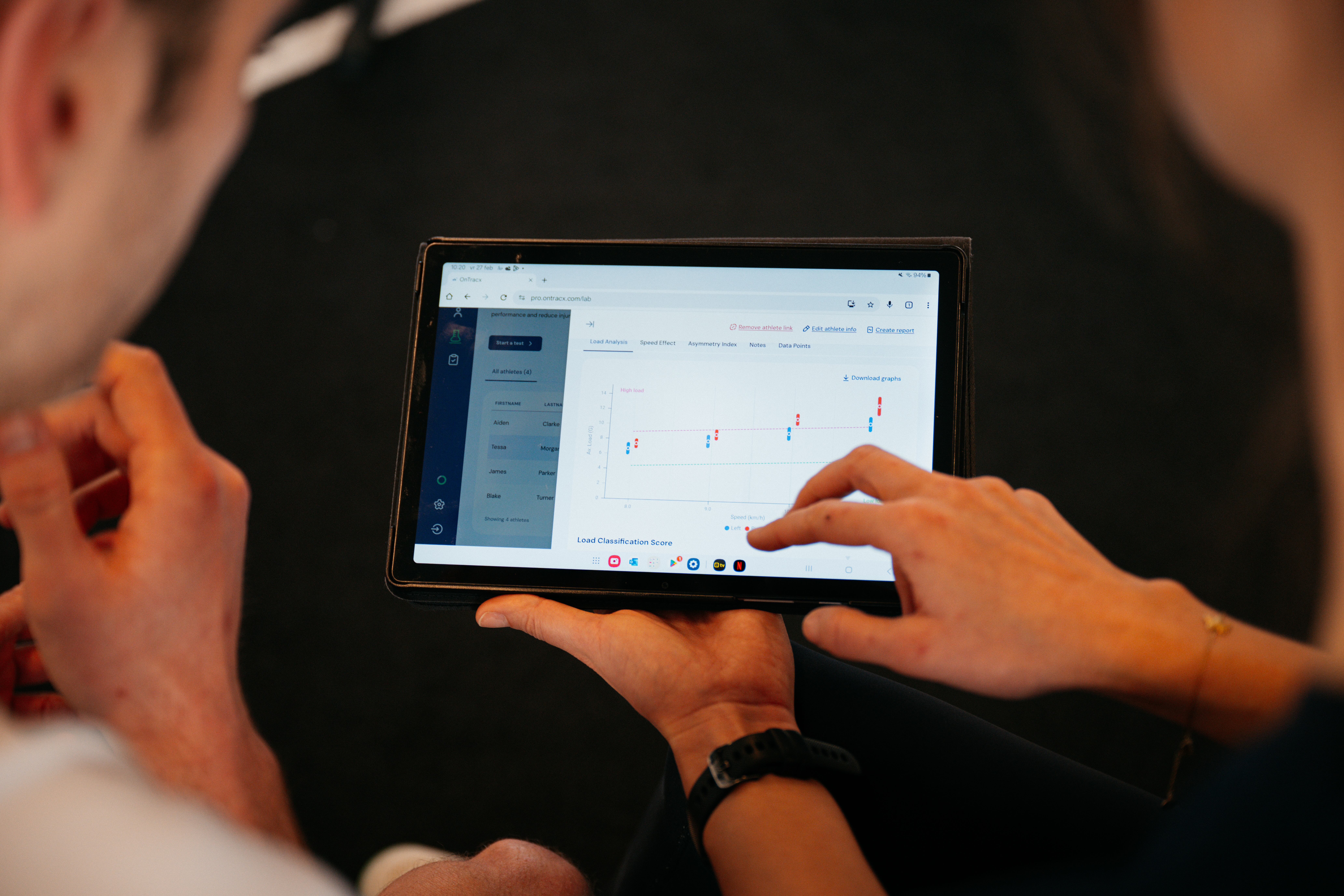
Did you complete a running screening? Your screening report is coming to the OnTracx app, so you can revisit your results whenever you need them instead of searching for a PDF.
The report translates your screening data into clear, practical guidance for your training, including:
Your overall injury risk, based on the combination of your impact load and your load tolerance
- Your overall injury risk, based on the combination of your impact load and your load tolerance
- Your load tolerance, and how much you can safely increase your weekly training
- Your impact load, compared to other runners at a similar pace
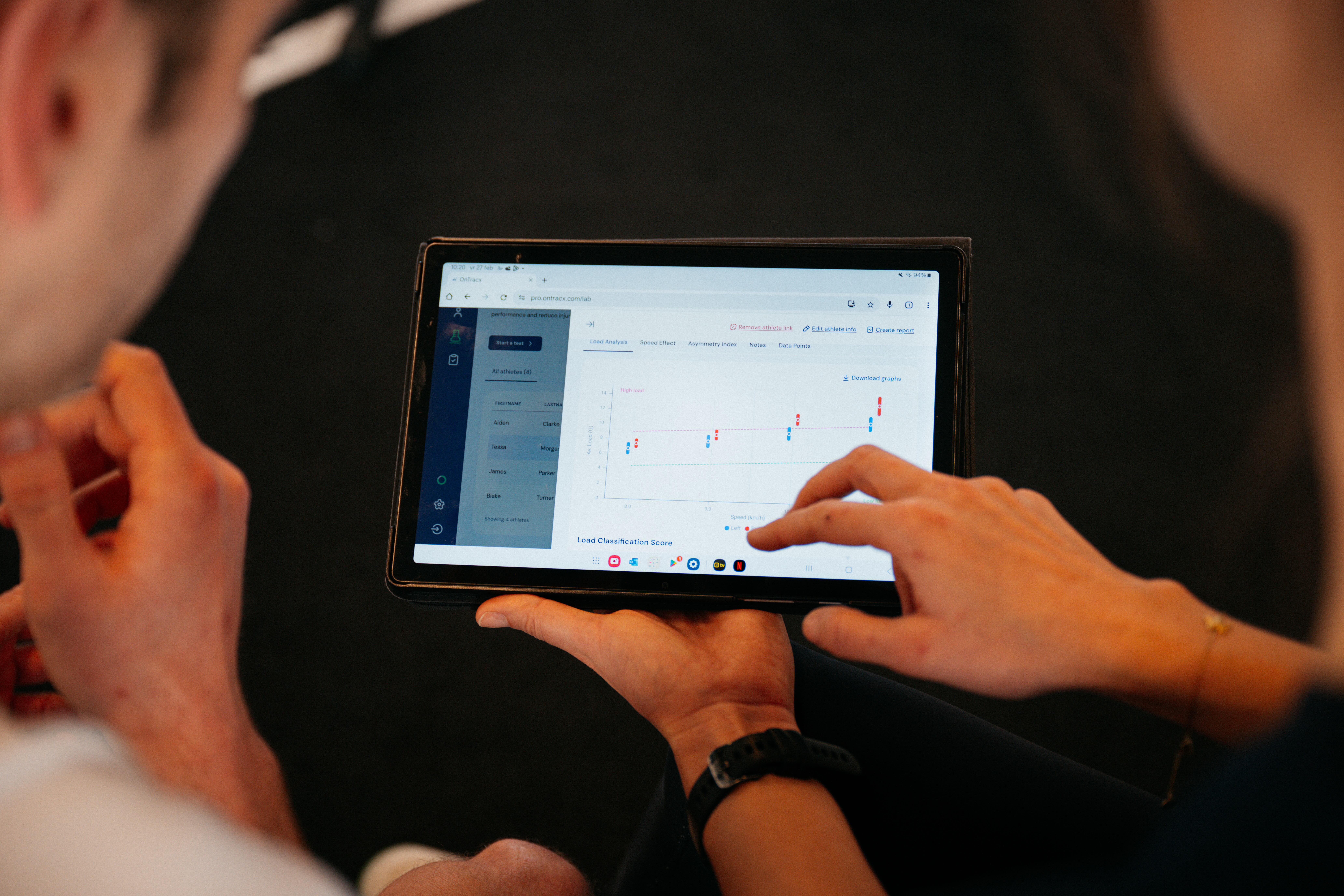
- Your loading pattern, which shows how your load changes as you speed up, with a real-world example of what running faster costs your body
- Your leg dominance, which shows how load is distributed between your left and right leg
- A summary with key takeaways, plus notes from the expert who did your screening
The insights in your report are data, not a diagnosis. They're meant to help you make better training decisions and, where relevant, have a more informed conversation with your coach or therapist.
Don’t want to miss a single update?
Want to stay up to date on what's new in OnTracx? Sign up for our monthly newsletter and be the first to hear about new features, improvements and tips to get even more out of your training.
.jpg)
.jpg)


.png)







%20(3).avif)
%20(4).avif)


.jpg)