Go back to all insights

Smarter exercise testing with heart rate and notes
16
/
10
/
2026
1
min read
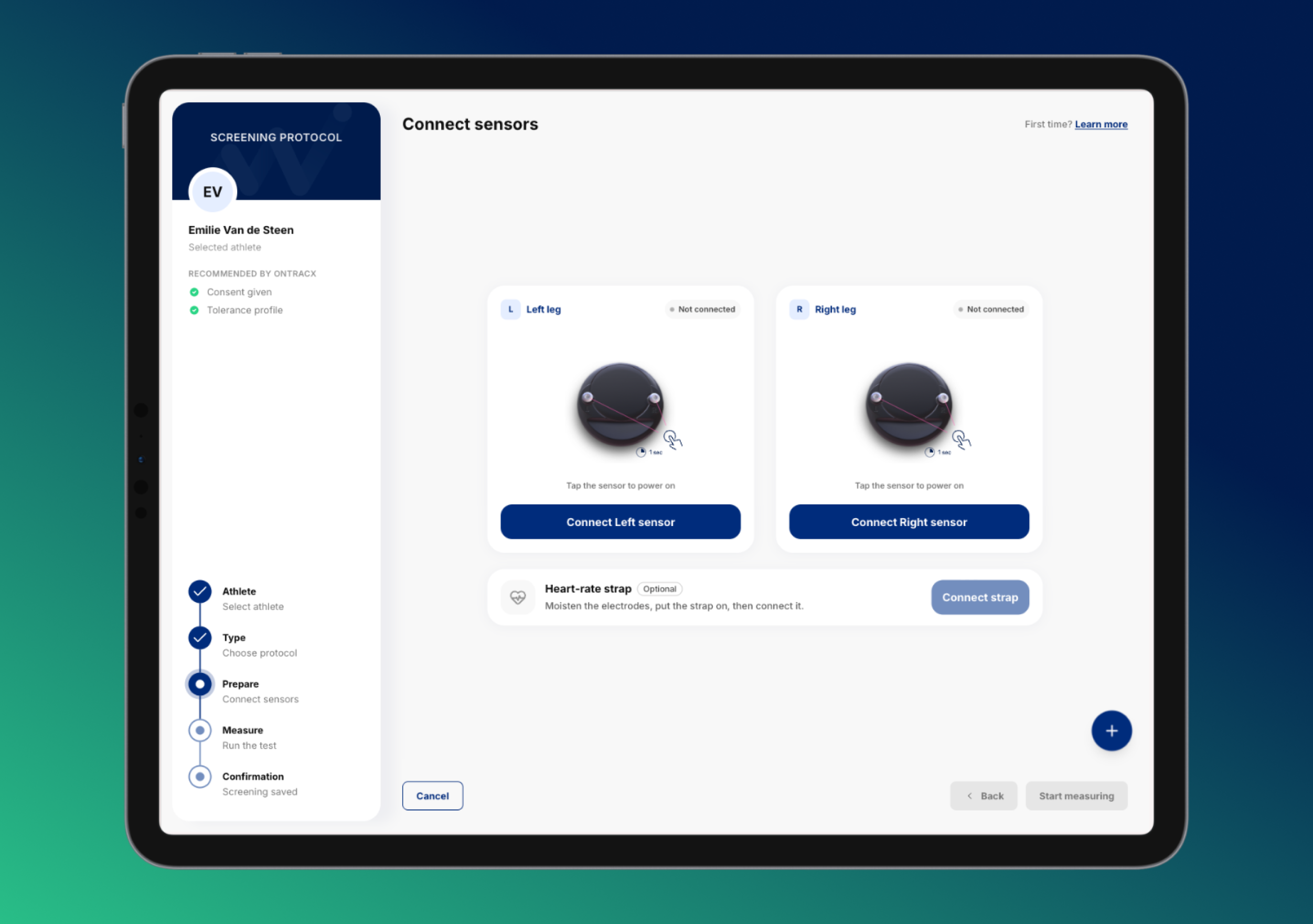
TABLE OF CONTENTS
Share
related content
%20(5).png)
.png)
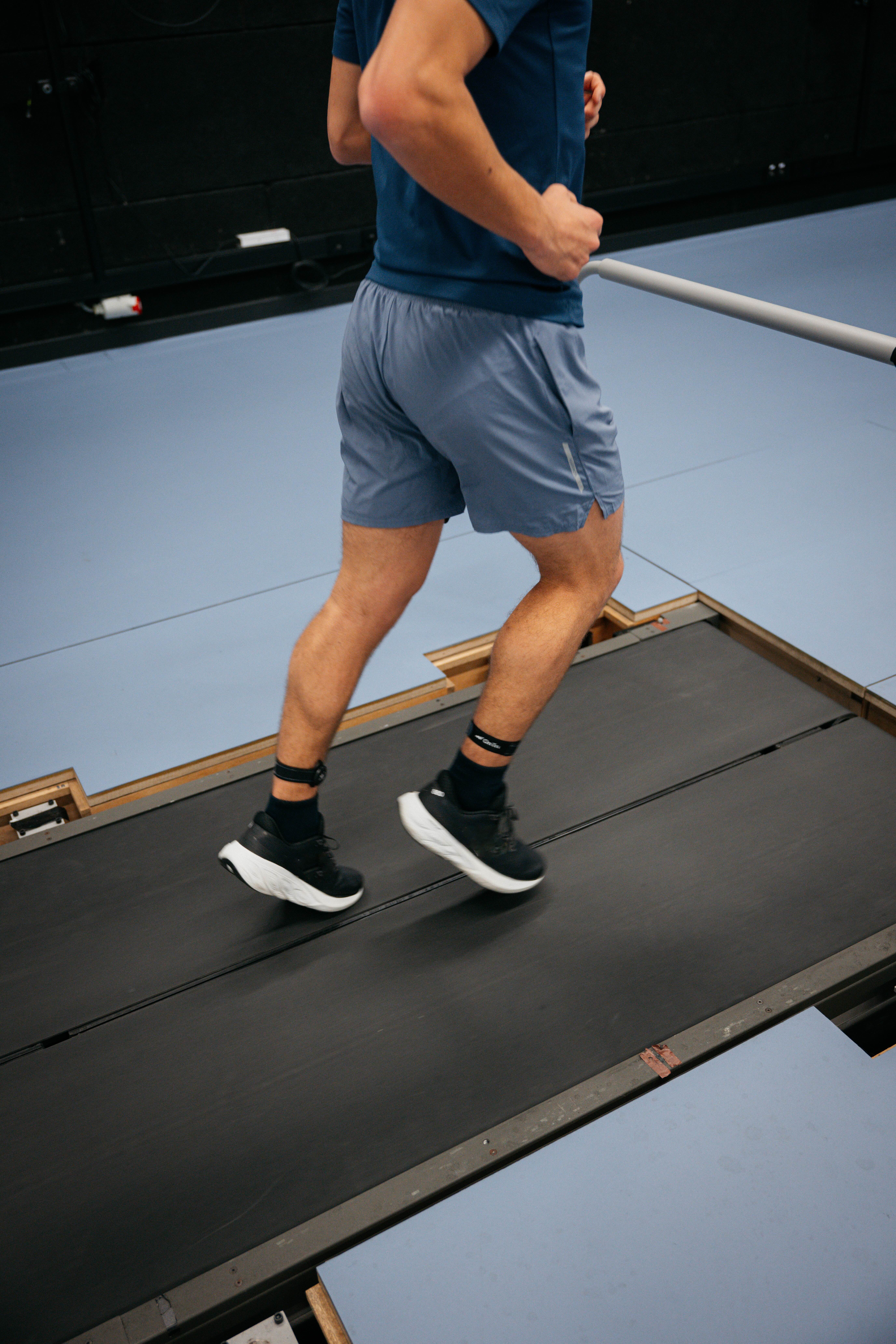
Running an exercise test just got easier. You can now connect a heart rate sensor directly to the exercise test module and add notes while you test, so everything you need is in one place.
Connect your heart rate sensor directly
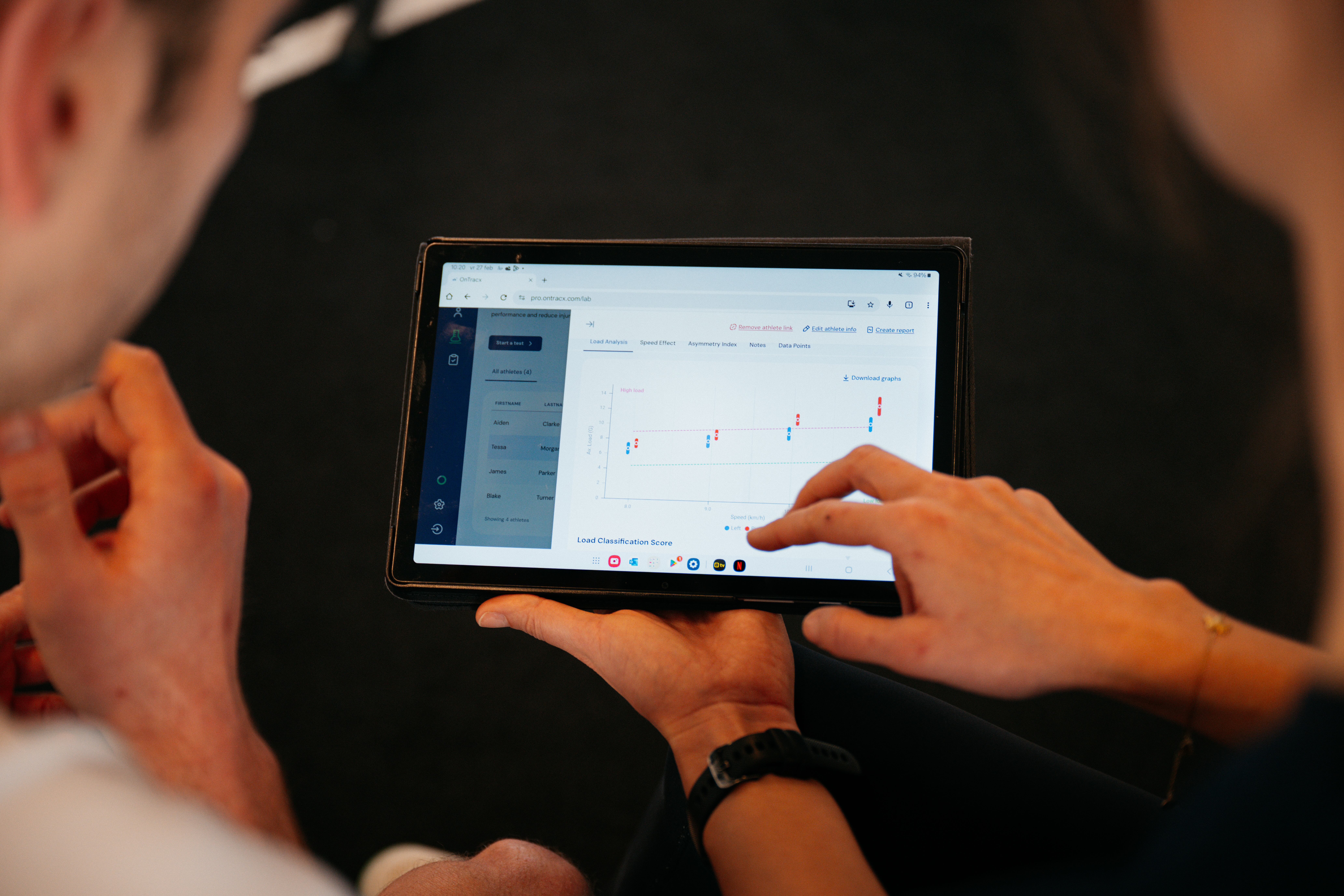
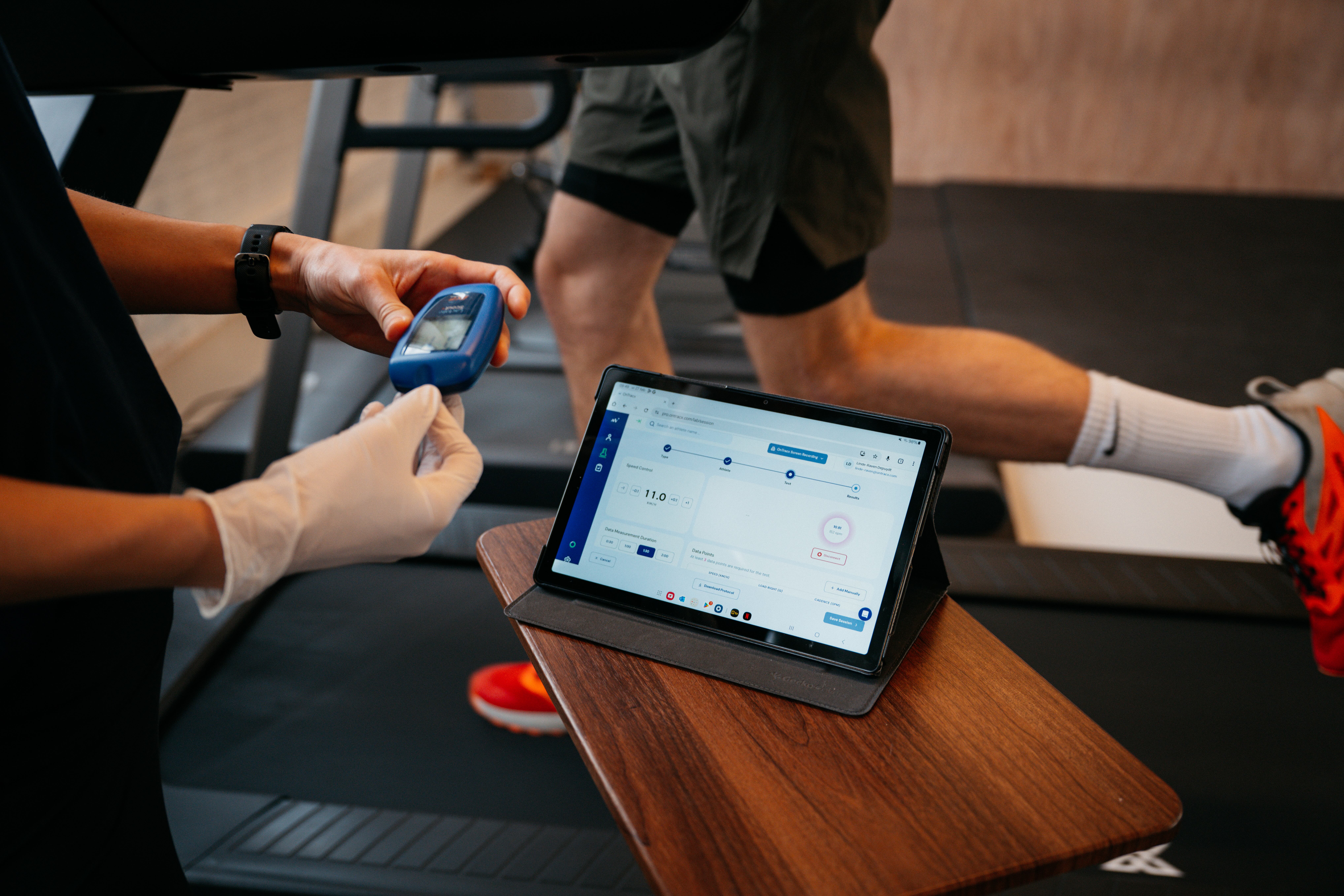
Connect a heart rate sensor straight to the exercise test module in the OnTracx web platform. Heart rate data comes in automatically during the test, so you no longer need a separate device or have to copy values over afterward.
%20(5).gif)
Add notes and update data points during the test
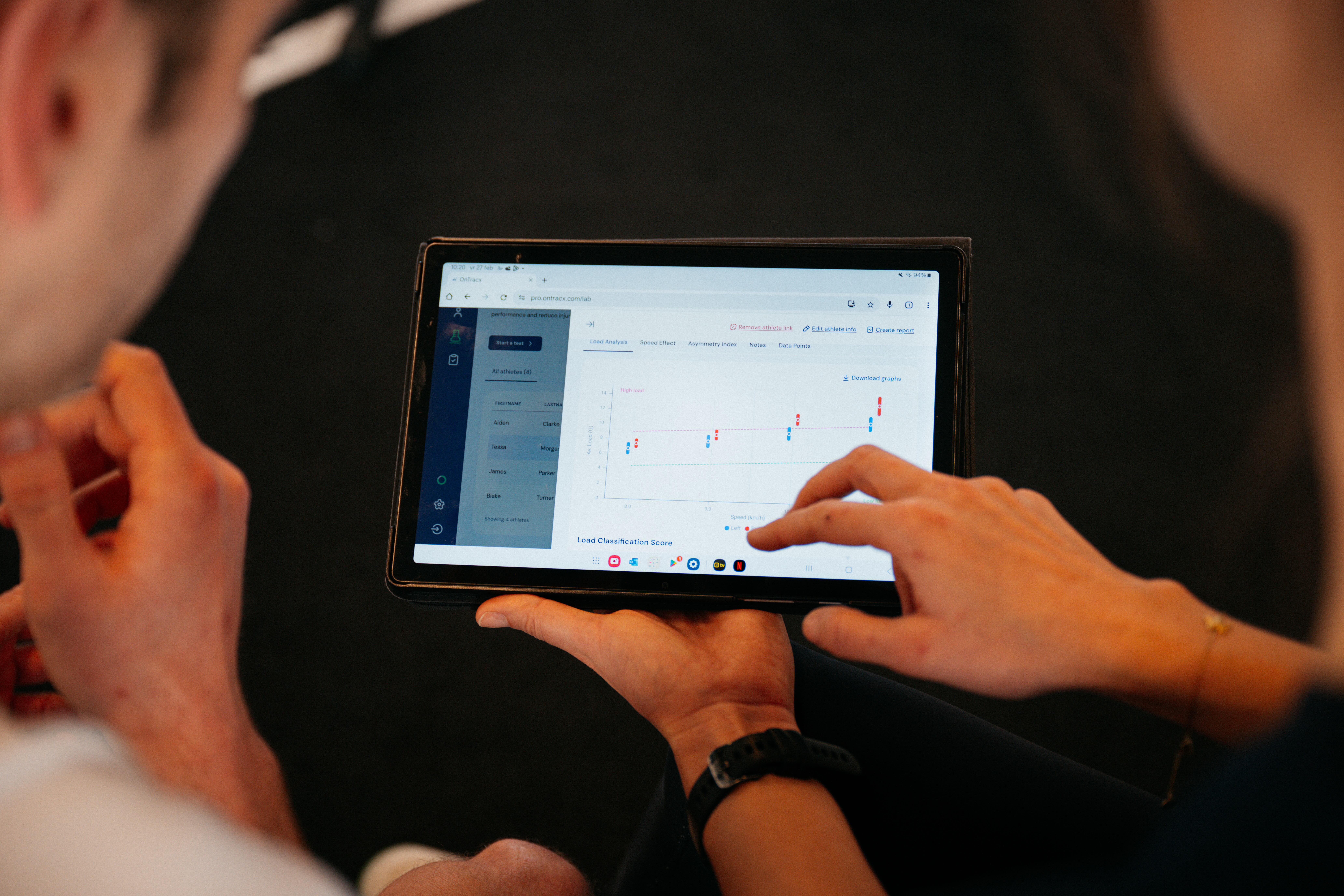
A new action button appears while you’re testing. Use it to type notes on the spot, such as how your runner feels or anything unusual you notice, and to update data points at any time. Your observations are captured the moment they happen, not reconstructed from memory once the test is over.
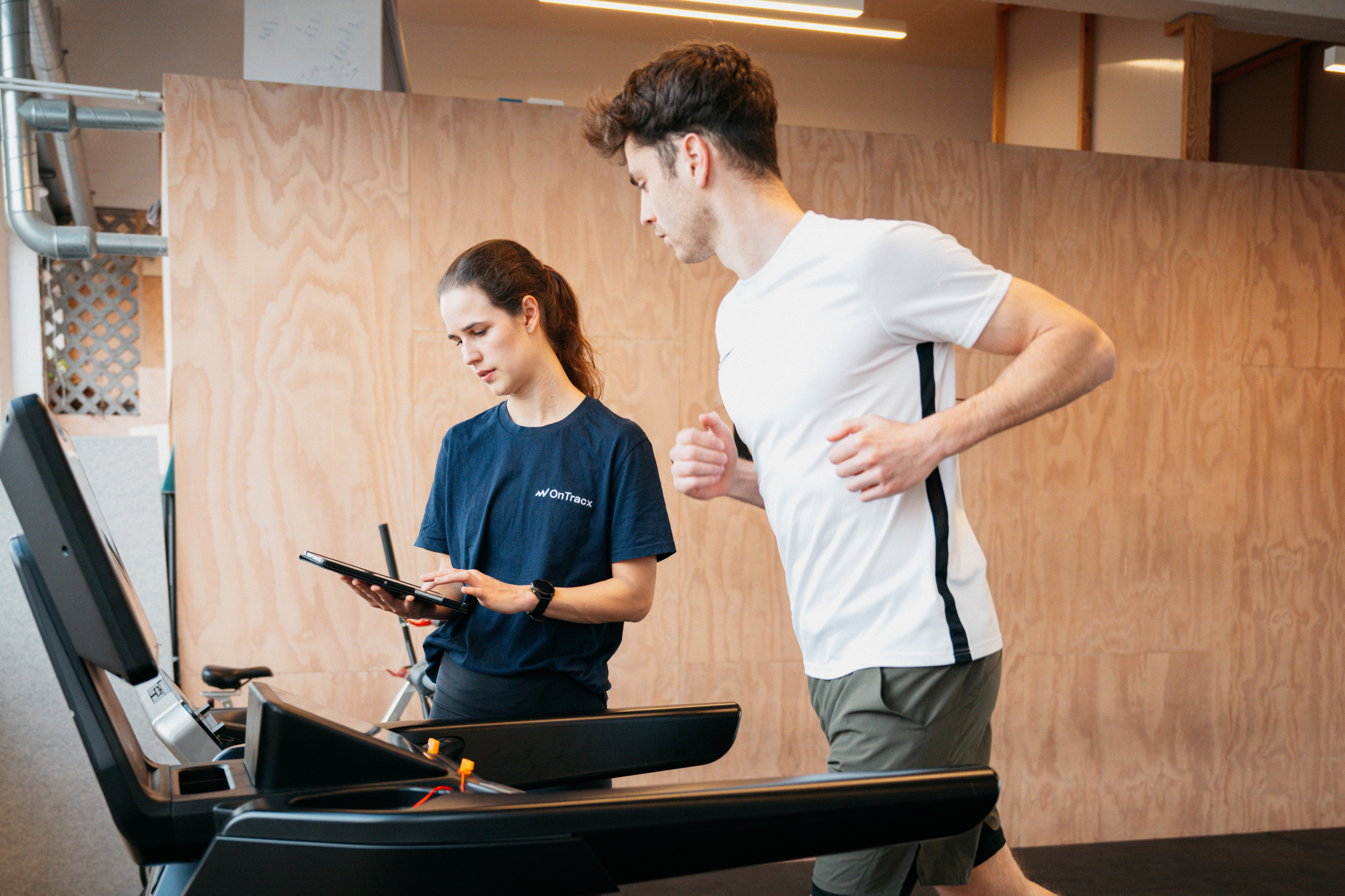
Less switching between devices, no paperwork afterward, and a complete test record right after your session. That means more time and attention for your runner, and less time on admin.

.jpg)
.jpg)









%20(3).avif)
%20(4).avif)


.jpg)