TABLE OF CONTENTS
Share
related content

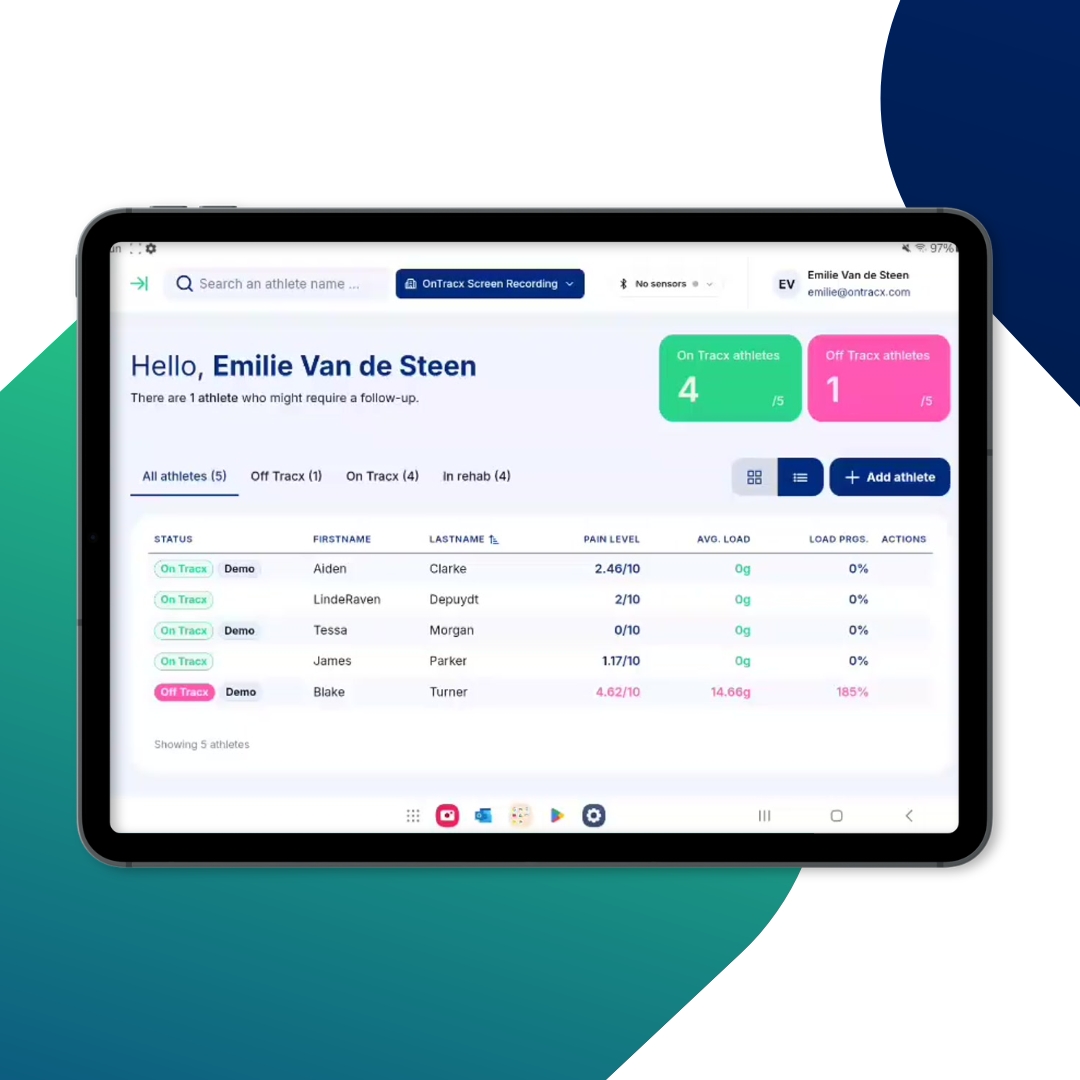
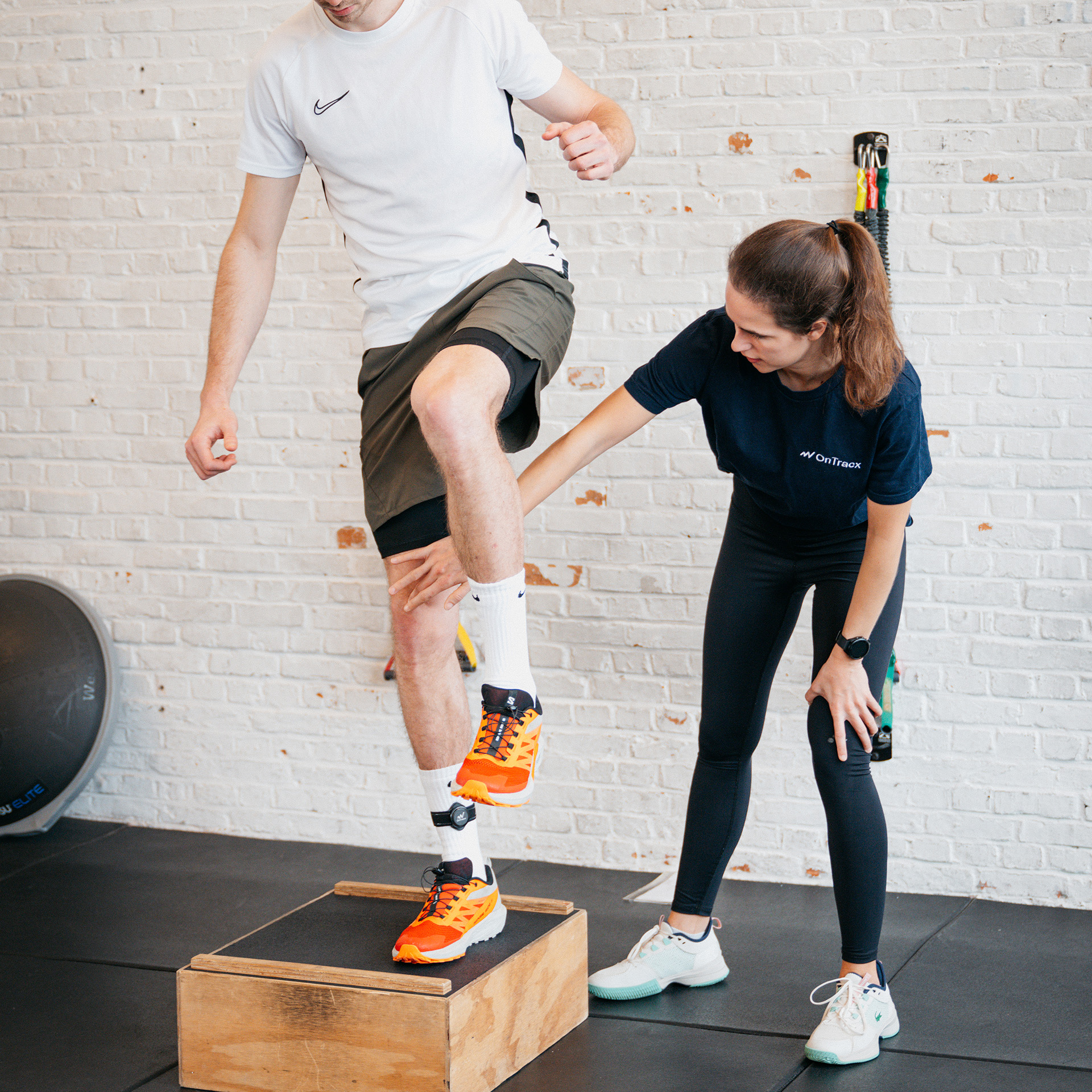
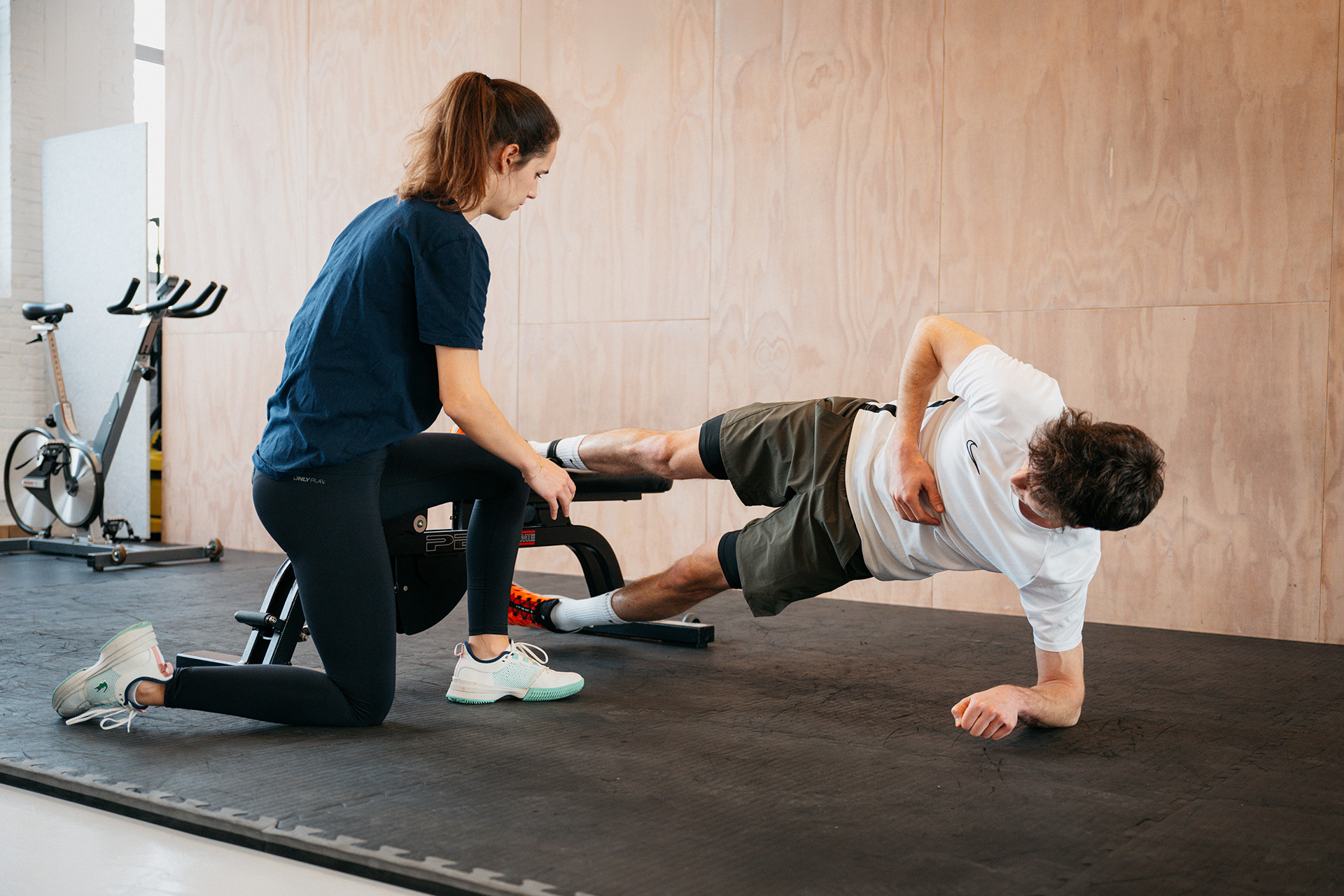
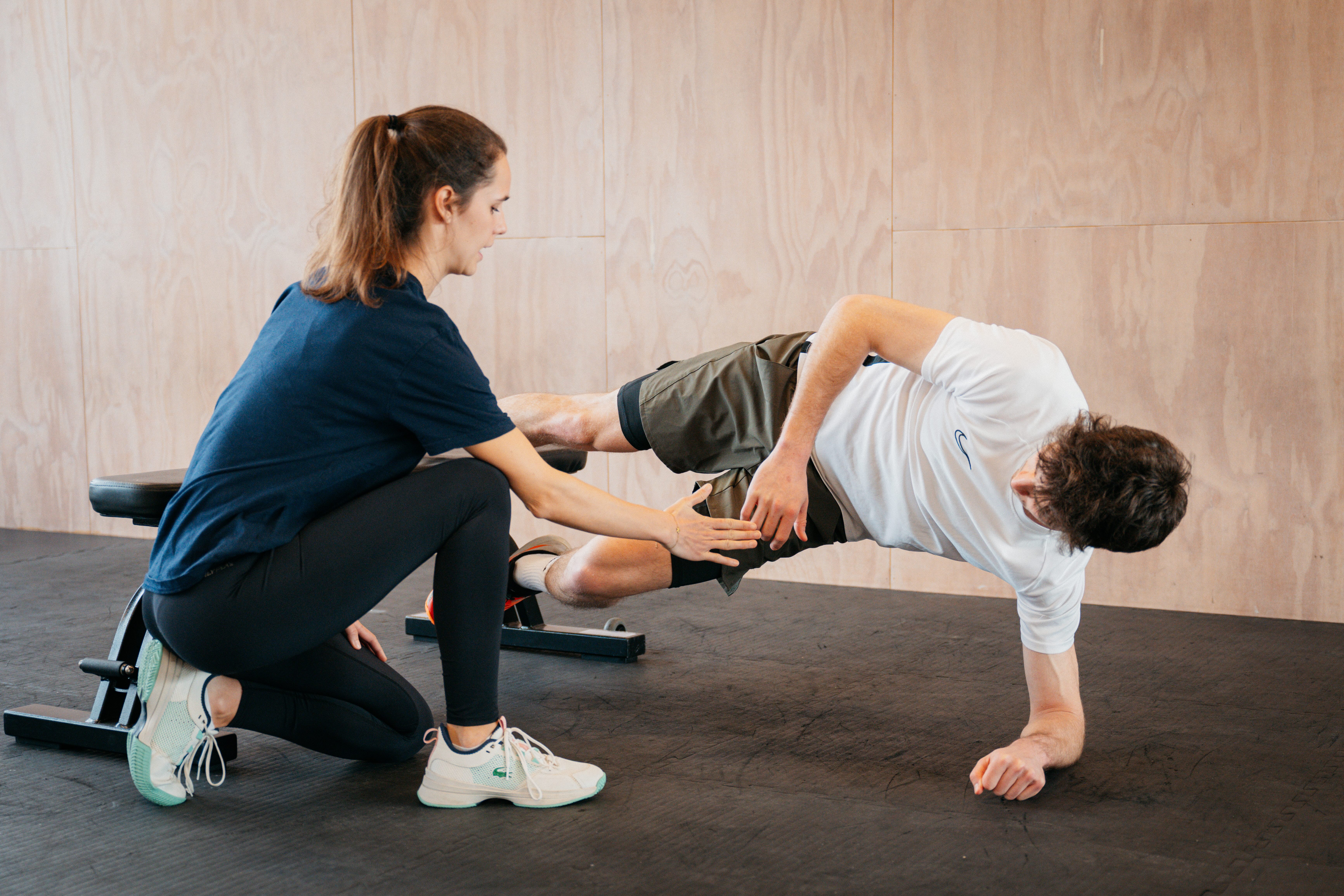
A runner's return to running doesn't happen through running alone. Strength, flexibility, and stability exercises play an important role in building capacity, supporting recovery, and preparing the body for the demands of running.
But managing running plans and exercise programs separately can make it harder to keep everything organized. Exercises end up in spreadsheets, PDFs, or separate apps, while running schedules live somewhere else.
Introducing the new OnTracx Exercise Module: a new way for experts to create personalized exercise programs, share them directly with runners, and follow up on completed sessions, all within the OnTracx platform.
Less time spent switching between tools. More room to focus on what matters: guiding each runner through a confident comeback.
Everything you need to build personalized exercise programs
The new Exercise Module gives you the flexibility to create exercise programs that fit each runner's needs, without having to start from scratch every time.
Start with a library of exercises
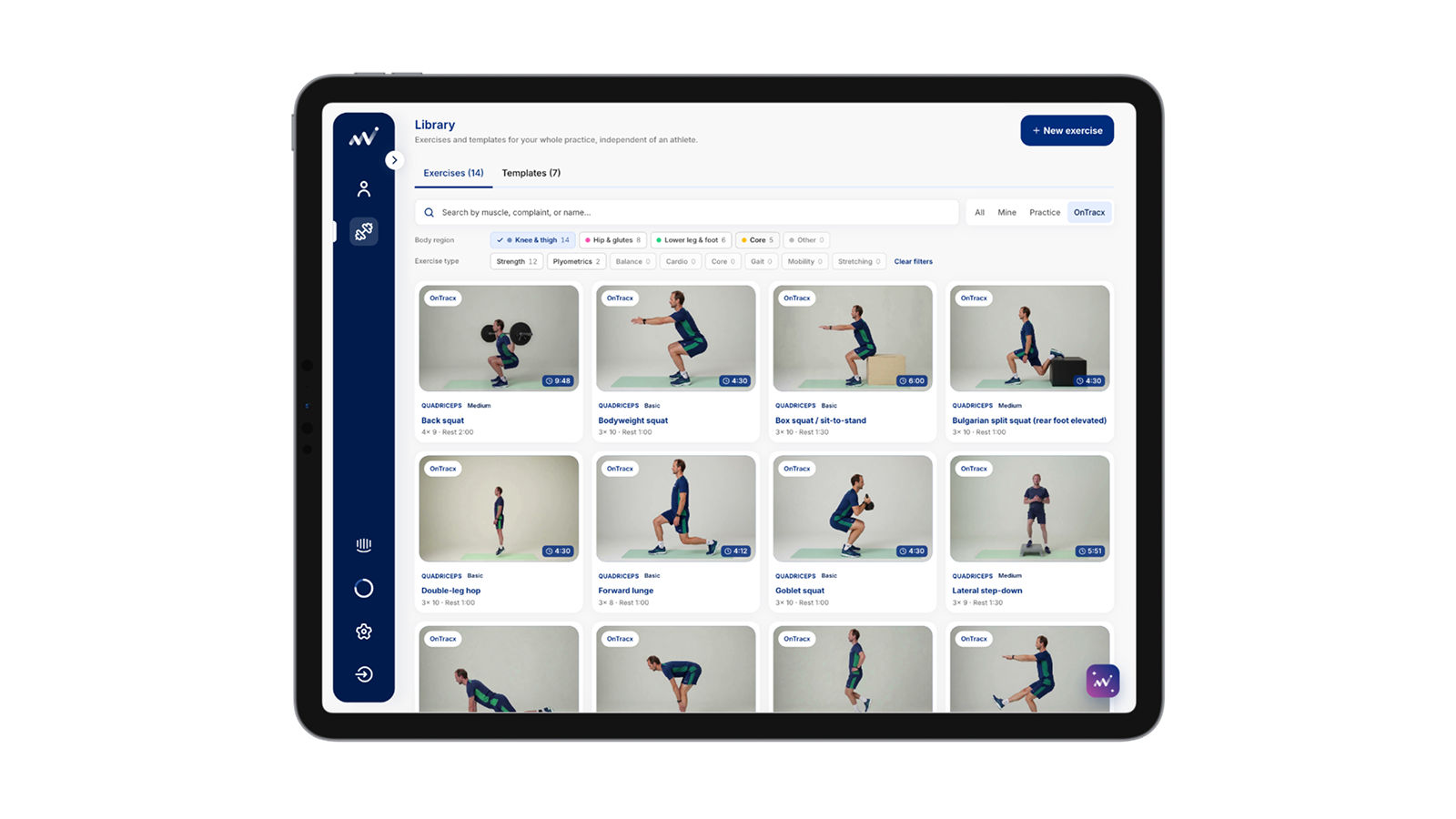
Get started with around 40 exercises in the OnTracx Library, covering different body regions and exercise types. Use the filters to quickly find what you need, from strength and stability to flexibility, mobility, balance, and plyometrics.
And you're not limited to the exercises we provide. You can also build your own collection:
- OnTracx Library: Ready-to-use exercises provided by OnTracx and available to all experts.
- Practice Library: A shared collection of exercises created for your practice, accessible to your colleagues.
- My Library: Your personal collection of exercises, accessible only to you.
“This means you can build a library that reflects your expertise and your way of working, while making it easier to reuse exercises across programs.”
Make every program personal
Every runner has different needs, goals, and training demands. Your exercise programs should reflect that.
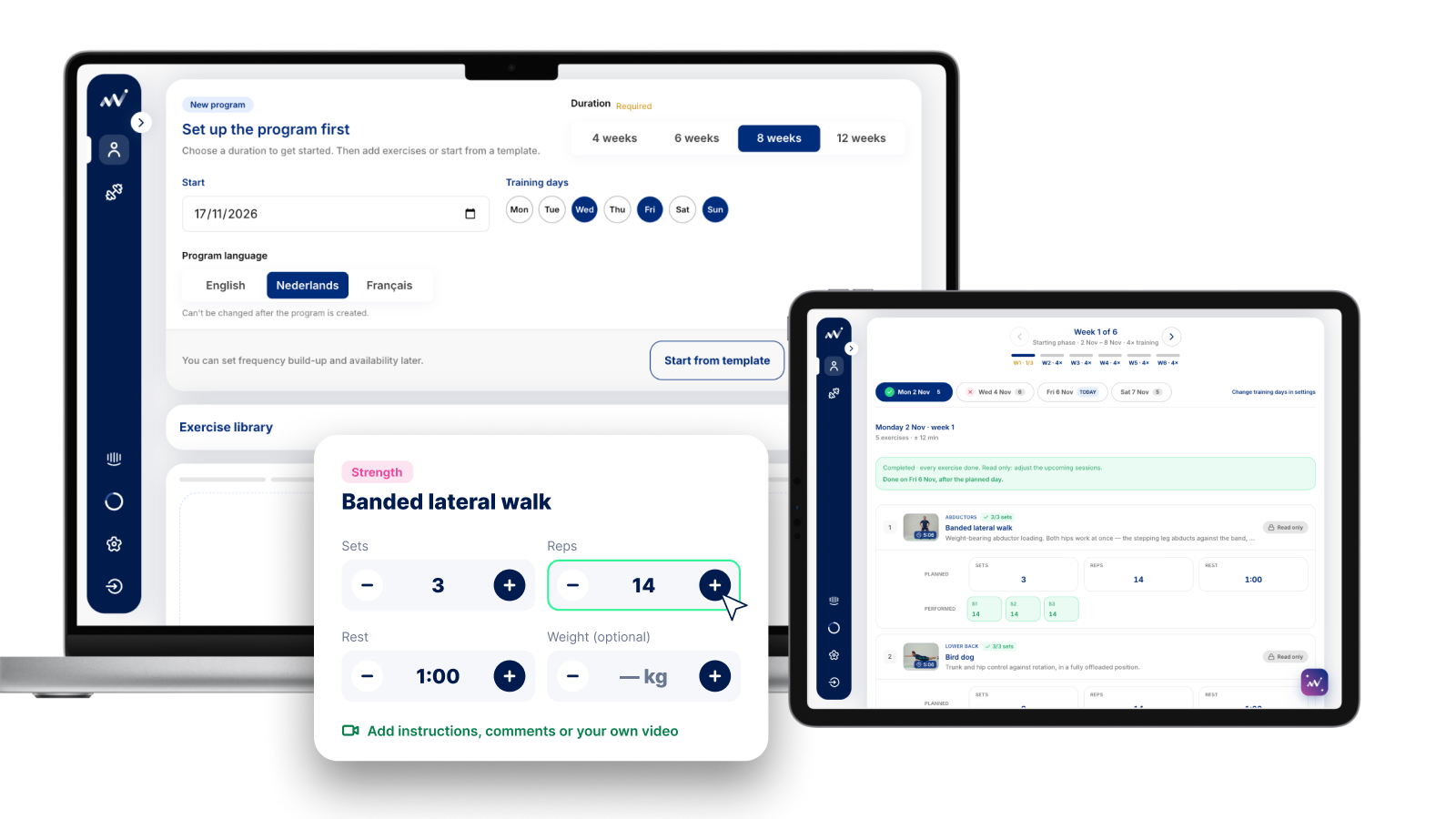
Create a program directly from a runner's profile and tailor it to their individual needs. Choose the program duration, start date, training days, and language, then build a weekly schedule around the exercises that make sense for that runner.
You stay in control of the details. Adjust the number of sets, repetitions or duration, recovery time, and optional weight for each exercise. You can also add your own instructions, comments, or exercise videos, giving runners guidance that goes beyond a standard exercise description.
Your expertise shapes the program. The platform makes it easier to put that plan into practice.
Keep your running and strength plans connected
Running and strength training are both part of the bigger picture. With the Exercise Module, you no longer need to manage them in separate tools.
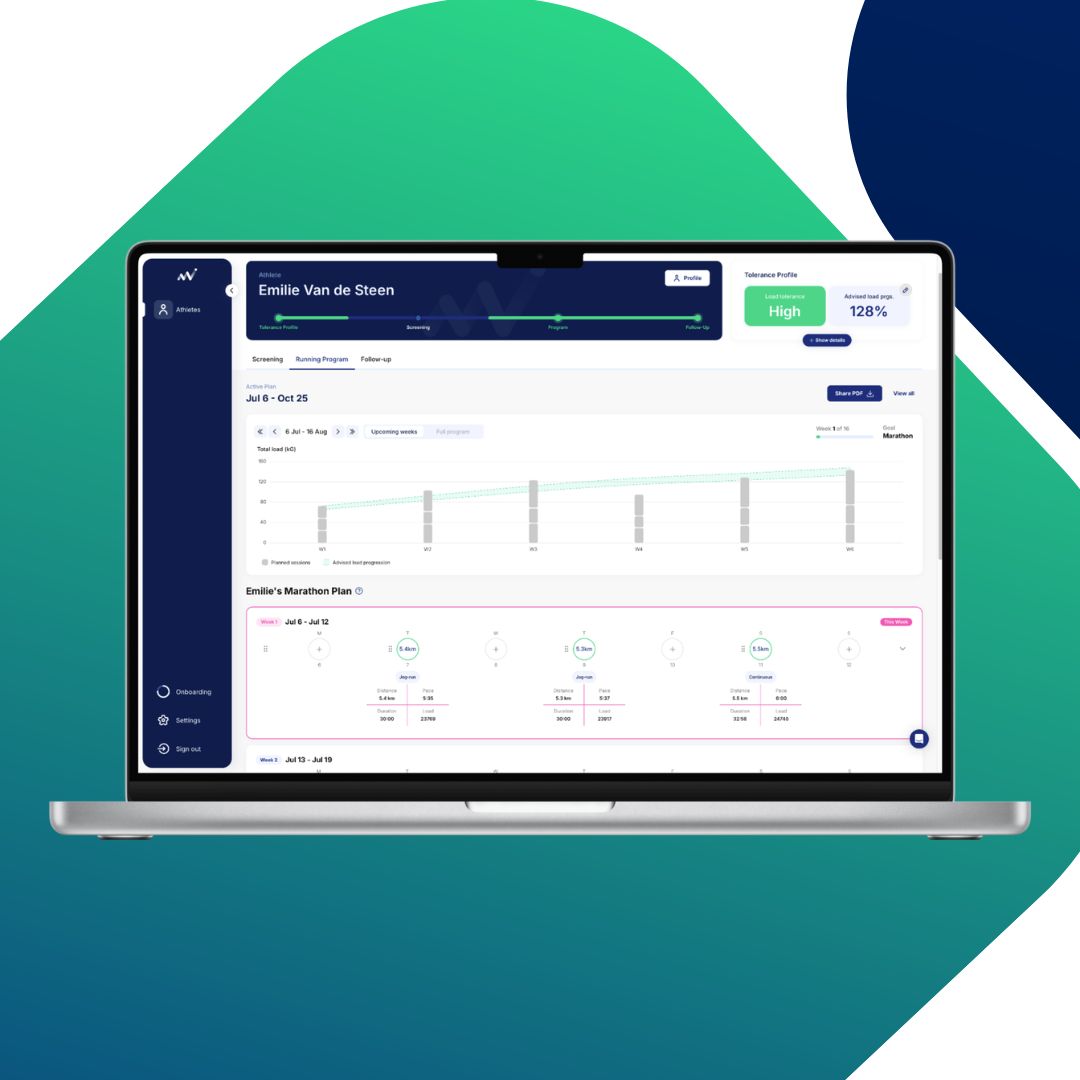
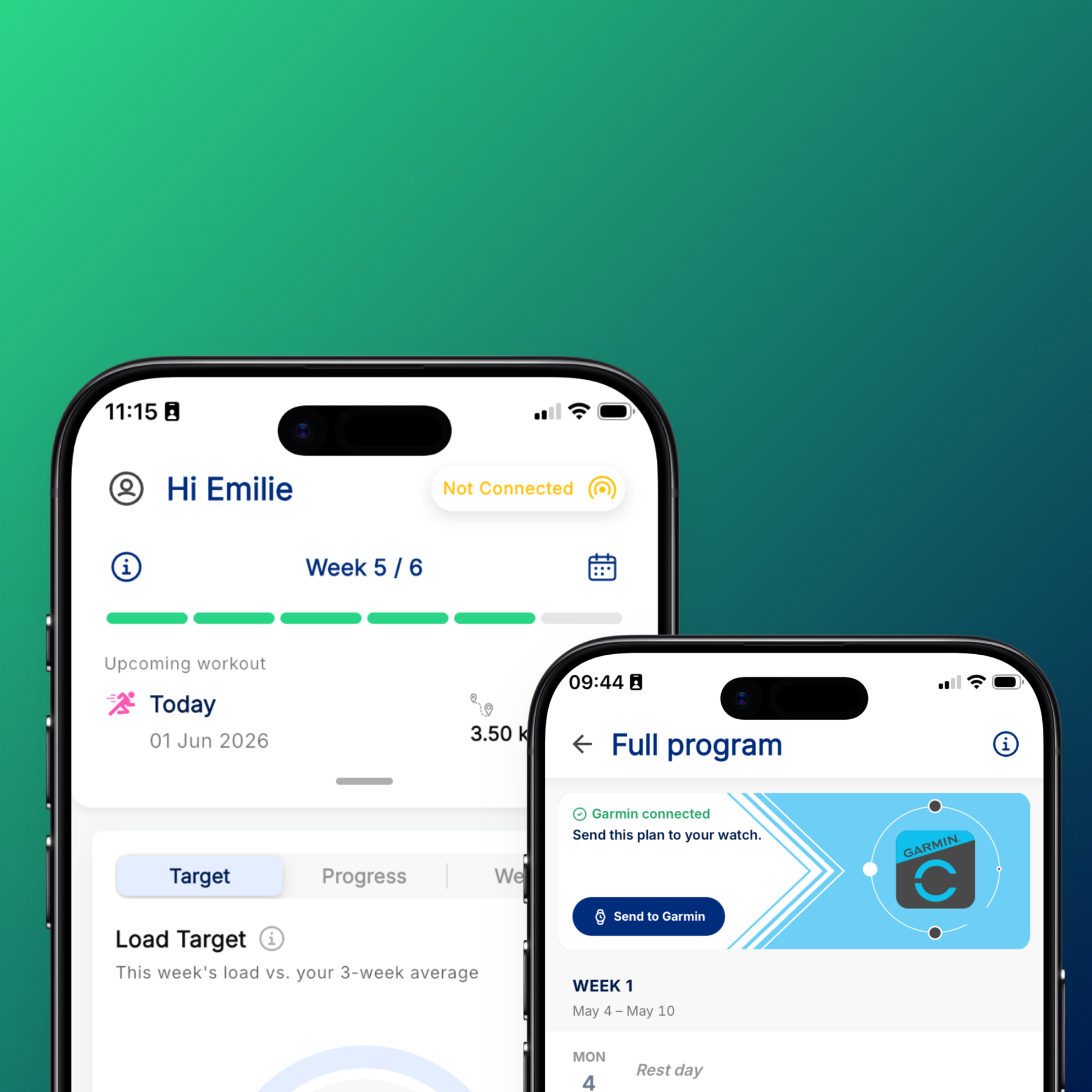
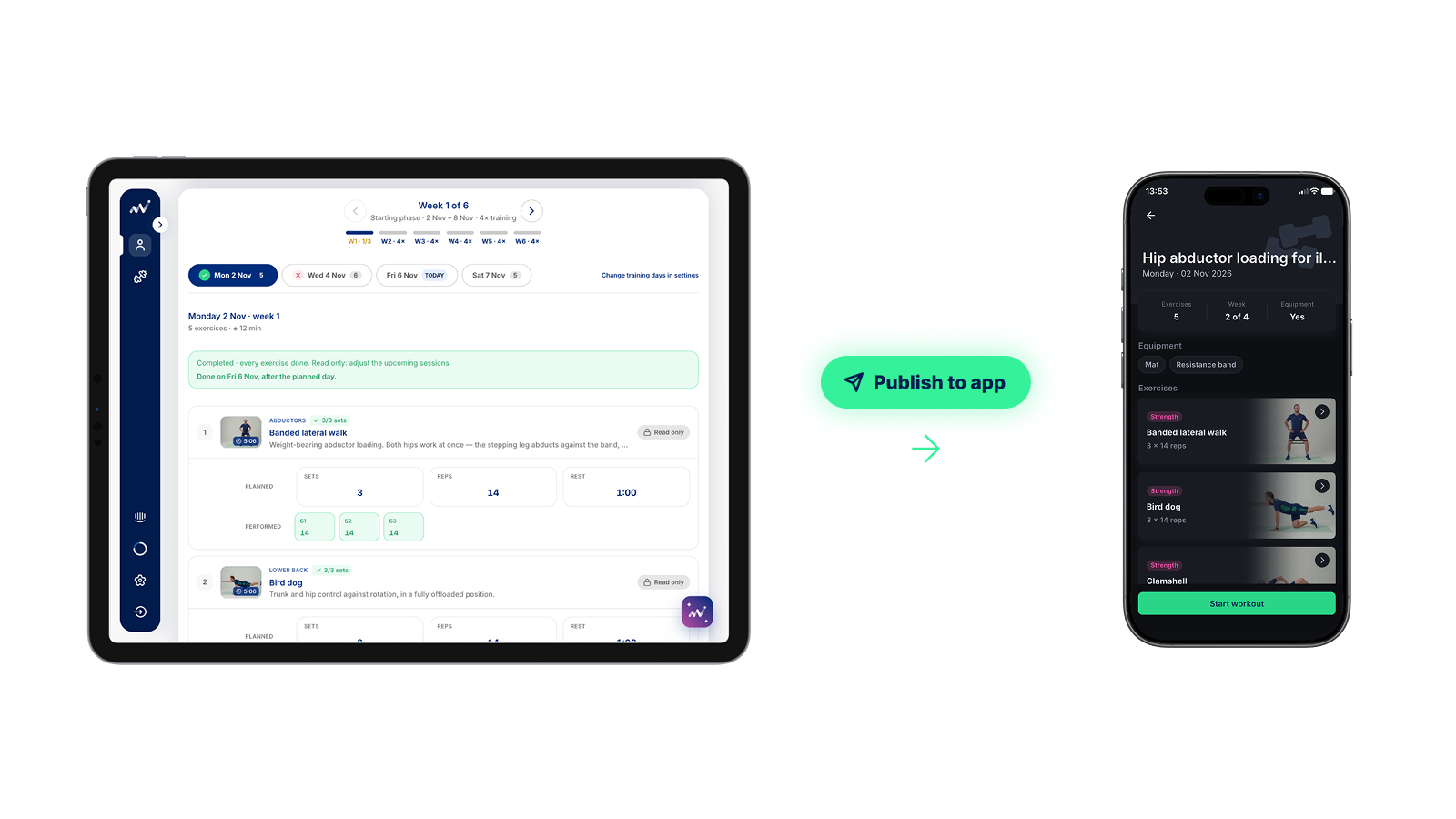
Once you've built the program, simply publish it to the runner's OnTracx app. Their exercise schedule appears alongside their running plan, giving them one clear place to access their training. For experts, this means fewer separate documents to prepare and share, and a more organized way to manage the different parts of a runner's return-to-run journey.
Get more visibility into exercise completion
Prescribing exercises is one thing. Knowing whether runners are completing them is another. Through the OnTracx app, runners can follow their exercise sessions step by step. They can view your instructions, see the required sets and repetitions, and mark each set as completed.
They can also leave a message for you before finishing a workout, giving them a simple way to share feedback or comments about the session. This gives you additional insight into exercise completion and creates another opportunity to stay connected with your runners between appointments.

Your exercise library, all in one place
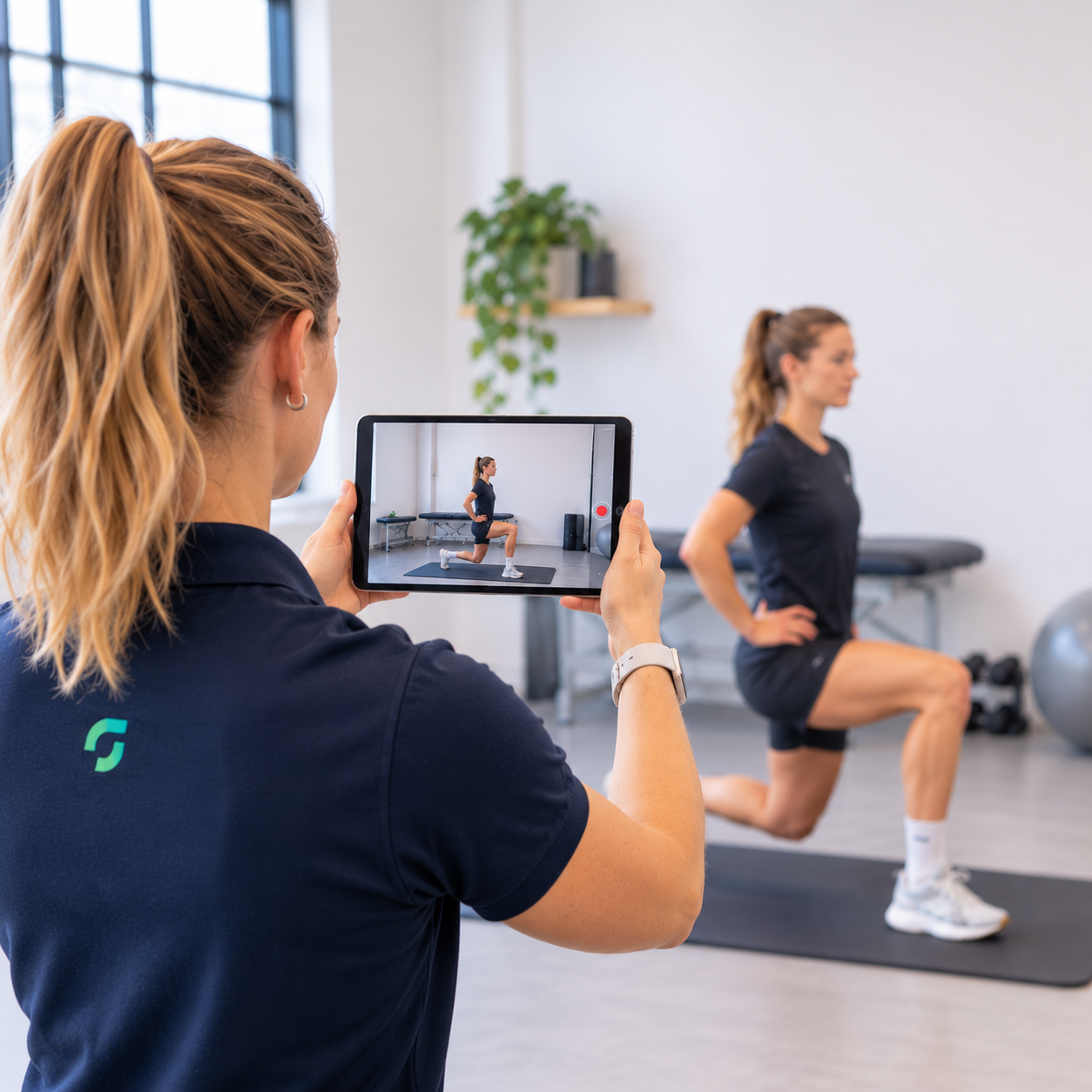
The new Exercise Module also makes it easier to build your own exercise library. Simply record exercises with your tablet, upload videos directly to the OnTracx platform, and add personalized instructions or coaching notes. You can create exercises tailored to your own approach and make them available for future programs.
No need for separate recording tools, documents, or apps. Everything you need to create, manage, and prescribe exercises is now in one place.

One platform. A more connected approach to return to run.
The new Exercise Module is another step toward making OnTracx the central platform for your return-to-run guidance.
From assessing biomechanical load to creating running plans, prescribing personalized exercise programs, and following up on completed sessions, you can bring more of the runner's journey together in one place.
Less admin. More personalized guidance. Better visibility beyond the consultation.
Ready to try it out? Log in to your OnTracx platform and explore the new Exercise Module.
Frequently asked questions
1. Can I add my own exercises to the Exercise Module?
Yes. You can create your own exercises and add them to either your personal My Library or your practice's shared Practice Library. You can also add your own video, instructions and comments when editing an exercise.
2. Can my colleagues access the exercises I create?
That depends on where you save them. Exercises in the Practice Library are available to all experts within your practice. Exercises in My Library are only accessible to you. The OnTracx Library is available to all experts.
3. Can I personalize an exercise program for each athlete?
Absolutely. You can select the exercises, choose the training days and program duration, and customize sets, repetitions or duration, rest periods and optional weight. You can also add specific instructions, comments or your own videos to individual exercises.
4. Where can athletes find their exercise programs?
Once you publish a program, it becomes available in the athlete's OnTracx app. They can find it in the Plan section, alongside their running plan, and start individual exercise sessions through Workouts.
5. Can I see whether my athlete has completed their exercises?
Yes. Athletes can mark each set as completed in the app. They can also leave a message for you at the end of a workout, giving you additional insight into their exercise sessions.